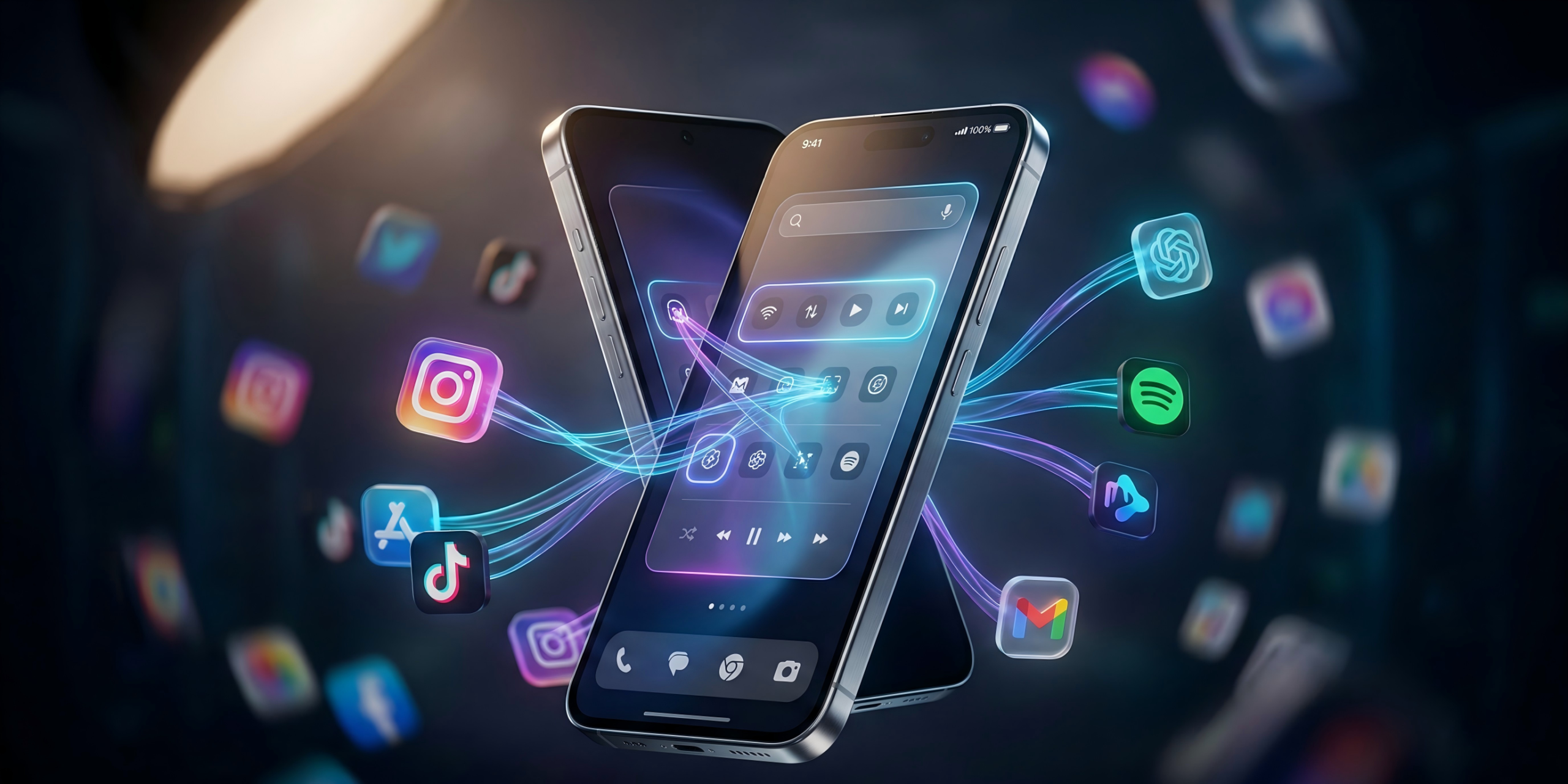
The promise of the AI smartphone usually ends at generating emails or fixing your grammar. Actually getting a phone to execute your daily routines has remained stubbornly difficult. Now, Google and Samsung are using the Galaxy S26 to rewire how Android handles artificial intelligence. They are granting Gemini direct control over your applications.
This is a hands-on technical analysis with a feature that is currently in early preview. Based on its operational architecture, the smartphone experience is about to undergo a massive structural update – and application developers are going to be furious.
The App Store Cold War
Third-party applications prioritize user attention. They rely on users viewing banner ads, interacting with promotional pop-ups, and spending time inside their specific ecosystems. When an AI assistant attempts to bypass that interface to simply extract required data, companies usually block the connection.
Previous iterations of screen-reading AI assistants hit a strict technical barrier. Major app developers actively throttled or banned agents that tried to automate tasks without explicit API permissions.
Google maintains absolute ownership of the Android operating system. When a third-party startup tries to automate your phone, apps can fight back. When Google builds the automation directly into the OS kernel, the balance of power shifts entirely.
- Primary Engine: Google Gemini Nano (Local) & Gemini Pro (Cloud Fallback)
- Automation Methods: AppFunctions (API) & UI Automation (Pixel Reading)
- Security Sandbox: Isolated Virtual Machine for UI execution
- Hardware Requirement: 12GB – 16GB RAM strictly allocated for local AI processing
The Polite Knock vs. The Kicked Door
To make the Galaxy S26 an autonomous hardware device, Google engineered a two-pronged software approach.
The primary method is called AppFunctions. This operates similarly to Apple’s App Intents framework, serving as a standardized communication layer between the AI model and the third-party application. Developers manually expose specific features. For instance, Gemini can query an email app for a recipe and push those ingredients directly into a grocery list app. This transaction happens instantly in the background.
However, Google anticipates developer pushback. That necessitates the secondary method.
Google integrated a UI Automation framework. If an application refuses to integrate with AppFunctions, Gemini relies on pixel reading. The AI parses the screen UI, identifies interactive elements, and virtually taps them. It requires zero developer permission – it simply assumes direct control over the interface.
- True hands-free automation for repetitive daily tasks.
- Isolated virtual machine sandbox protects user privacy and system stability.
- UI Automation works even if the app developer actively blocks API access.
- Extremely high RAM requirement (12GB+) makes the phone expensive.
- UI Automation is noticeably slower than native AppFunctions API connections.
- High risk of services like Uber or Amazon altering UI structures to break the bot.
Real-World Testing: Watching Gemini Order Lunch
During our testing, we monitored the system handling a Grubhub order. Instructing Gemini to order a pizza based on a fragmented group chat conversation triggers the launch of a sandboxed virtual window.
This sandbox is a mandatory security measure. Modern AI models require massive compute capabilities. Flagship devices in 2026 ship with 12GB to 16GB of RAM specifically to prevent local models from crashing the main OS. By isolating the AI’s execution in a virtual machine, Google guarantees the agent cannot index personal files while completing its task.
Inside this window, the user watches the AI physically open the app, populate the cart, and navigate menus. The execution logic is robust. During one test, a specified pizza size was sold out. The agent paused execution, pushed a notification, and requested authorization to substitute two medium pizzas instead. It performs less like a rigid script and more like an analytical human assistant.
The Imminent Backlash
Google has proven the engineering works. The upcoming friction is entirely corporate politics.
Will enterprise platforms like Meta, Amazon, or Uber permit Google to bypass their highly optimized interfaces? Using Gemini to order a ride means the user bypasses Uber’s promotional offers or premium subscription upsells. This automation directly threatens the monetization structure of the app economy.
The technical hurdles of the autonomous AI smartphone have largely been cleared. The corporate lawsuits and API blockades are just beginning. For now, the Galaxy S26 delivers an incredibly capable glimpse of a hands-free OS. This is the first time a virtual assistant actually feels like an assistant, rather than a glorified search bar.
Frequently Asked Questions
What is Gemini UI Automation on the Galaxy S26?
UI Automation is a fallback system on the Galaxy S26. When an app refuses to let Gemini connect via the backend API (AppFunctions), Gemini literally reads the pixels on the screen and simulates human finger taps to complete tasks for you.
Can the Galaxy S26 AI see my private files?
No. Google built a sandboxed “virtual window” for the AI agent. The AI operates inside an isolated virtual machine, meaning it can only see the specific app it is tasked with operating, preventing it from scanning your local files or background data.
Why are app developers pushing back against Gemini agents?
App developers make money by showing you ads, promotions, and keeping you inside their ecosystem. Because Gemini bypasses the visual interface and just extracts the data or completes the purchase directly, apps lose out on valuable user screen time and upsell opportunities.