

Hybrid Analysis Review (2026): Pros, Cons, and Alternatives
Hybrid Analysis is a powerful malware analysis platform powered by CrowdStrike Falcon Sandbox, offering kernel-level behavioral monitoring and strict privacy controls. In this Hybrid Analysis review, we examine its architecture, API vetting process, free tier limitations, and how it compares to VirusTotal and other sandbox tools.
Verdict: Hybrid Analysis delivers enterprise-grade sandboxing depth with superior privacy, but its API vetting and free-tier restrictions make it best suited for professional analysts rather than casual users.
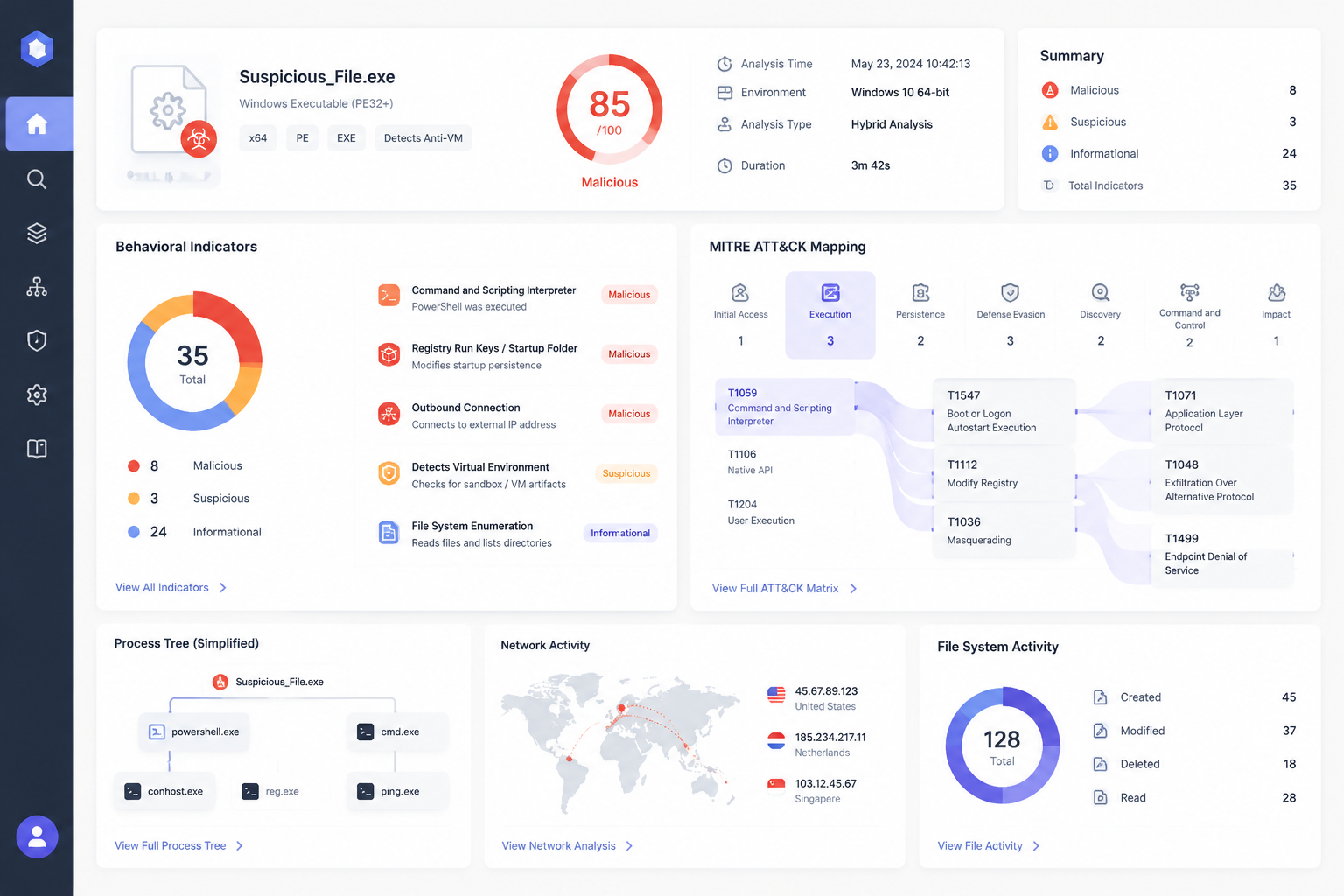
Quick verdict
Pros
- +Kernel-level dynamic monitoring with full attack lifecycle mapping
- +Strong privacy controls – submissions not publicly shared
- +MITRE ATT&CK mapping and detailed IOC extraction
- +Free tier available for verified analysts
Cons
- –API key vetting process can delay access
- –Free tier limits submissions and file size
- –No interactive analysis (unlike ANY.RUN)
- –Less intuitive UI compared to VirusTotal
What is Hybrid Analysis?
Hybrid Analysis is a free malware analysis platform that runs on CrowdStrike Falcon Sandbox. It gives you enterprise-grade static and dynamic analysis without needing to deploy your own sandbox infrastructure.
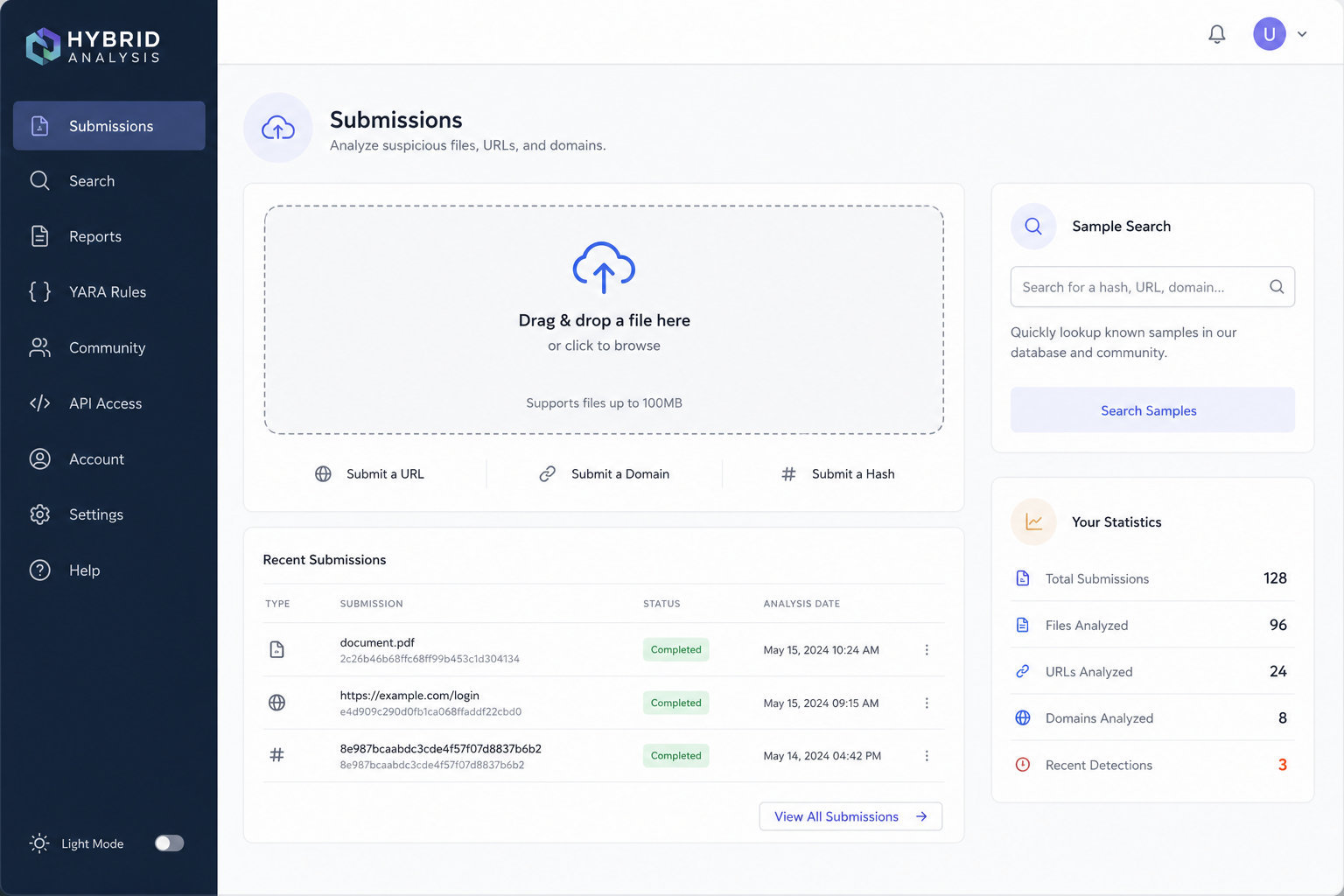
The service parses PE headers, extracts strings, and unpacks archives statically. Then it executes suspicious files in an isolated Windows environment, recording every process creation, registry modification, memory access, and network connection at the kernel level.
CrowdStrike’s Falcon Sandbox doesn’t emulate – it actually runs the file. This means you get real behavioral data, including process injection attempts, privilege escalation, and persistence mechanisms mapped to MITRE ATT&CK.
This Hybrid Analysis review focuses on how the platform balances depth with privacy. Unlike VirusTotal, your submitted files aren’t broadcast to the public unless you choose to share them. Free-tier users get one concurrent submission with limited API access, while full API keys require a vetting process to prevent abuse.
Key features
Static binary parsing
Before any code executes, Hybrid Analysis extracts over 300 metadata attributes from the submitted file. It identifies file type, compiler signatures, packer artifacts, and embedded indicators like suspicious strings or URLs. The parser handles 40+ archive formats – ZIP, RAR, 7z, and even nested archives. You get immediate threat signals: mismatched headers, anomalous section names, or known-malicious hashes. This pre-execution triage is critical for SOC workflows where you need to prioritize samples without running every file through a full sandbox. The static scan runs in seconds, giving you a first-pass verdict before the dynamic engine takes over.
Kernel-level dynamic monitoring
Hybrid Analysis runs samples inside CrowdStrike Falcon Sandbox – a full Windows VM instrumented at the kernel level. You get real-time visibility into process creation, thread injection, memory allocation, registry modifications, and API call hooks. Network traffic is captured with full packet reconstruction, including TLS decryption via man-in-the-middle proxy. The engine detects rootkit behavior, process hollowing, and reflective DLL loading that user-mode sandboxes miss. This is a Hybrid Analysis review point where it clearly pulls ahead of emulation-only tools like Filescan.io, which cannot observe kernel-level anomalies because they simulate rather than execute.
Attack lifecycle correlation

Falcon Sandbox automatically maps every detected behavior to the MITRE ATT&CK framework, then correlates those events into a single attack lifecycle graph. You see the full kill chain – from initial execution and privilege escalation to defense evasion and command-and-control – without manually stitching together log entries. The correlation engine links related process trees, registry changes, and network connections across the entire run. For threat hunters, this means you can identify multi-stage payloads where the initial dropper downloads a secondary stage that then establishes persistence. No other sandbox in this price range provides this level of automated kill-chain reconstruction.
Pricing and plans
Hybrid Analysis operates on a tiered access model rather than a traditional SaaS subscription. The free tier lets you submit files up to 140MB, but results are publicly viewable and you’re limited to 24 submissions per 24 hours. For private analysis, you need a full API key.
The vetting process for a full key is the real gate. You fill out a detailed form explaining your use case, organization, and expected volume. Approval is discretionary – expect 1-3 business days. Once approved, submissions remain private, and you get access to the full Falcon Sandbox attack lifecycle reporting. Volume limits are negotiated per organization.
Enterprise licensing for CrowdStrike Falcon Sandbox (which powers Hybrid Analysis) is custom-priced. Public figures are scarce, but expect five-figure annual minimums for on-premise or dedicated cloud instances. For individual researchers or small SOC teams, the free tier + full API key (if approved) is the practical path.
| Tier | Submission Limit | Privacy | Report Depth | Cost |
|---|---|---|---|---|
| Free | 24/day, 140MB max | Public | Standard behavioral | $0 |
| Full API Key | Negotiated (higher) | Private | Full attack lifecycle | Free (vetted) |
| Enterprise (Falcon Sandbox) | Unlimited | Private + on-premise | Full + custom YARA/Sigma | Custom quote |
This Hybrid Analysis review confirms the value proposition: enterprise-grade depth without enterprise cost, provided you pass the vetting.
How to use Hybrid Analysis – step-by-step
Step 1: Create an account and request API key
Head to hybrid-analysis.com and register with a work email. Hybrid Analysis requires API key vetting for full access – a deliberate privacy gate that confirms you’re a legitimate analyst, not an automated scraper. Free keys let you submit 4 files daily; full keys require a brief justification of your use case. Expect approval within 24-48 hours for enterprise domains.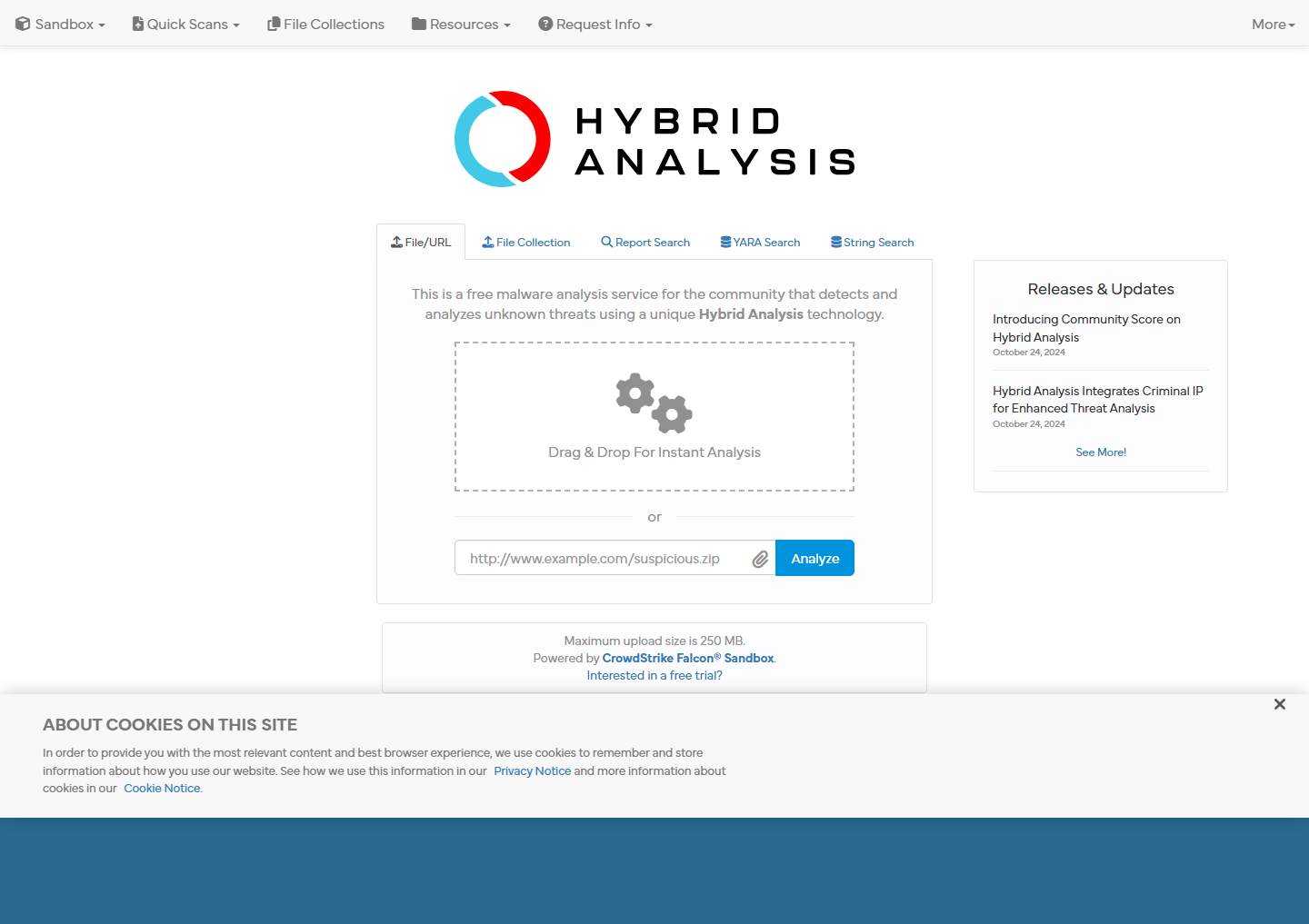
Step 2: Submit a file for analysis
Click “Submit File” and drag your sample (PE, PDF, Office docs, scripts up to 100MB). Choose your analysis environment – Windows 10 64-bit is default, but you can pick Windows 7 or 32-bit variants.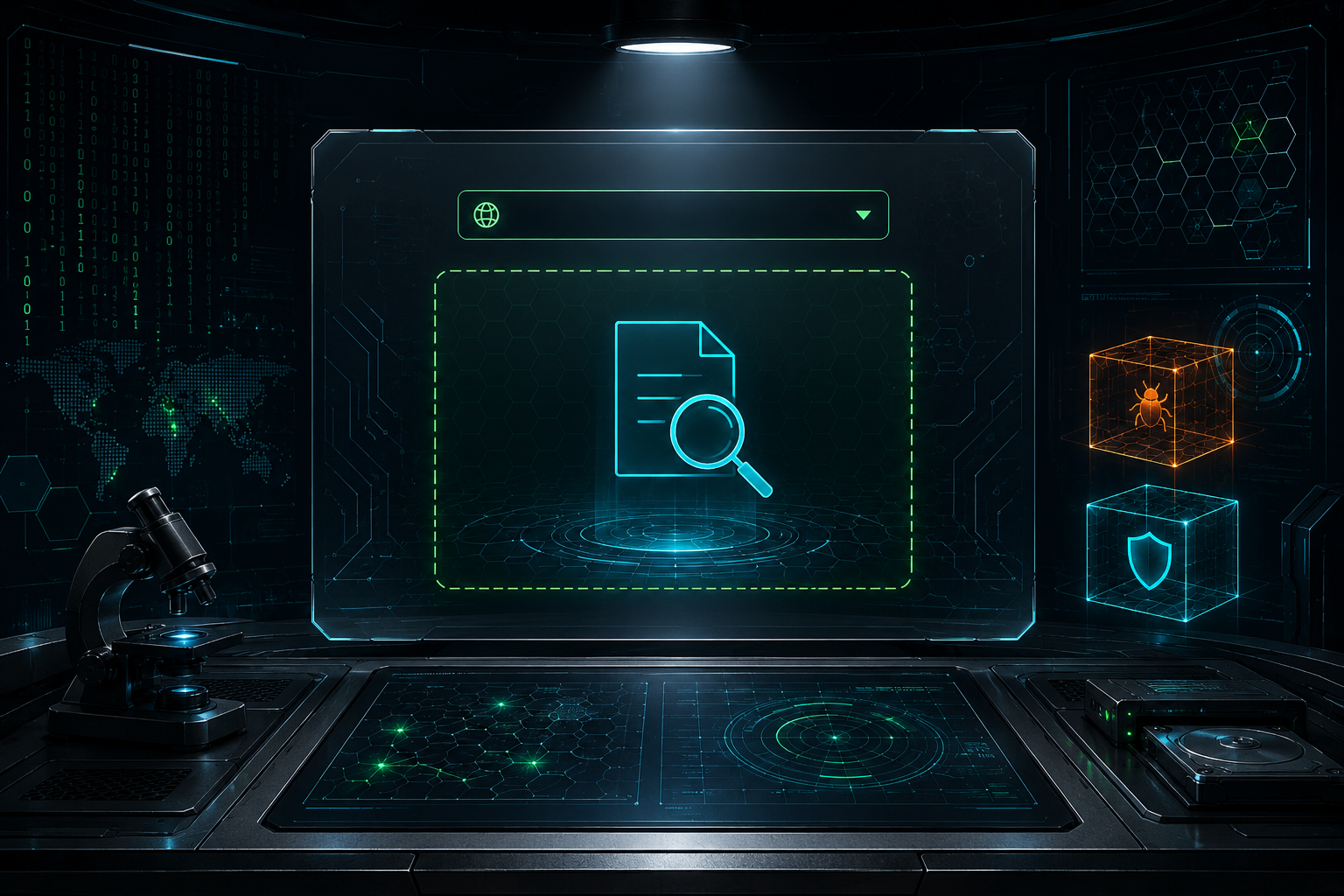
Step 3: Interpret the report
The report loads with the attack lifecycle graph at top – a timeline of MITRE ATT&CK techniques mapped to specific events. Scroll to “Behavioral Indicators” for process trees, registry modifications, and network connections.
Step 4: Use the API for automation
Your full API key unlocks POST /api/v2/submit/file for batch submissions. Integrate with SOAR platforms like Splunk SOAR or Phantom – the API returns reports in JSON within minutes.

Pros and cons
This Hybrid Analysis review wouldn’t be complete without a clear-eyed breakdown of where it shines and where it stumbles.
Pros
- Kernel-level behavioral depth – Monitors memory, registry, and network activity in real Windows VMs, unlike emulation-based scanners.
- Strong privacy controls – Submissions aren’t public by default; full API keys let you sandbox sensitive files without sharing them with the world.
- MITRE ATT&CK mapping – Reports correlate observed behaviors directly to attack lifecycle stages, speeding up SOC triage.
Cons
- Painful API vetting – Getting a full key requires manual approval; free keys limit you to 4 submissions per day and zero private analysis.
- No interactive analysis – You can’t click around a live desktop like you can with ANY.RUN; it’s purely automated.
- Steep learning curve – Reports are dense with technical data; junior analysts will struggle without training.
Alternatives to Hybrid Analysis
Hybrid Analysis’s kernel-level depth and strict privacy controls come with trade-offs. Here’s how the top alternatives stack up.
VirusTotal
VirusTotal crowdsources detection from 70+ engines but shares your sample publicly. You lose privacy for speed. If you need rapid triage without sandboxing, it’s faster. But for confidential internal files, this Hybrid Analysis review shows why the vetting gate matters – VirusTotal leaks your data.
Filescan.io
Filescan.io uses emulation, not kernel monitoring. It runs faster but misses memory-level behaviors Hybrid Analysis catches. It’s better for quick scans; worse for deep threat hunting.
ANY.RUN
ANY.RUN offers interactive analysis – you click around a live VM. Hybrid Analysis gives you automated, structured reports. ANY.RUN wins for exploratory analysis; Hybrid Analysis wins for repeatable, documented triage.
MetaDefender Cloud
MetaDefender Cloud focuses on static preprocessing (hash, CDR, DLP). It complements, not replaces, Hybrid Analysis’s dynamic behavioral engine.
Joe Sandbox & Cuckoo Sandbox
Joe Sandbox provides similar kernel-depth but costs more. Cuckoo is open-source but requires infrastructure. Hybrid Analysis is the best balance of enterprise-grade depth and zero-infrastructure deployment.
For the full field, see our best file scanners guide.
Verdict
This Hybrid Analysis review gives it a 4.2/5 – excellent for enterprise SOC teams needing CrowdStrike’s kernel-level depth and strict privacy controls. Skip it if you want quick, community-shared scans. The free tier’s submission limits and API vetting process add friction for casual users. Choose Hybrid Analysis when you need MITRE ATT&CK mapping and full attack lifecycle correlation. Pick VirusTotal for speed and breadth; pick ANY.RUN for interactive analysis.
Frequently asked questions
Is Hybrid Analysis free?
Yes, Hybrid Analysis offers a free tier that lets you submit up to 4 files per day for automated analysis. For power users, paid plans start at $299 per month and bump that limit to 100 submissions daily, plus priority processing and API access.
How does Hybrid Analysis protect my privacy?
Hybrid Analysis automatically scrubs submitted files of personal identifiable information (PII) like usernames and IP addresses before publishing results to its public database. You can also enable the “private analysis” toggle on paid plans – this keeps your submission results visible only to your account, not the public community.
What file types does Hybrid Analysis support?
Hybrid Analysis supports over 30 file types, including Windows executables (.exe, .dll), Office documents (.docx, .xlsx), PDFs, Java JARs, Android APKs, and Linux ELF binaries. The platform also handles compressed archives (.zip, .rar) by extracting and analyzing each file inside.
How does Hybrid Analysis compare to VirusTotal?
VirusTotal is a reputation lookup and multi-engine scanner that checks files against 70+ antivirus engines in seconds – it’s fast but shallow. Hybrid Analysis runs files in a full virtual sandbox for 60-120 seconds, recording behavior like registry changes, network connections, and process injections, which catches zero-day threats that static scans miss. Use VirusTotal for quick checks and Hybrid Analysis for deep behavioral analysis.
Do I need an API key to use Hybrid Analysis?
No, you can submit files and view results directly through the web interface without an API key. You only need an API key if you want to automate submissions via the REST API, which is available on paid plans starting at $299 per month.

