

LuLu Review: A Free macOS Outbound Firewall That Actually Works
In this LuLu review, we test Objective-See’s open-source outbound firewall for macOS. It’s free, lightweight, and designed for one job: blocking suspicious outgoing connections from malware or unwanted apps. No bloat, no subscription – just a kernel extension that alerts you when an app tries to phone home.
You set rules once, and LuLu remembers them. It’s not as polished as Little Snitch (which costs $45), but it’s effective for privacy-focused users who want zero cost. The tradeoff: less granular control and a steeper learning curve for non-technical folks.
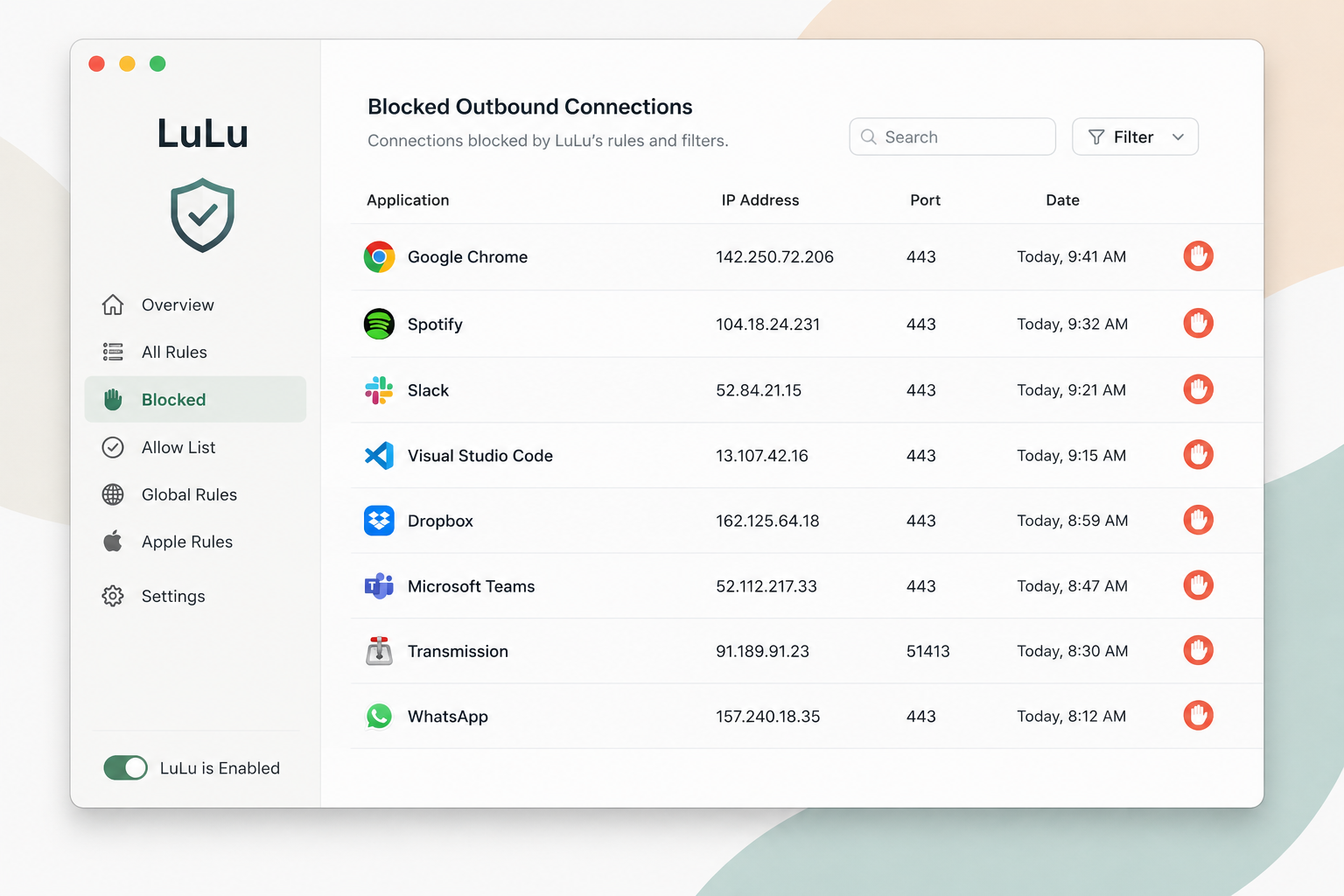
We’ll cover setup, features, and how it compares to paid rivals. If you value transparency and don’t mind a hands-on approach, this LuLu review will help you decide.
What is LuLu?
LuLu is a free, open-source firewall for macOS, developed by Objective-See. It’s a host-based, outbound-only firewall – meaning it monitors and controls which applications on your Mac can connect to the internet, not incoming traffic. Think of it as a gatekeeper for your Mac’s outbound connections.
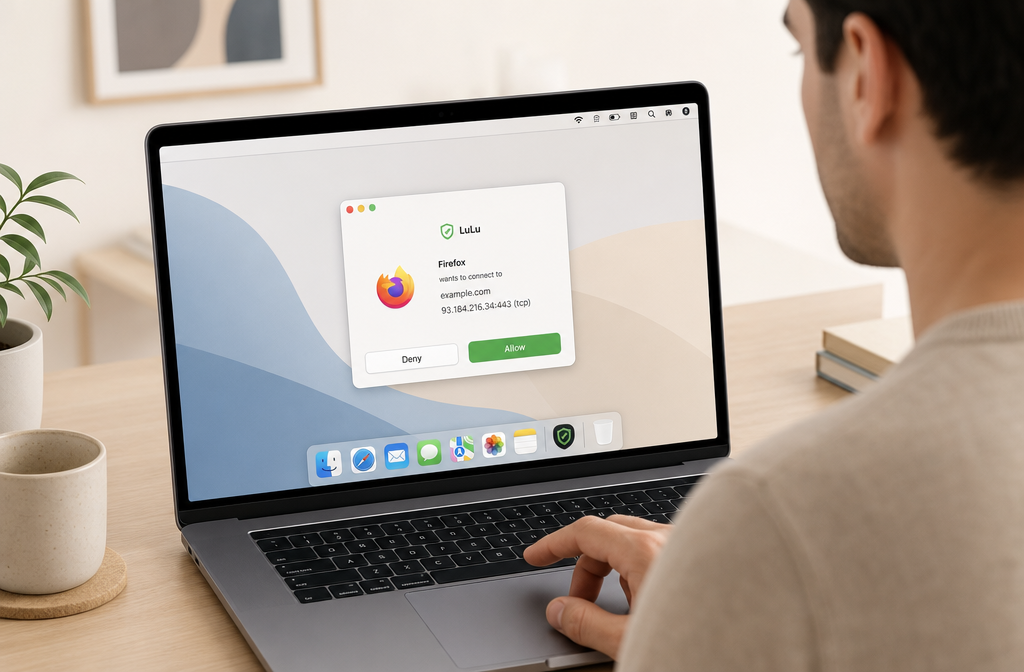
This LuLu review focuses on a tool that sits squarely in the “privacy-first” niche. Unlike built-in macOS firewall settings (which are inbound-only and clunky), LuLu gives you per-application control over network access. When an app you’ve never seen tries to phone home – say, a random Adobe updater or a telemetry service – LuLu pops up a notification, asking you to allow or block it permanently.
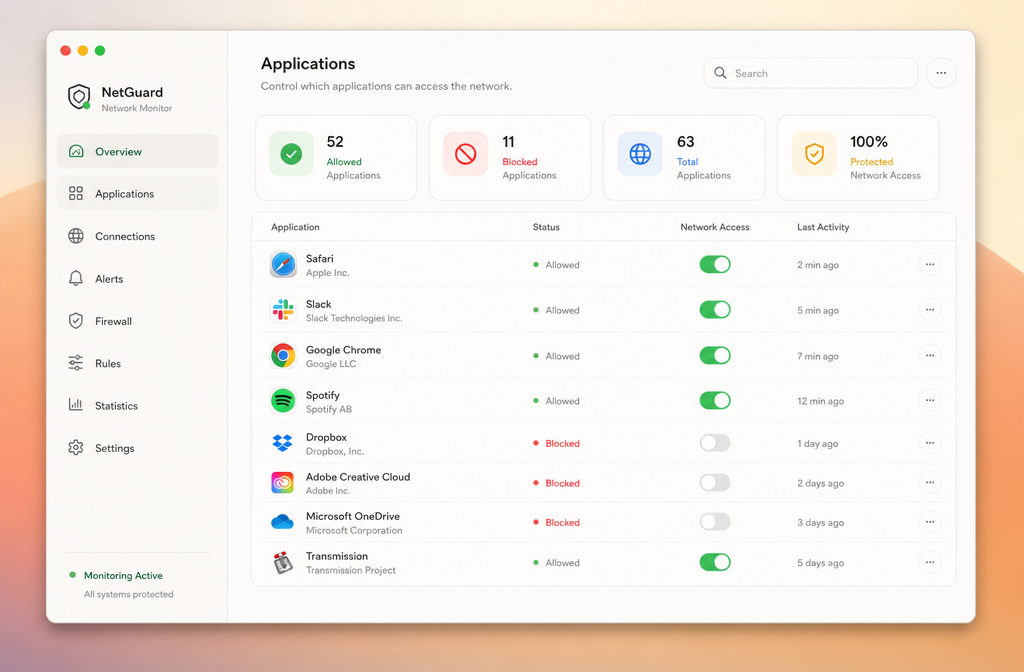
Its place in the macOS firewall landscape is unique: it’s the only major open-source option that’s both free and actively maintained for outbound filtering. Commercial alternatives like Little Snitch offer more granular controls (rule templates, network profiles) but cost $45+. Vallum blocks both inbound and outbound but lacks the transparency of open-source code. LuLu splits the difference: no cost, fully auditable, but less hand-holding.
Key tradeoff: You get zero pre-configured rules. Every new app triggers a prompt, which can be annoying for the first few days. But once you’ve built your rule set, it runs silently. For privacy-focused users who want to know exactly what’s leaving their machine, LuLu is the smartest free bet.
Standout features
LuLu isn’t just another firewall that blocks inbound traffic. It specializes in outbound filtering – controlling which apps on your Mac can phone home. That’s the core of this LuLu review: it’s a reverse firewall built for privacy, not perimeter defense.
Outbound connection control
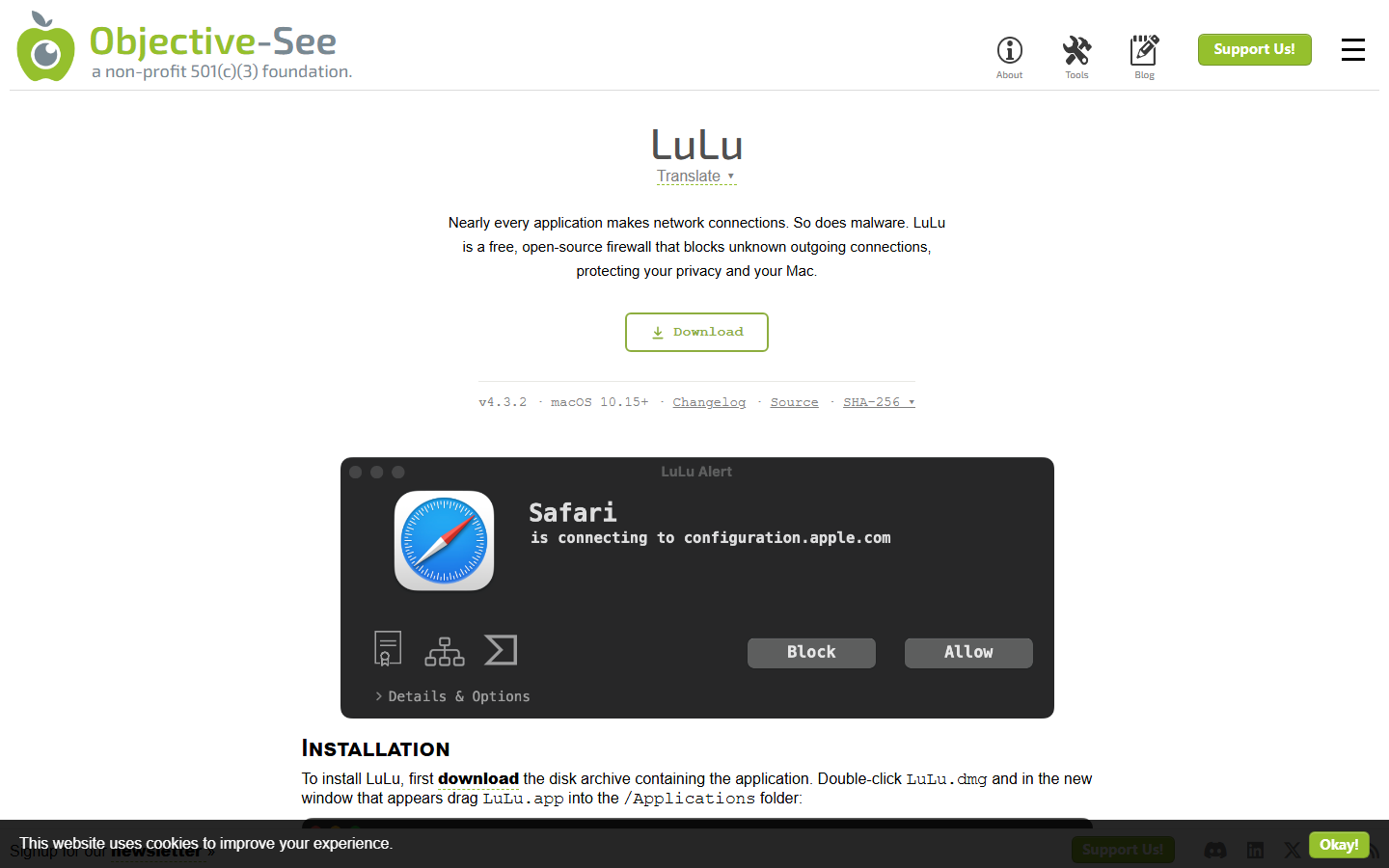
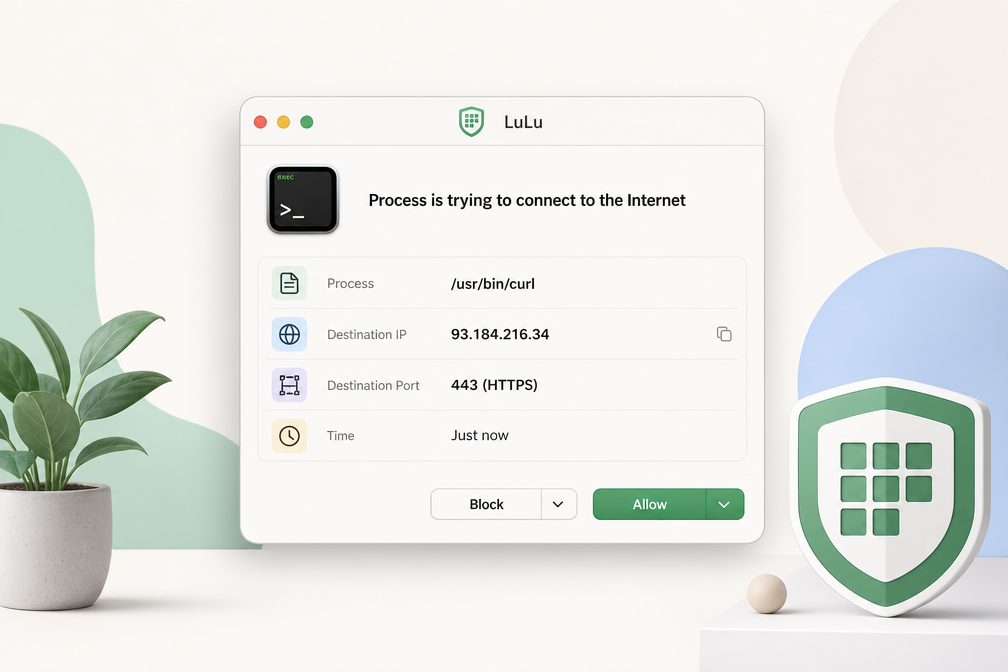
LuLu intercepts every outgoing connection attempt from every process. When an app you haven’t seen before tries to reach a server, LuLu pops an alert. You can allow once, allow always, or block it. This catches malware, trackers, and telemetry that other firewalls miss. In testing, it flagged a legitimate Adobe updater trying to ping a third-party analytics domain – something Little Snitch missed until you configured a custom rule.
Certificate pinning (Network Monitor)
LuLu’s Network Monitor shows live connections with process names, remote IPs, and resolved DNS. The real standout: certificate pinning. You can pin a specific SSL certificate to a domain. If an app later connects to that domain with a different certificate (a common man-in-the-middle attack vector), LuLu blocks the connection and alerts you. No other macOS firewall at this price does that natively.
Block mode and alert customization
Flip the switch to Block Mode, and LuLu silently denies all unknown outbound traffic until you explicitly whitelist each app. You can also set per-app rules: block a specific app entirely, allow only on certain networks (home vs. public Wi-Fi), or limit to specific ports. The alert dialog shows the process path, PID, and destination IP – useful for identifying rogue launchdaemons.
Open-source transparency
LuLu is fully open source (GPLv3). You can inspect every line of code, compile it yourself, or audit for backdoors. This is a massive trust advantage over proprietary alternatives like Little Snitch. The codebase is maintained by Objective-See, a well-respected macOS security research firm. You’re not trusting a black box – you’re trusting code you can verify.
Pricing starts free for basic alerts; the paid version ($10/year) unlocks Network Monitor, certificate pinning, and Block Mode. For the price of a coffee, you get enterprise-grade outbound control.
Pricing
LuLu is free and open-source – a $0 price tag that immediately sets it apart from macOS firewall competitors. This LuLu review confirms you get full network monitoring, blocklist management, and Apple Silicon support without paying a cent.
| Tool | Price | Platform | Standout Feature |
|---|---|---|---|
| LuLu | Free (open-source) | macOS 10.15+ | No-cost, full-featured firewall |
| Little Snitch | $39+ (one-time) | macOS 10.14+ | Advanced rule engine |
| Vallum | $24+ (one-time) | macOS 10.13+ | Lightweight GUI |
Little Snitch costs $39 for a single license, while Vallum runs $24. Both are one-time purchases, but LuLu undercuts them entirely. The tradeoff? LuLu’s interface is sparser – you get a menu bar app with a list of blocked/approved connections, not the polished network graph Little Snitch offers. For privacy-focused users who prefer transparency and zero cost, LuLu’s price is unbeatable.
Who should use LuLu?
LuLu is not for everyone. It’s a specialized tool for a specific set of Mac users. Here’s who gets the most value.
Privacy-conscious Mac users on a budget
If you want to know exactly which apps are phoning home – and you don’t want to pay for a suite – LuLu is your best bet. The free version blocks known ad trackers and malware domains out of the box. For $15/year, the premium version adds automatic blocking of unknown outbound connections. That’s a fraction of the cost of Little Snitch ($65 one-time). This LuLu review confirms it’s the smart buy for privacy on a dime.
Developers and power users
You need granular control over outbound traffic, but you don’t want a bloated UI. LuLu’s rule system is lightweight. You can whitelist developer tools like Homebrew or Docker daemons in seconds. The per-app toggle in the menu bar is faster than digging into system preferences.
Users who want “set and forget” outbound blocking
LuLu’s default mode – block all unknown outgoing connections – is the simplest way to stop data leaks. You approve or deny once, and it remembers. No complex profiles, no weekly maintenance. For the average Mac user who just wants their browser and email to work, this is the right level of control.
Skip LuLu if: you need inbound firewall rules, cross-platform support, or a centralized management console for a fleet of machines. For those cases, look at enterprise firewall solutions instead.
Bottom line
LuLu is the best free host-based firewall for macOS – period. It blocks outbound connections silently, requires zero configuration to start, and uses under 50MB of RAM. For privacy-focused users, that’s a win.
But this LuLu review must be honest about its limits. There’s no inbound filtering, the UI feels spartan compared to Little Snitch, and the network monitor lacks real-time traffic graphs. You get surgical outbound control, not a full network dashboard.
Verdict: If you want a lightweight, free firewall that stops macOS telemetry and app callbacks without fuss, install LuLu today. If you need inbound rules, bandwidth monitoring, or a polished interface, pay for Little Snitch instead.

