

Introduction
Portmaster (cross-platform alternative)
Looking for a Linux application firewall that gives you granular control over outbound connections? In this OpenSnitch review, we take a close look at this open-source tool often called the “Little Snitch for Linux.” We’ll cover its standout features, pricing (it’s free), setup process, and how it stacks up against alternatives. By the end, you’ll know if OpenSnitch is the right firewall for your privacy needs.
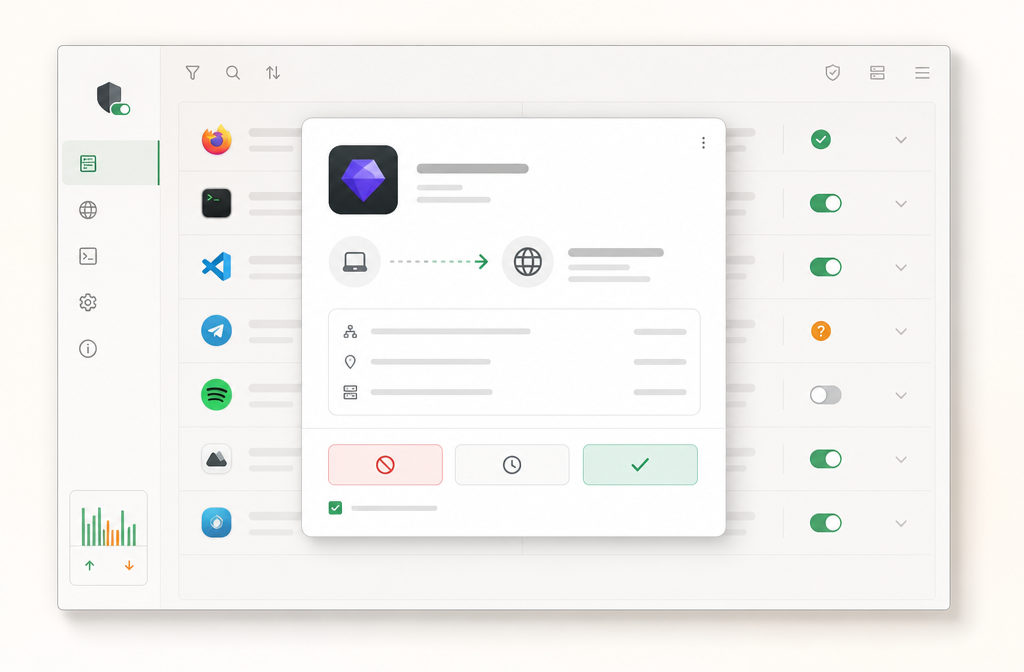
OpenSnitch is a host-based firewall that’s been actively developed since 2017. It hooks into your Linux system’s networking stack to monitor and block outbound connections on a per-application basis. Unlike simple iptables rules, you get a GUI where you can see exactly which program is trying to phone home and decide in real-time whether to allow or deny it – permanently or just once.
What is OpenSnitch?
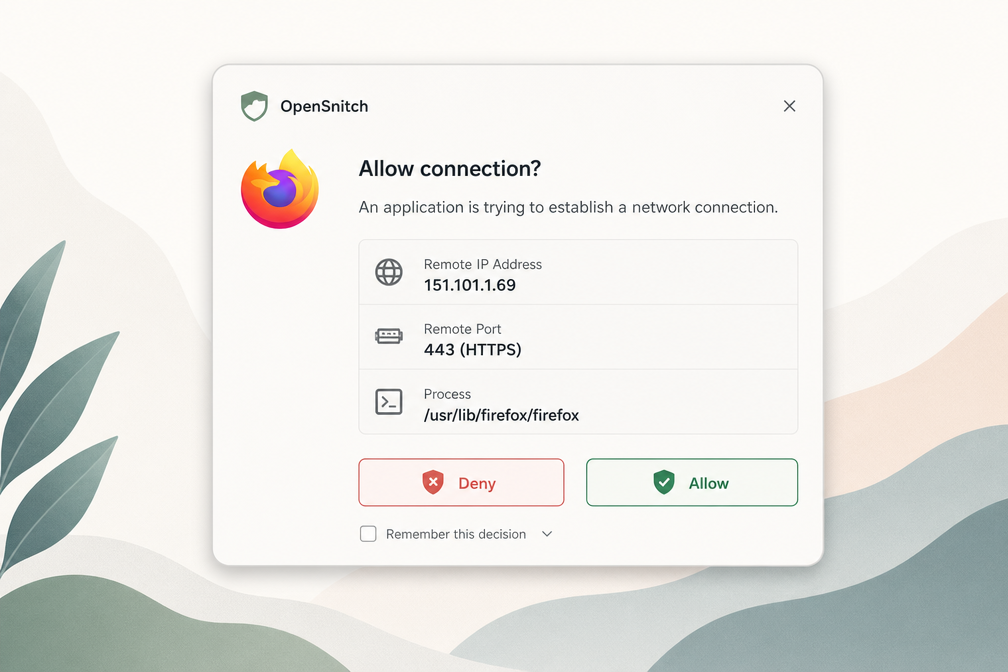
OpenSnitch is a Linux application firewall that gives you granular control over outbound network connections. Think of it as Little Snitch for Linux – an interactive firewall that pops up a prompt whenever an application tries to connect to the internet, letting you allow or block that connection permanently, temporarily, or until the app restarts.
Unlike traditional firewalls that filter by port or protocol, OpenSnitch works at the application level. When you run a command or launch an app that phones home, OpenSnitch intercepts the connection and asks: “Should firefox talk to google-analytics.com?” You decide. This makes it invaluable for privacy-conscious users who want to know exactly what their system is sending out.
OpenSnitch is open source (GPLv3) and written in Go with a Python GUI. The daemon runs as a background service, capturing network events via netfilter (Linux’s packet filtering framework). The GUI lets you inspect connection details – process name, PID, destination IP, port, and DNS query – then set rules based on any combination of those fields.
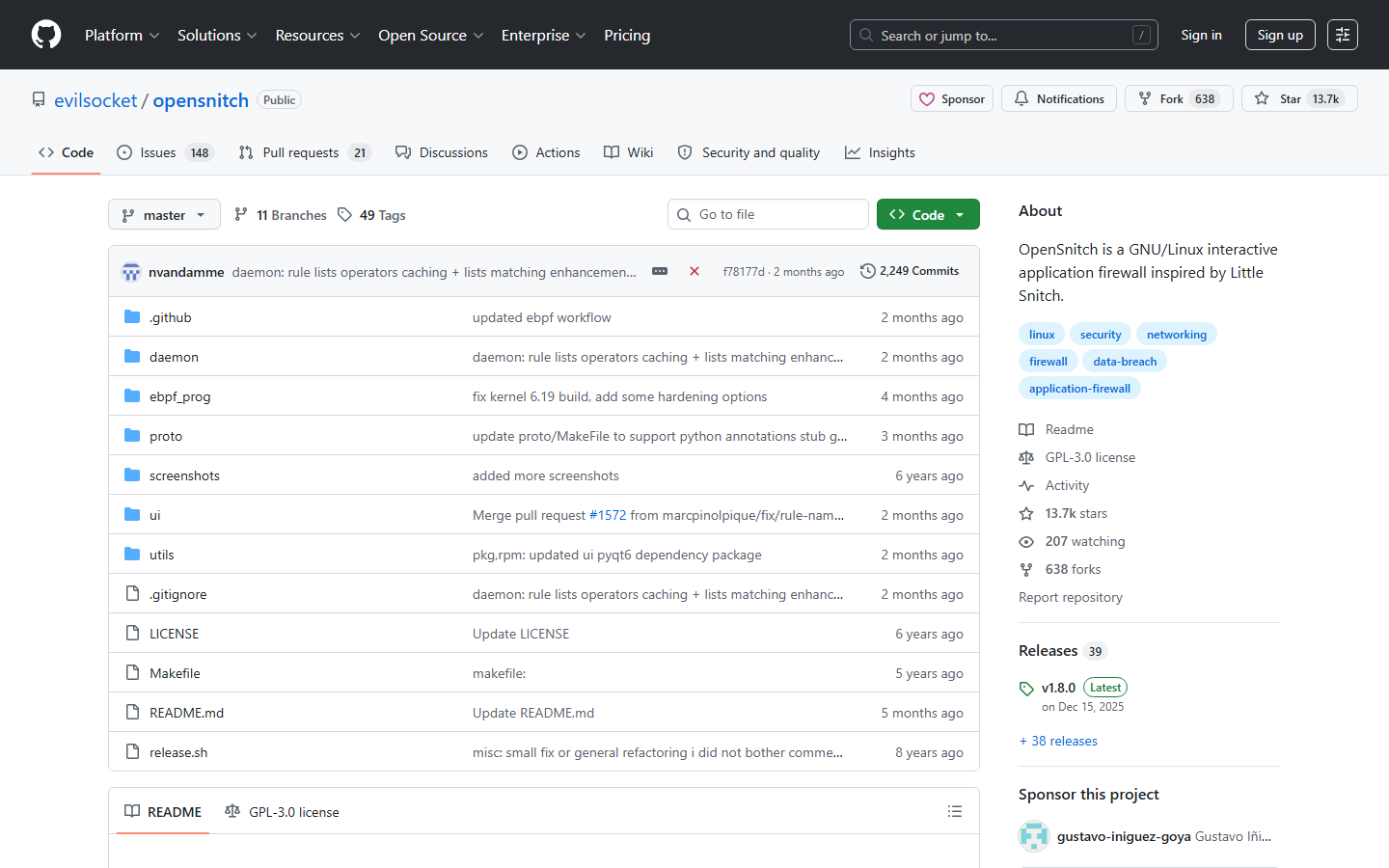
The project is actively maintained on GitHub by Simone Margaritelli (evilsocket), the same developer behind bettercap. It’s free and self-hosted – no account, no cloud dependency, no data leaving your machine. That transparency is its core selling point.
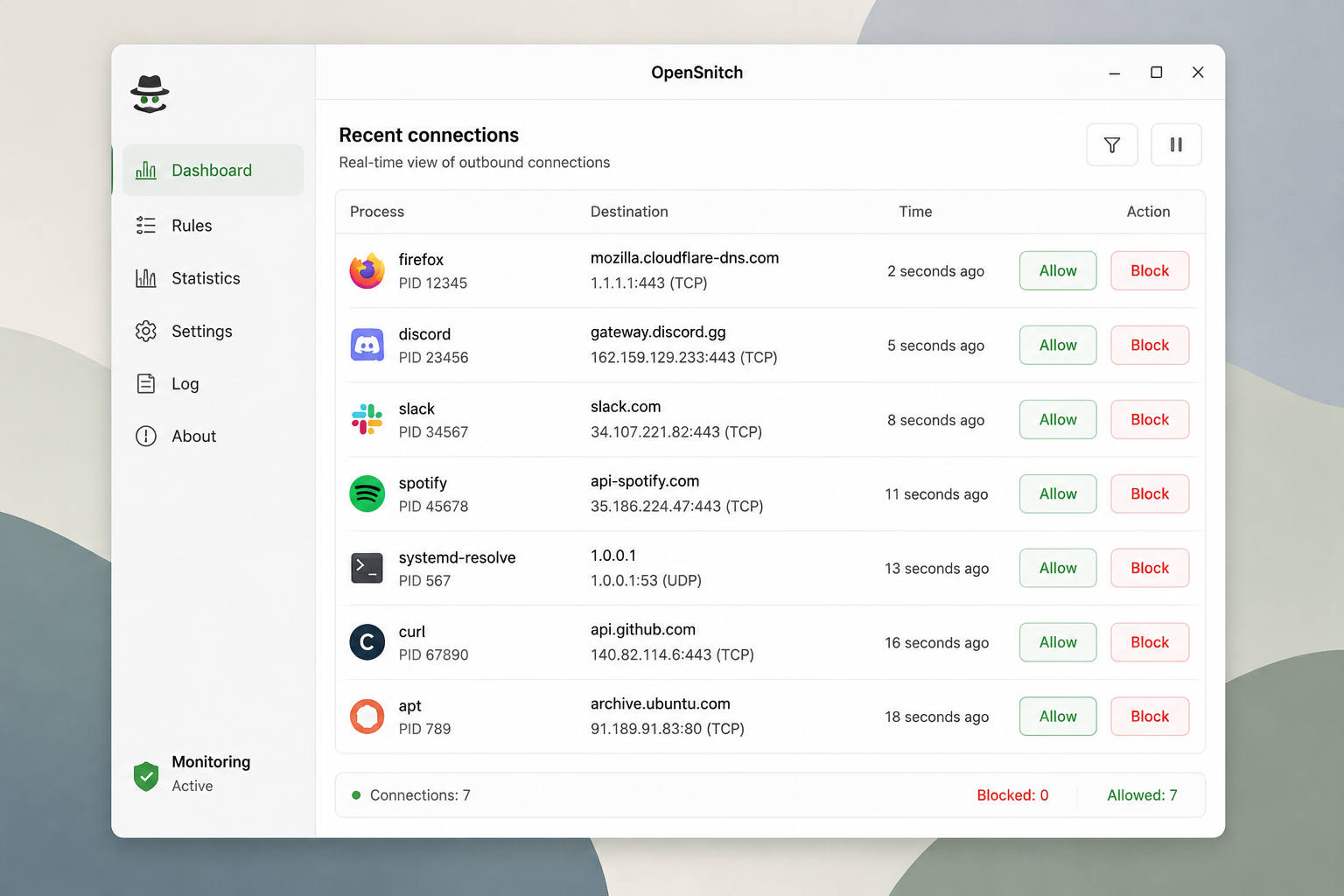
This OpenSnitch review focuses on version 1.6.0 (released late 2025), which added support for IPv6 rules and improved rule import/export. The project remains Linux-only – there’s no Windows or macOS version. If you’re on Linux and want to audit every outbound connection your applications make, OpenSnitch is the most capable free tool available.
Standout features
OpenSnitch isn’t just a port blocker. It’s a full application-level firewall that gives you granular control over every outbound connection. Here are the features that make it a standout in any OpenSnitch review.
Interactive Prompts
When an unknown app tries to connect, OpenSnitch pops a dialog showing the process name, destination IP, port, and protocol. You can allow or deny it once, or create a permanent rule. This is the core of the host-based approach – you learn exactly what your machine phones home about. It’s a privacy education tool as much as a firewall.
Per-Application Rules
Rules can target specific executables, not just ports. You can block telegram-desktop from accessing anything outside your local network while letting firefox reach the internet freely. Rules support time-based conditions and can be grouped for easier management.
Global Rules
For system-wide policies – like blocking all traffic to known ad servers or enforcing DNS over HTTPS – OpenSnitch supports global rules. These override per-app rules and are parsed first. You can import blocklists in domain or IP format, making Pi-hole-like control possible on your desktop.
Statistics Dashboard
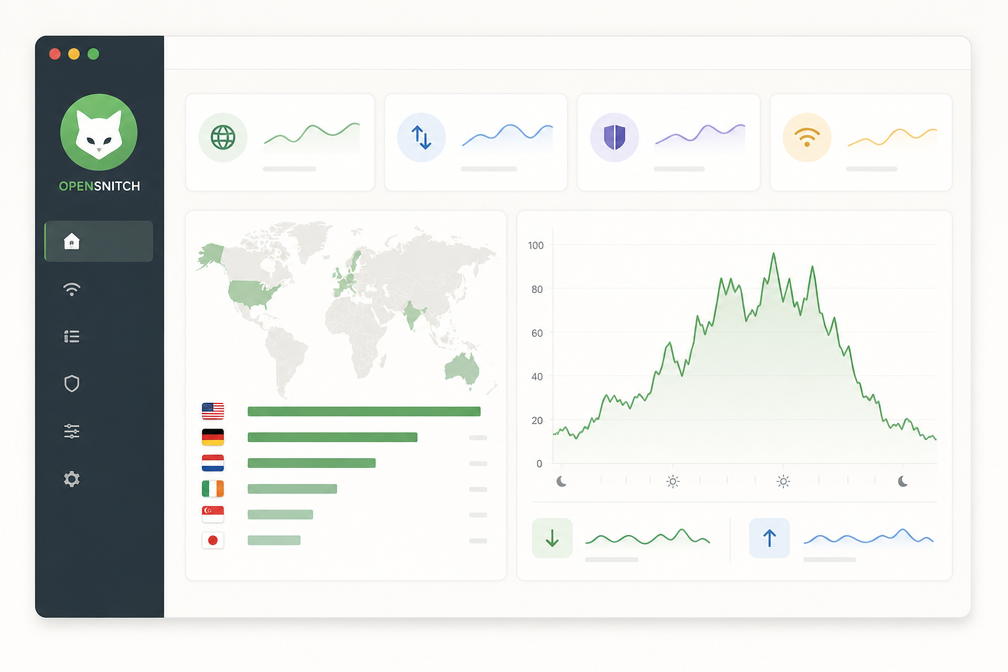
The built-in dashboard shows real-time traffic graphs, top destinations, and most active applications. You can filter by time range and export data. This is invaluable for spotting unusual outbound spikes after an update or new install.
System Tray Integration
OpenSnitch lives in your system tray, showing a live counter of blocked vs. allowed connections. Right-clicking gives quick access to enable/disable the firewall, view recent logs, or pause monitoring. It stays out of your way but is always a click away.
These features combine to deliver a transparent, powerful firewall that doesn’t require a networking degree to operate. The interactive prompts alone justify the install for privacy-curious users.
Pricing
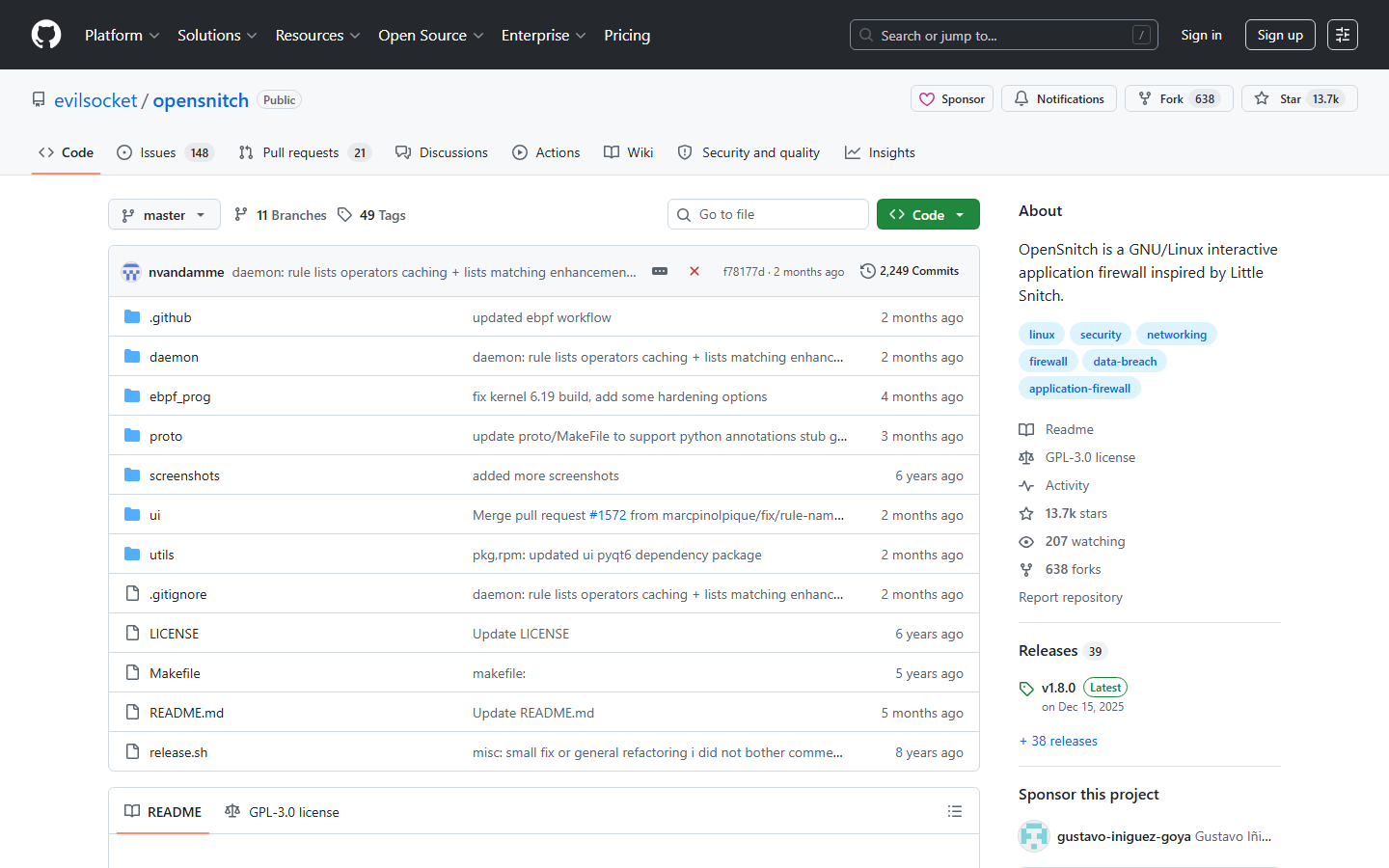
OpenSnitch is completely free. No paid tiers, no subscription fees, and no feature gates. The project is distributed under GPLv3, meaning it’s open-source and community-maintained. You can download the DEB package or build from source at zero cost.
This is both a strength and a caveat. You get enterprise-grade application-level firewall control – think Little Snitch for Linux – without spending a dime. But you also get no official support, no dedicated development team, and no SLA. Updates come sporadically; the last stable release (v1.6.5) dropped in late 2024.
For privacy-conscious users and sysadmins who can handle occasional manual config tweaks, this pricing model is unbeatable. If you need guaranteed updates or phone support, this OpenSnitch review confirms you’ll want to look at commercial alternatives like GlassWire or TinyWall.
Who should use OpenSnitch?
OpenSnitch is not for everyone. This OpenSnitch review targets a specific user: the Linux power user who wants granular outbound firewall control without memorizing iptables syntax.
You should use OpenSnitch if:
- You run Linux (Debian/Ubuntu/Fedora/Arch) and want a GUI for iptables/nftables.
- You’re privacy-conscious and want to stop apps from phoning home.
- You’re an IT pro managing multiple endpoints and need per-application rules.
- You’re comfortable with a learning curve – the UI is functional, not pretty.
Skip OpenSnitch if:
- You need Windows or macOS support – it’s Linux-only.
- You want a “set it and forget it” firewall – OpenSnitch demands your attention.
- You’re a beginner who just wants to block ads – use Pi-hole instead.
The 2025 v1.6 release brought better logging and a redesigned rules editor, but the core remains the same: you approve or deny every connection until you build your rule set. Expect 15-30 minutes of popups during initial setup.
For the right user, OpenSnitch is the most transparent host firewall on Linux. For everyone else, it’s a frustrating popup machine.
Bottom line
OpenSnitch is the gold standard for Linux users who demand application-level firewall control without paying a cent. Its Docker-based architecture and per-rule granularity are unmatched at this price.
Weaknesses are real: no Windows or macOS support, and the setup requires basic terminal comfort. You won’t find polished onboarding or a mobile app.
The verdict: if you run Linux and want to block every outbound connection your apps attempt, this is your tool. For Windows or Mac users, look at GlassWire or Little Snitch. This OpenSnitch review confirms it’s the best free option for its niche, but it’s not for everyone. If you’re not comfortable editing YAML files, skip it.

