

Firefox Relay review: The Good, the Bad, and the Bottom Line
Mozilla’s Firefox Relay offers a straightforward email aliasing service that generates unique addresses to shield your real inbox. At $4/month for Premium, you get unlimited aliases, a custom domain, and phone masking (US/Canada only). The free tier gives you five aliases and 150MB of email forwarding – enough to test the waters.
But there’s a catch most reviews miss: downgrade from Premium to free, and Mozilla deletes all your premium aliases after a short grace period. That’s a hard reset for anyone who pauses their subscription. This Firefox Relay review digs into that risk, plus the service’s US jurisdiction, lack of zero-knowledge encryption, and phone masking quirks with non-VoIP lines.
For casual Firefox users who want quick sign-up privacy without managing a second inbox, Relay works. But if you need alias persistence or defense against determined adversaries, you’ll want a more robust provider like SimpleLogin or Proton Mail.
What is Firefox Relay?
Firefox Relay is Mozilla’s email aliasing and phone masking service. Launched in 2020, it lets you generate burner email addresses that forward to your real inbox, shielding your primary address from spam, data breaches, and trackers. The phone masking feature – available in the US and Canada only – gives you a secondary number for calls and texts.
The free tier gives you five email masks, 150 MB of attachment forwarding, and no phone masking. Premium ($3.99/month or $1.99/month billed annually) unlocks unlimited email masks, custom domains, reply capabilities, and phone masking. A Mozilla VPN + Relay bundle costs $6.99/month.
This Firefox Relay review focuses on where the service shines and where it falls short. For casual users who want a quick privacy layer without leaving Firefox, Relay is the easiest option. But for privacy purists, its US jurisdiction and lack of zero-knowledge encryption are dealbreakers.
How it works
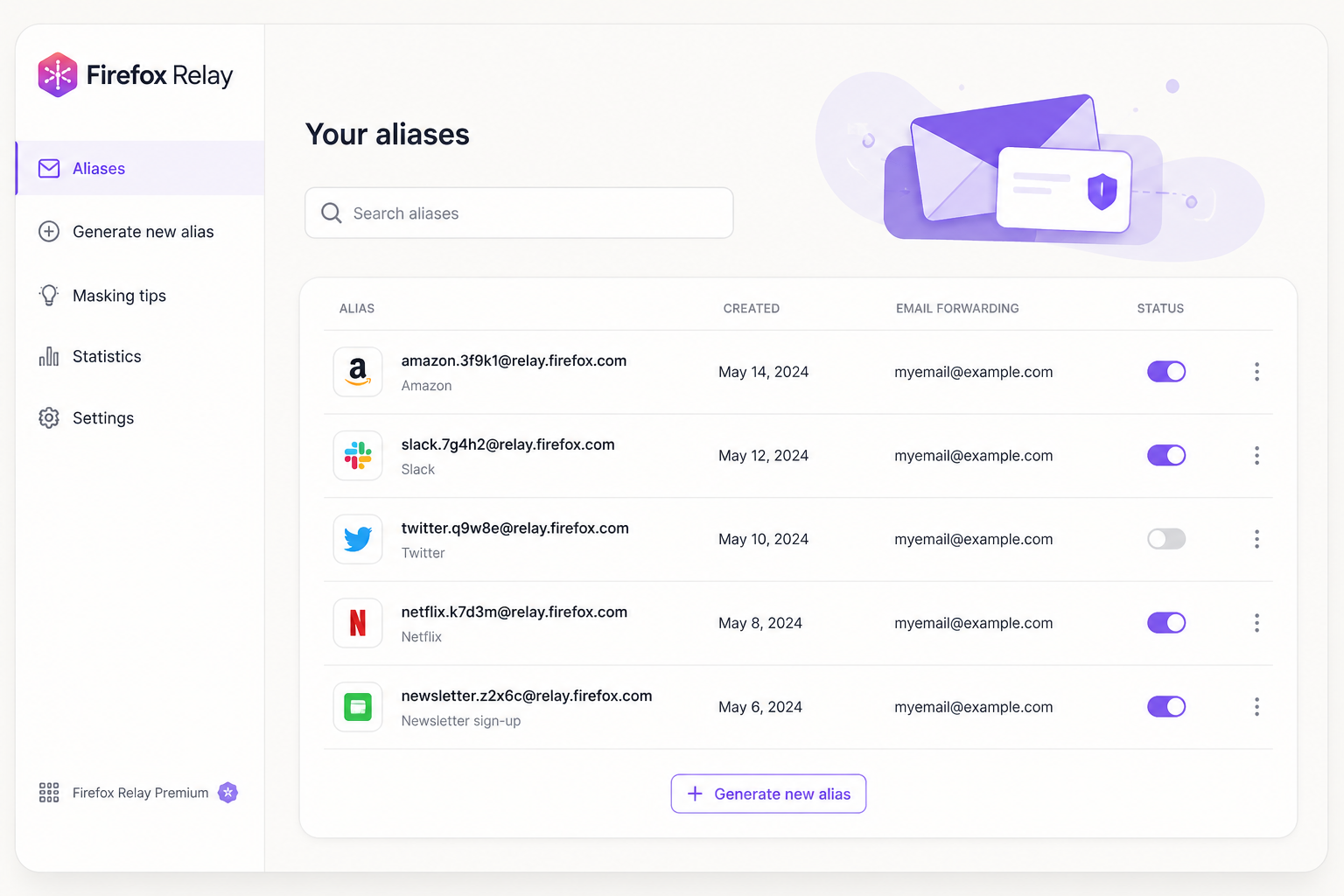
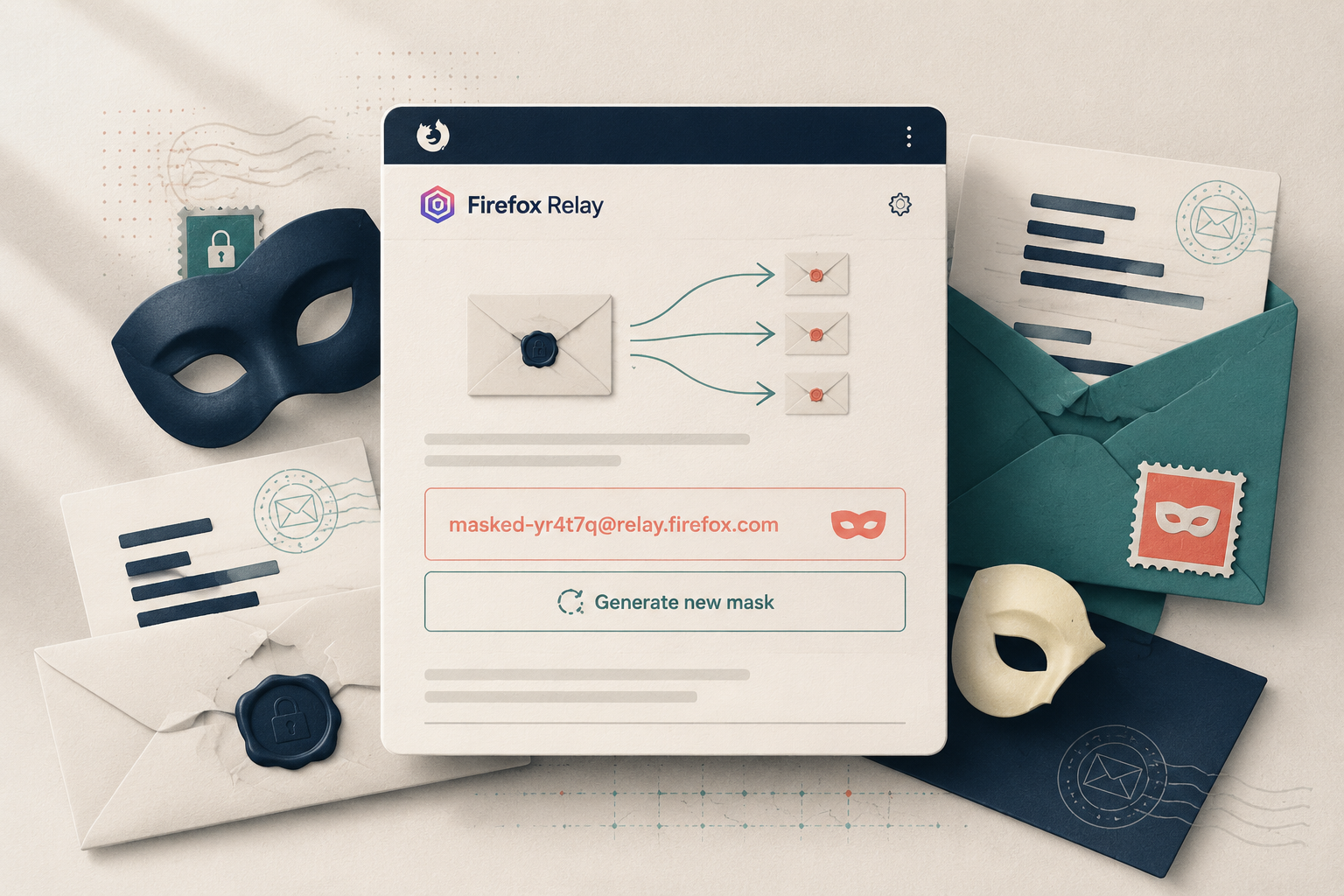
You install the Firefox Relay extension, click a button, and Relay generates a random @relay.firefox.com alias. Emails sent to that alias are forwarded to your real address. You can block senders, pause forwarding, or delete aliases from the dashboard. Premium users can reply from their alias, keeping their real address hidden even in conversations.

The phone masking feature works similarly: you get a US or Canadian number that forwards calls and SMS to your real phone. It’s reliable for most services, but some banks and two-factor authentication platforms flag it as a VoIP number and reject it.
Standout features
Firefox Relay packs a surprising number of tools into a low-cost subscription. Here’s what actually stands out – and the one feature you should fear.
Unlimited aliases and custom subdomain (Premium, $3.99/mo)
The free tier gives you five aliases. Premium unlocks unlimited masks plus a custom subdomain (e.g., @yourname.mozmail.com). This lets you create unique, on-the-fly addresses like [email protected] without visiting the dashboard. SimpleLogin and AnonAddy offer this too, but Relay’s integration with Firefox’s password manager makes it feel seamless.

Reply from alias and phone masking
Relay forwards replies back to your real inbox while keeping your address hidden. The free plan allows limited replies; Premium removes the cap. Phone masking is available for US and Canadian numbers – you get one virtual number that forwards calls and texts. This works fine for casual use, but many banks and two-factor authentication services reject VoIP numbers, so don’t rely on it for critical accounts.
Firefox browser integration
The Relay icon sits inside Firefox’s toolbar. One click generates a new alias and auto-fills it into any form. No copy-paste, no dashboard visits. This is the killer feature for Firefox users – it’s faster than opening a separate tab for SimpleLogin or AnonAddy.
The downgrade deletion risk
Here’s the catch: if you cancel your Premium subscription, all your aliases and phone masks are deleted after a short grace period. You don’t get a warning list of what you’ll lose. This is a dealbreaker for anyone who’s used Relay for years. SimpleLogin lets you keep existing aliases on the free plan. Mozilla’s approach makes Relay a rental, not an investment.

This Firefox Relay review must highlight that risk. For casual users who generate a few masks per month, it’s fine. For anyone building a permanent alias system, it’s a trap. Mozilla’s US jurisdiction means no zero-knowledge encryption either – your aliases are tied to your Firefox account, and metadata is logged.
Pricing

Firefox Relay is cheap, but the fine print stings. The free tier gives you 5 aliases and unlimited forwarding. Premium costs $0.99/month (billed monthly – no annual discount here) and unlocks unlimited aliases, custom domains, and reply capabilities. Phone masking costs an extra $1.99/month (US/Canada only).
| Feature | Free | Premium ($0.99/mo) |
|---|---|---|
| Email aliases | 5 | Unlimited |
| Custom domain | No | Yes |
| Reply from alias | No | Yes |
| Phone masking | No | +$1.99/mo |
| Downgrade deletion risk | — | Yes |
The downgrade trap: This is the single biggest issue in any honest Firefox Relay review. Cancel your Premium subscription and you lose every alias exceeding the free tier’s 5-mask limit – permanently. No grace period, no export. Mozilla sends you a warning email, but that’s it. You cannot downgrade and keep your existing masks.
For casual users with fewer than 5 aliases, this risk is negligible. But if you’ve built a workflow around 50 custom-domain aliases, cancellation means rebuilding everything from scratch. Pay attention before committing.
Who should use Firefox Relay?
Firefox Relay is a solid tool for one specific type of user: the casual Firefox browser who wants quick, disposable email aliases for newsletters and one-off signups. If you’re already using Firefox and just need a “burner email” without thinking about threat models, Relay works great. The $3.99/month Premium plan adds unlimited aliases and phone masking, but the trade-offs are real.
This tool is not for you if your privacy needs are serious. Relay operates under US jurisdiction, meaning Mozilla can be compelled to hand over data. There’s no zero-knowledge encryption – Mozilla sees your real email address and the alias’s forwarding activity. For journalists, activists, or anyone facing targeted surveillance, that’s a dealbreaker.
The biggest landmine: downgrade deletion. If you cancel Premium, you lose all masks created after your free tier limit. That’s not a warning – it’s a data bomb. This Firefox Relay review must stress that you cannot treat Relay as a permanent identity layer.
Better alternatives for higher-threat users: SimpleLogin (owned by Proton, Swiss jurisdiction, open-source) or Proton Mail (end-to-end encrypted, zero-access architecture). AnonAddy offers similar aliasing with custom domains for $1/month, no downgrade deletion risk, and GDPR protection via Germany.

Relay is fine for low-stakes masking. For anything more, look elsewhere.
Bottom line
Firefox Relay is a solid entry-level privacy tool, not a fortress. Its strength is simplicity: you get unlimited aliases and basic phone masking for $3.99/month, deeply integrated into Firefox. Mozilla’s reputation adds genuine trust.
But the downgrade deletion risk is a dealbreaker for anyone wanting permanent masks. Lose your subscription and your aliases vanish – no recovery. Combined with US jurisdiction, no zero-knowledge encryption, and phone masking that blocks VoIP numbers, this tool fails for high-stakes privacy needs.
This Firefox Relay review gives it 3.5/5. It’s ideal for casual users who want quick signup protection and don’t mind Mozilla’s data access. For journalists, activists, or anyone needing durable privacy, pair Relay with Proton Mail or SimpleLogin for real threat model coverage.

