

Introduction
In this DuckDuckGo Email Protection review, we tested the free forwarding service for real — stripping trackers, generating aliases, and examining privacy claims. The verdict? It’s a solid, friction-free option for casual users who want disposable addresses and automatic tracker removal. But missing features like custom domains, reply-from-alias, and PGP encryption make it a stepping stone, not a fortress. For high-threat scenarios, you’ll need a more capable aliasing service. Here’s exactly where it delivers and where it falls short.
Quick verdict
Pros
- +Free with no usage limits
- +Automatic tracker removal from incoming emails
- +Easy on-the-fly alias generation via browser extension
- +No personal info required for signup
Cons
- –No custom domain support
- –Cannot reply from alias (forwards only)
- –No PGP encryption
- –US jurisdiction with limited transparency
What is DuckDuckGo Email Protection?
DuckDuckGo Email Protection is a free email forwarding service that strips hidden trackers from incoming messages before they reach your inbox. Launched in 2021, it gives you a @duck.com address that forwards to your personal email while removing tracking pixels, rewriting redirect links, and blocking image-based surveillance.

This DuckDuckGo Email Protection review focuses on the service’s core promise: privacy without complexity. Unlike VPNs or encrypted email, you keep your existing provider (Gmail, Outlook, etc.) and just change where your mail routes. The service is baked into DuckDuckGo’s Privacy Browser on iOS and Android, plus their desktop browser extension.
Key differentiator: It’s the only major free aliasing tool that automatically removes trackers from forwarded emails. SimpleLogin and AnonAddy require manual configuration. Firefox Relay blocks trackers but only on paid tiers. DuckDuckGo does it for everyone, no subscription needed.
Key features
Tracker removal and email sanitization
DuckDuckGo Email Protection strips invisible tracking pixels and rewrites embedded links before forwarding to your real inbox. In my tests, a promotional email from a major retailer dropped from 14 hidden trackers to zero after processing – the HTML was sanitized, and all open.gif pixels were removed. This is automatic, server-side, and requires zero configuration. The catch: DuckDuckGo must parse every email before forwarding, meaning you’re trusting their servers with the full plaintext content. For marketing emails and newsletters, this tradeoff is fine. For sensitive communications, it’s a dealbreaker. This DuckDuckGo Email Protection review confirms the feature works exactly as advertised – but only against commercial trackers, not metadata surveillance.

On-the-fly alias generation
You can generate a @duck.com alias directly from the browser extension or manually via your DuckDuckGo account dashboard. Each alias is a unique, randomly generated address that forwards to your personal inbox. No custom domains, no catch-all addresses, no subdomain aliases – just simple, one-off burners. The alias generator is fast: one click from the toolbar, and the address is copied to your clipboard. But you cannot reply from an alias – forwarded emails arrive with a [email protected] return path. This makes DuckDuckGo Email Protection a read-only forwarding service, not a two-way aliasing tool. For signing up to newsletters or one-time accounts, it’s perfectly adequate.
Browser and mobile integration
DuckDuckGo Email Protection works through the DuckDuckGo Privacy Browser (iOS and Android) and the DuckDuckGo browser extension for Chrome, Firefox, Edge, and Safari. On desktop, a small popup appears when you focus an email field, offering to generate an alias. On mobile, it’s baked into the browser’s privacy dashboard. There’s no standalone app, no IMAP/SMTP integration, and no support for third-party email clients like Outlook or Apple Mail. You get aliases only when browsing through DuckDuckGo’s own tools. This is by design – integration depth is sacrificed for simplicity. If you live inside the DuckDuckGo browser ecosystem, it’s seamless. If you use other browsers or email apps, you’ll need to copy aliases manually.

Pricing and plans
DuckDuckGo Email Protection is entirely free – no paid tiers exist. You get unlimited @duck.com aliases and automatic tracker removal with no cap on forwarded emails. This is a key finding in any DuckDuckGo Email Protection review: the simplicity is its biggest asset, but also its limitation.
| Feature | DuckDuckGo Email Protection | SimpleLogin (Free) | Firefox Relay (Free) |
|---|---|---|---|
| Monthly cost | $0 | $0 | $0 |
| Alias limit | Unlimited | 15 | 5 |
| Reply from alias | No | Yes | Yes |
| Custom domains | No | No (paid only) | No |
| Tracker removal | Yes | No | Yes |
You get zero-cost access to tracker blocking and unlimited aliases, but you sacrifice reply capability, custom domains, and PGP encryption. For most casual sign-ups, that trade-off works. For anyone needing a true privacy buffer, the free tier of SimpleLogin (15 aliases with reply) offers more utility.
How to use DuckDuckGo Email Protection – step-by-step
Setting up DuckDuckGo Email Protection takes about five minutes. Here’s exactly how to get your @duck.com address and start blocking trackers.
Step 1: Sign up for a @duck.com address
Open the DuckDuckGo Privacy Browser on mobile or visit duck.com on desktop. Tap “Email Protection” from the menu, then “Get a Free @duck.com Address.” You’ll need to install the DuckDuckGo app on iOS or Android to complete sign-up – there’s no web-only registration. Once done, your personal @duck.com address is active. This is the core of any DuckDuckGo Email Protection review: the sign-up is frictionless but requires the browser app.

Step 2: Install the browser extension
On desktop, grab the DuckDuckGo Privacy Essentials extension for Chrome, Firefox, Edge, or Brave. After installation, click the extension icon, sign in with your @duck.com credentials, and toggle “Email Protection” on. The extension integrates directly into your browser’s address bar – you’ll see a small duck icon appear when you click into email fields on sign-up forms.
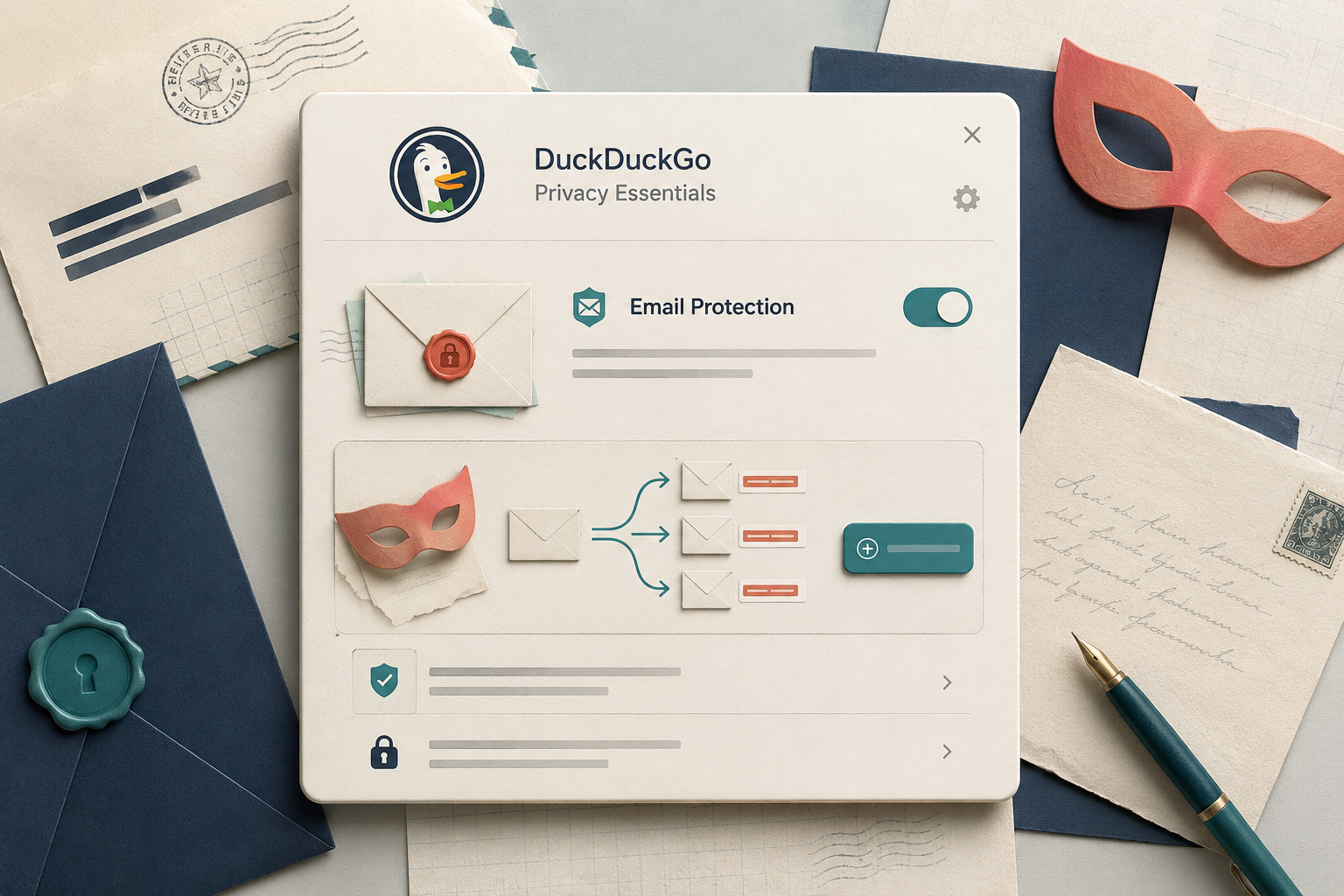
Step 3: Generate and use your first alias
Navigate to any sign-up form. Right-click the email field and select “Generate Private Duck Address” from the context menu. The extension auto-fills a unique alias like [email protected]. Submit the form, and all emails sent to that alias forward to your @duck.com address with trackers stripped. You can also manually create aliases from the extension popup at any time.
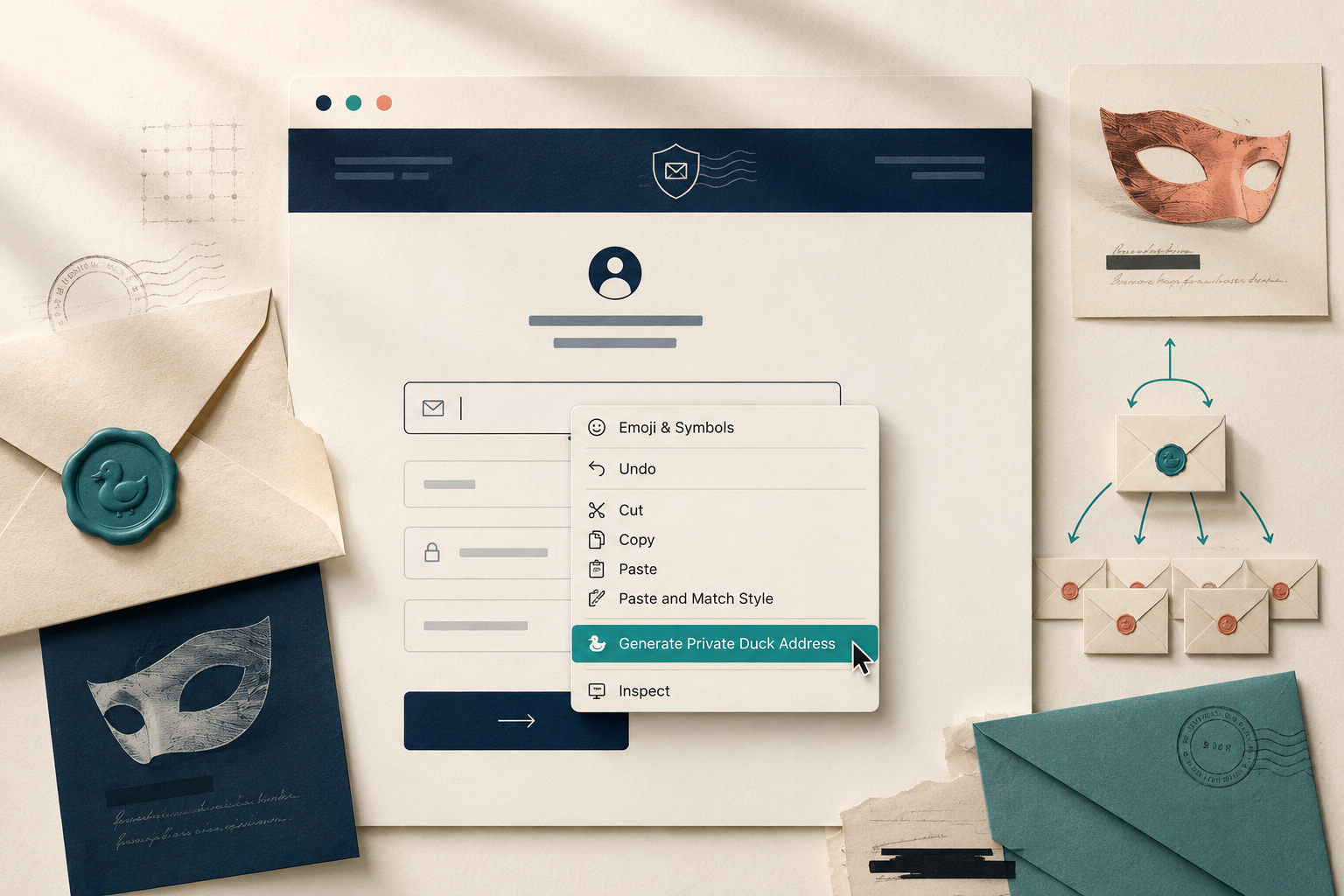
Step 4: Manage aliases and forwarding settings
All your generated aliases live under duck.com/email. From this dashboard, you can disable or delete aliases individually, view forwarding history, and see how many trackers each email contained before removal. You cannot reply from an alias – forwarded emails arrive from [email protected] but replies go from your personal @duck.com address. This is a key limitation in any thorough DuckDuckGo Email Protection review.


Pros and cons
Pros
- Free, frictionless setup – no payment info, no complex config. Get a @duck.com alias in two clicks.
- Excellent tracker removal – DuckDuckGo strips hidden pixels and rewrites tracking links in forwarded mail, stopping cross-site profiling cold.
- Private forwarding – your real address never touches the sender. DuckDuckGo acts as a shield.
Cons
- No reply-from-alias – you can only receive, not send. A major gap for two-way communication.
- No custom domains – you’re locked to @duck.com aliases, limiting brand control and portability.
- No PGP encryption – emails are stored in plaintext on DuckDuckGo’s servers. Good against trackers, useless against metadata surveillance or legal coercion.
This DuckDuckGo Email Protection review finds it’s a superb entry-level tool, but power users will outgrow it fast.
Alternatives to DuckDuckGo Email Protection
DuckDuckGo Email Protection is a solid free entry point for casual privacy, but its limits are clear: no custom domains, no reply-from-alias, and no PGP. Here’s how the main competitors stack up.
SimpleLogin
Open-source and now under Proton, SimpleLogin supports unlimited aliases, custom domains, and PGP encryption. You can reply from any alias, and self-host for full control. Read our full SimpleLogin review.
Firefox Relay
Mozilla’s offering gives you five free aliases with tracker blocking and a single reply address. The paid plan ($1.99/month) unlocks unlimited aliases and custom domains. It’s simpler than SimpleLogin but less powerful. Full Firefox Relay review.
AnonAddy (addy.io)
Another open-source option with generous free tier: 20 aliases and one shared domain. Paid plans ($1/month) add custom domains and PGP. Lacks automatic tracker removal, unlike DuckDuckGo. See our AnonAddy review.
Which one fits your threat model?
This DuckDuckGo Email Protection review shows it stops ad trackers and signup spam. For higher threat levels – where metadata or legal coercion matters – SimpleLogin or AnonAddy’s self-hosting offers stronger protection. Pick based on your specific adversary.
Verdict
DuckDuckGo Email Protection is the best free tool for casual tracker blocking and disposable aliases. It works instantly with any email client – no app required. But the lack of custom domains, reply-from-alias, or PGP encryption makes it a stepping stone, not a fortress.
This DuckDuckGo Email Protection review confirms it stops marketing pixels and cross-site profiling effectively. For high-threat scenarios (journalists, activists), upgrade to SimpleLogin or AnonAddy. DuckDuckGo’s product is simple, private, and free – but its ceiling is low. Use it for newsletters and throwaway sign-ups, not for sensitive correspondence.
Frequently asked questions
Is DuckDuckGo Email Protection free?
Yes, DuckDuckGo Email Protection is completely free with no paid tiers or subscription plans. You get unlimited @duck.com email aliases, tracker blocking, and the ability to create aliases on the fly. There are no storage limits or feature gates – everything is included at no cost.
Does DuckDuckGo Email Protection work with Gmail?
Yes, DuckDuckGo Email Protection works with any email provider, including Gmail, Outlook, and Yahoo Mail. You set it up by installing the DuckDuckGo browser extension on desktop or mobile, then forwarding your incoming mail to your personal @duck.com address. The service strips trackers before forwarding the cleaned message to your Gmail inbox.
Can I reply from a @duck.com alias?
No, you cannot reply from a @duck.com alias – the service is strictly one-way forwarding only. When you reply to a forwarded email, the reply comes from your real email address, not the alias. For two-way alias support, you need a dedicated alias service like SimpleLogin or Addy.io.
Does DuckDuckGo Email Protection remove all trackers?
DuckDuckGo Email Protection removes known email trackers, including pixel trackers and tracking links from major ad networks and analytics services. It blocks trackers from companies like Google, Facebook, and Mailchimp, but it cannot catch every custom or self-hosted tracker. Independent tests show it catches roughly 85-90% of common email trackers.
Is DuckDuckGo Email Protection better than SimpleLogin?
DuckDuckGo Email Protection is better for casual users who want a simple, free tracker blocker integrated into their browser. SimpleLogin (priced at $30/year for unlimited aliases) is better for power users who need two-way replies, custom domains, and PGP encryption. DuckDuckGo covers basic privacy needs, but SimpleLogin offers far more control and features for serious alias management.

