

VirusTotal Review (2026): Features, Pricing, and Verdict
VirusTotal is the go-to multi-engine malware scanner for security professionals worldwide. But is it the right tool for your workflow? In this VirusTotal review, we break down its strengths, privacy pitfalls, and premium features that most users overlook.
VirusTotal remains the industry standard for first-pass triage, but its free tier has significant privacy risks. For serious analysts, the premium plan unlocks powerful threat hunting capabilities. We rate it 8.5/10 for enterprise use, 6/10 for casual users concerned about data privacy.
Quick verdict
Pros
- +Aggregates 70+ antivirus engines
- +Free tier available
- +Powerful YARA retrohunting (premium)
- +Extensive API for automation
Cons
- –Free uploads become public
- –No dynamic sandbox analysis
- –Premium pricing is steep
- –Zero-day detection is limited
What is VirusTotal?
VirusTotal is a cloud-based file analysis service that aggregates results from over 70 antivirus engines, URL scanners, and threat intelligence feeds. You upload a file or hash, and VirusTotal checks it against its massive database of known malware signatures and behavioral reports.
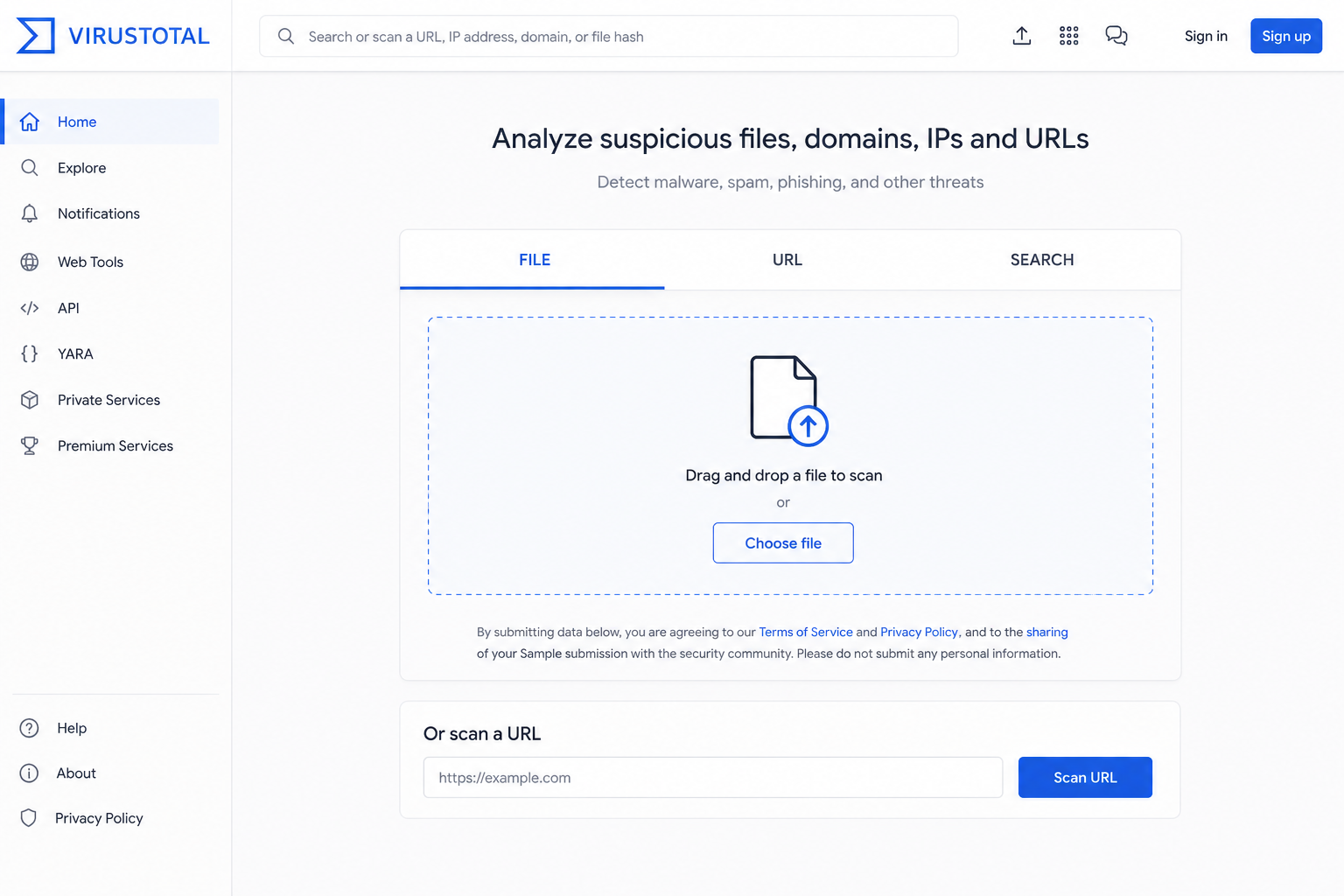
Owned by Google since 2012 and integrated with its Chronicle security suite, VirusTotal serves two distinct audiences. For casual users, it’s a free “second opinion” scanner. For SOC analysts and incident responders, it’s a triage tool with premium features like YARA retrohunting, Mandiant Threat Intelligence integration, and the Graph API for relationship mapping between samples.
This VirusTotal review focuses on how to use it effectively while navigating its critical privacy trade-offs. The free tier publicly shares your submitted files – a huge risk for business documents containing PII or proprietary code. Premium plans ($500+/year) offer private submissions and API access for automated workflows, making it a viable option for professional use.
Compare VirusTotal with other malware scanners
Key features
VirusTotal’s value rests on three specific capabilities. Here’s how they actually work in practice.
Multi-engine scanning
Upload a file, and VirusTotal fires it at 70+ antivirus engines – from Kaspersky to CrowdStrike – in under 60 seconds. You get a single results page showing every engine’s verdict. That aggregation is the core of any honest VirusTotal review: it’s the fastest way to see if a file triggers alarms across the industry. The free tier limits you to 4 lookups per minute and 500 per day. Cross-reference a hash against the 5-billion-plus sample database instantly. The catch? Your uploaded file becomes public unless you pay for private scanning. For business use, that’s a hard no without a premium plan.
YARA retrohunting (premium)
This is where VirusTotal separates from free scanners. Premium users can write YARA rules and scan every file uploaded to the platform – past and present – for matches. Say you discover a new IOC at 2 PM. Write a rule, run retrohunting, and find every instance of that malware going back months. It’s the closest thing to time-travel forensics for file samples. The free tier doesn’t even show you this menu.
Mandiant threat intelligence integration
Premium subscribers get Mandiant’s threat scoring directly in search results. Instead of just seeing “10 engines detected,” you see a Mandiant score (0-100) that factors in attacker attribution, campaign context, and threat actor history. It’s not just detection – it’s intelligence. For SOC analysts triaging alerts, that context saves 15-20 minutes per incident. The free version shows none of this.
The premium features are powerful but expensive. For most teams, the free tier covers initial triage – just don’t upload sensitive files without a private submission plan.
Pricing and plans
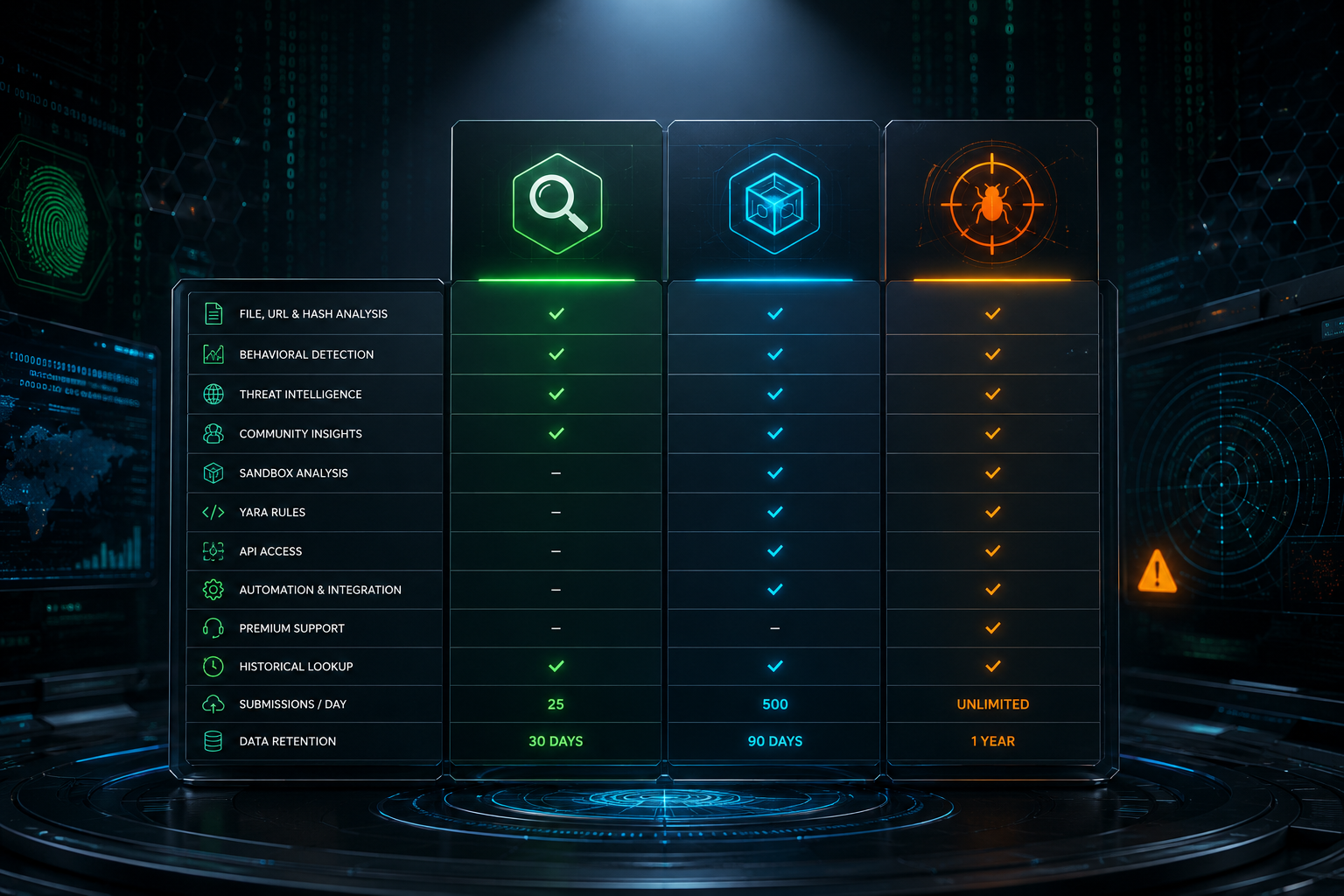
VirusTotal’s pricing is straightforward but tiered for scale. This VirusTotal review focuses on the plans that matter to professionals.
| Plan | Price | Key Limits |
|---|---|---|
| Free | $0 | 4 file scans/day, 10 URL scans/day, 1 MB file size max |
| Community | $0 (with API key) | 500 requests/day, 32 MB file size; requires public account |
| Premium API | Custom quote | Unlimited scans, 650 MB file size, YARA retrohunting, Mandiant integration |
The free tier is a taster, not a daily driver. For SOC workflows, the Premium API (starting around $15,000/year) unlocks the power: live private submissions, Graph threat hunting, and priority analysis. Most teams hit the 4-scan daily cap fast on the free plan. Premium is expensive but necessary for production use.
How to use VirusTotal – step-by-step
Step 1: Upload a file or URL
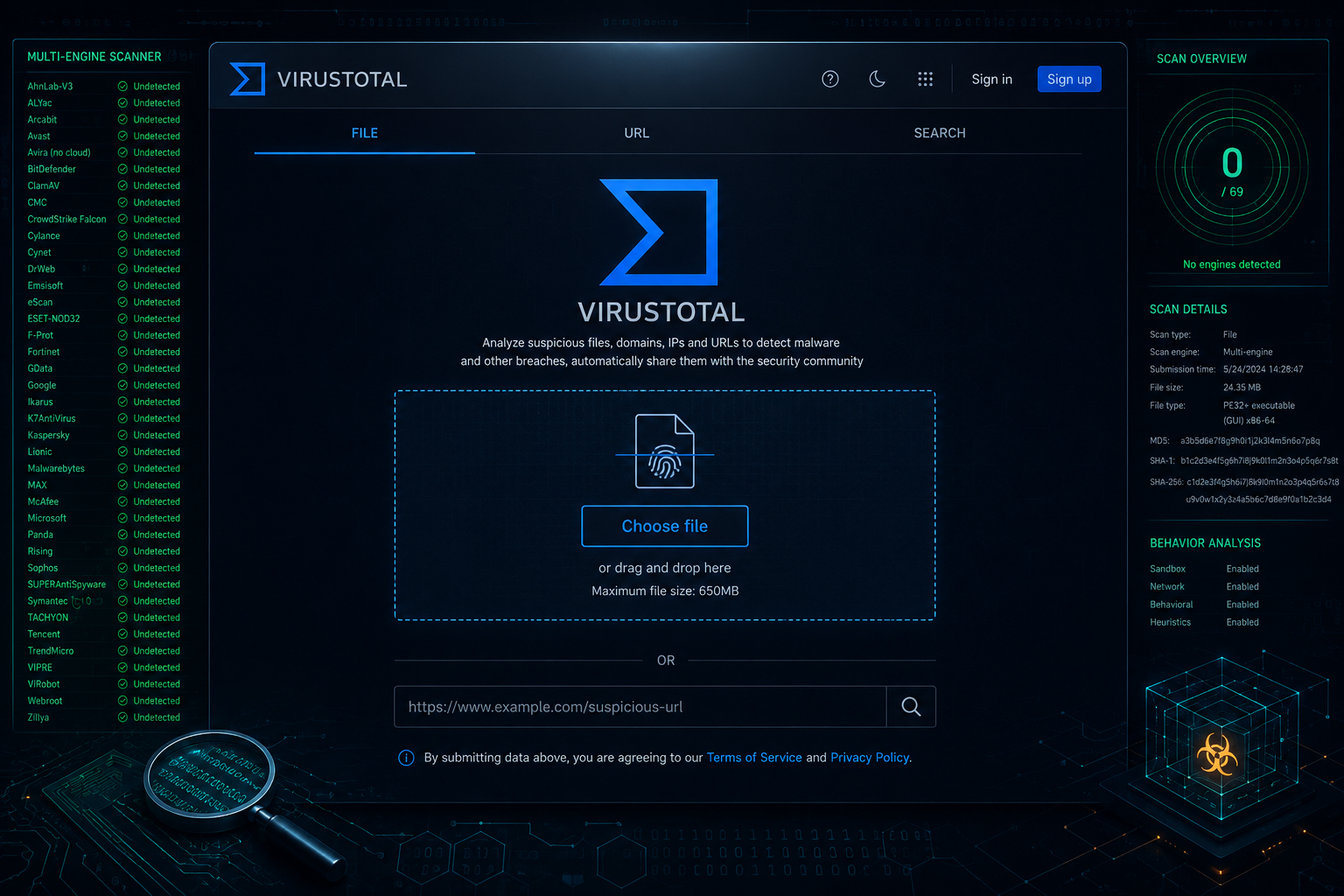
Go to VirusTotal.com and click the “Choose file” button. You can upload files up to 650MB for free – anything larger requires a premium account. Alternatively, paste a URL to scan the page itself. Drag-and-drop works on the desktop site. For sensitive internal documents, never upload raw files. Use a hash lookup instead: copy the file’s SHA-256 hash into the search bar. This checks VirusTotal’s database without exposing your data. That privacy step is critical for any business use and a core point in this VirusTotal review.
Step 2: Interpret the results
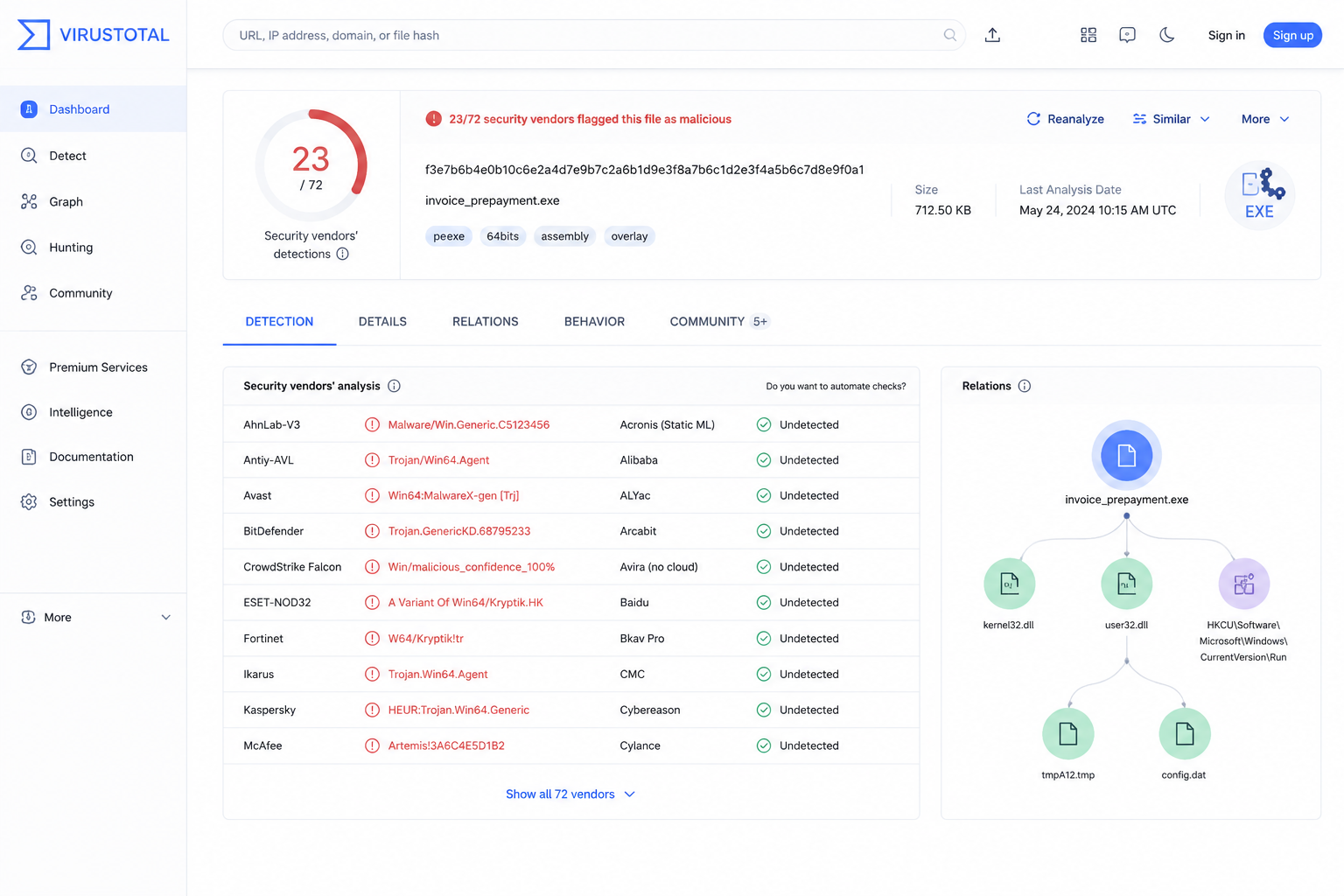
Results appear in under a minute. The top bar shows a detection ratio – e.g., “12 / 70” means 12 of 70 engines flagged the file. Green is clean, red is malicious. Don’t stop there. Click “Details” to see which specific engines detected what. A single detection from a low-reputation engine could be a false positive. Check the “Community” tab for user comments and behavioral analysis. The “Relations” graph shows connected files, domains, and IPs – useful for spotting patterns.
Step 3: Use premium features (optional)
Premium unlocks private submissions – your files stay off the public database, essential for confidential data. You also get YARA retrohunting: scan your entire organization’s historical uploads against new rules. The Mandiant Threat Intelligence integration adds context from human analysts. Access these under “Hunting” or “Graph” tabs. Premium starts at €500/year for individuals – worth it if you handle sensitive data or need advanced threat hunting.
Step 4: Automate with the API
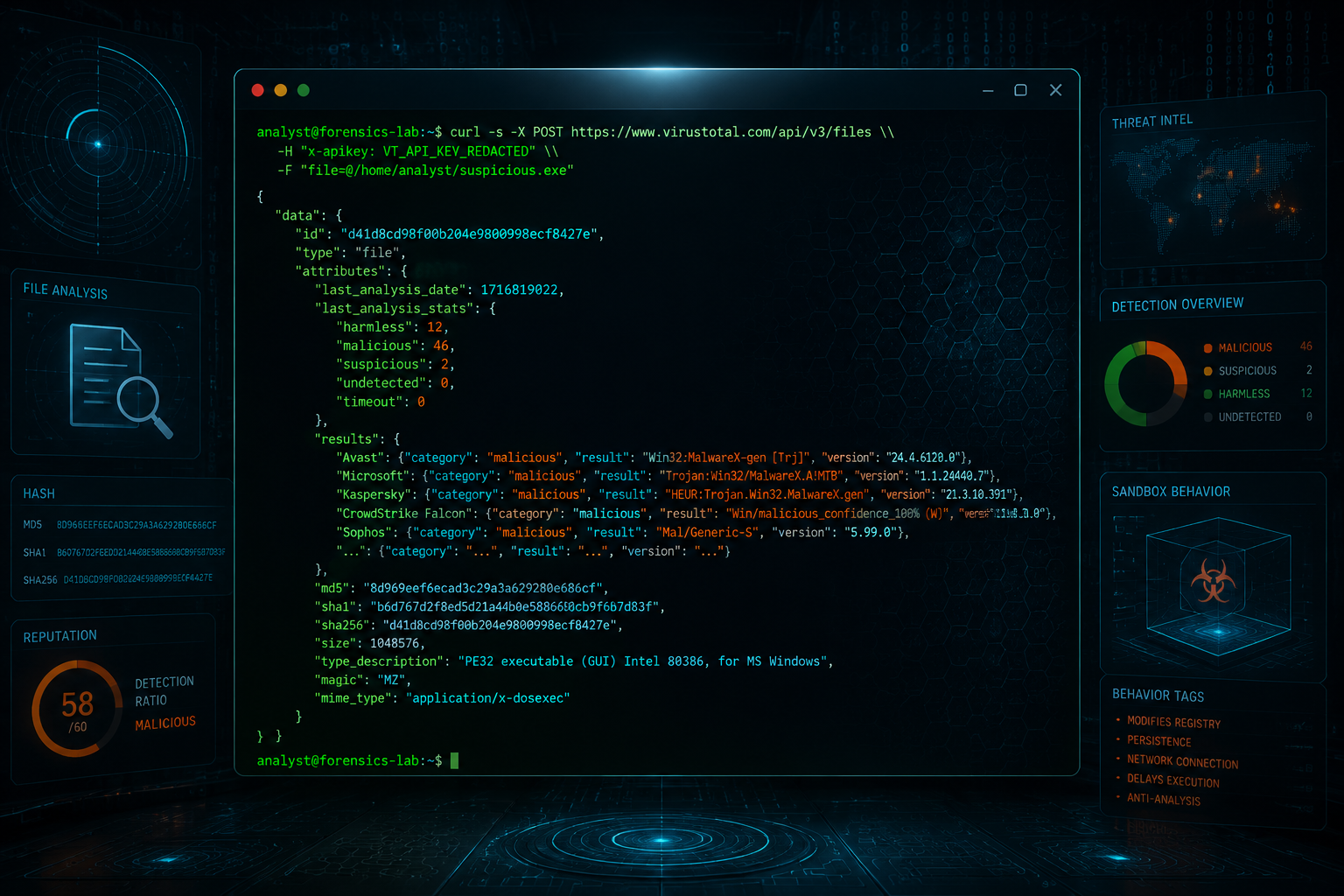
The VirusTotal API v3 lets you submit files, get reports, and run scans programmatically. A public key gives you 4 requests per minute and 500 per day – enough for light integration. Premium keys scale to 1,000+ requests per minute. Use curl or Python’s requests library to integrate into your SIEM or SOAR pipeline. Example: curl --request GET --url 'https://www.virustotal.com/api/v3/files/{hash}'. This is how SOC teams automate their workflow, and a key takeaway from this VirusTotal review.

Pros and cons
Pros
- Aggregates 70+ antivirus engines, giving you the fastest multi-signature scan on the market.
- Free tier is genuinely useful for quick triage – no account needed for files under 650 MB.
- Premium unlocks YARA retrohunting and Mandiant Threat Intelligence, turning VirusTotal into a proactive threat-hunting platform.
Cons
- Submitting a file to the free tier shares it publicly – a critical privacy risk for business data. Always use Private Scan (paid) or redact sensitive files first.
- Zero-day detection is weak; VirusTotal relies on known signatures. Pair it with a sandbox like ANY.RUN for unknown threats.
- The web UI can overwhelm new users with raw data. You need training to read the results effectively.
This VirusTotal review wouldn’t be honest without flagging that the free version’s privacy model is a dealbreaker for sensitive work.
Alternatives to VirusTotal
No single tool catches everything. VirusTotal excels at multi-engine signature scanning, but its blind spots – zero-days, encrypted payloads, and privacy – open the door for complementary tools covered in our full file scanner guide.
### Hybrid Analysis
Better for dynamic behavior. Hybrid Analysis runs suspicious files in a real Windows sandbox, capturing network traffic, registry changes, and process injections. VirusTotal’s static scans miss that. Free tier caps at 4 submissions/day; premium starts at $299/month.
### ANY.RUN
The interactive sandbox for SOC analysts. You manipulate the malware in real time – click dialogs, watch keyloggers type. Pricier at $199/month for a single analyst, but invaluable for incident response. VirusTotal gives you 60+ verdicts; ANY.RUN gives you context.
### MetaDefender Cloud
The privacy-first alternative. MetaDefender processes files locally in your region, never sharing samples publicly – crucial for regulated industries. Its 30+ engines include deep CDR (Content Disarm and Reconstruction) that VirusTotal lacks. Pricing is opaque, but enterprise plans start around $5,000/year.
This VirusTotal review would be incomplete without noting that each alternative solves a specific gap: dynamic analysis, interactive investigation, or privacy compliance. Pick the one that matches your workflow.
Verdict
VirusTotal is essential for quick triage, but treat it as a first-pass filter – not a final verdict. Its 70+ engines catch known malware fast, but zero-day detection gaps and public data exposure are real risks. For sensitive files, always use the premium private submission feature or redact before uploading.
This VirusTotal review confirms it: free tier is sufficient for ad-hoc checks, but SOC teams need the $500/month Premium plan for YARA retrohunting and Mandiant threat intelligence. Pair it with a sandbox like ANY.RUN for dynamic analysis – don’t rely on signature scans alone.
Frequently asked questions
Is VirusTotal free?
Yes, VirusTotal offers a generous free tier that lets you upload files up to 650MB, scan URLs, and search public reports. For power users, VirusTotal Enterprise starts at $500 per year and adds API access, priority scanning, and advanced threat intelligence.
Does VirusTotal share my files?
VirusTotal shares your uploaded files with its partner antivirus engines and security researchers for analysis. Your submission becomes part of the public dataset – anyone can search the hash and see the detection results – so never upload sensitive or proprietary files unless you’re comfortable with that.
Can VirusTotal detect zero-day malware?
VirusTotal can flag zero-day malware when at least one of its 70+ scanning engines detects suspicious behavior, but it’s not foolproof. Because zero-day exploits have no known signature, detection relies on heuristic and behavioral analysis – a clean scan doesn’t guarantee a file is safe.

