
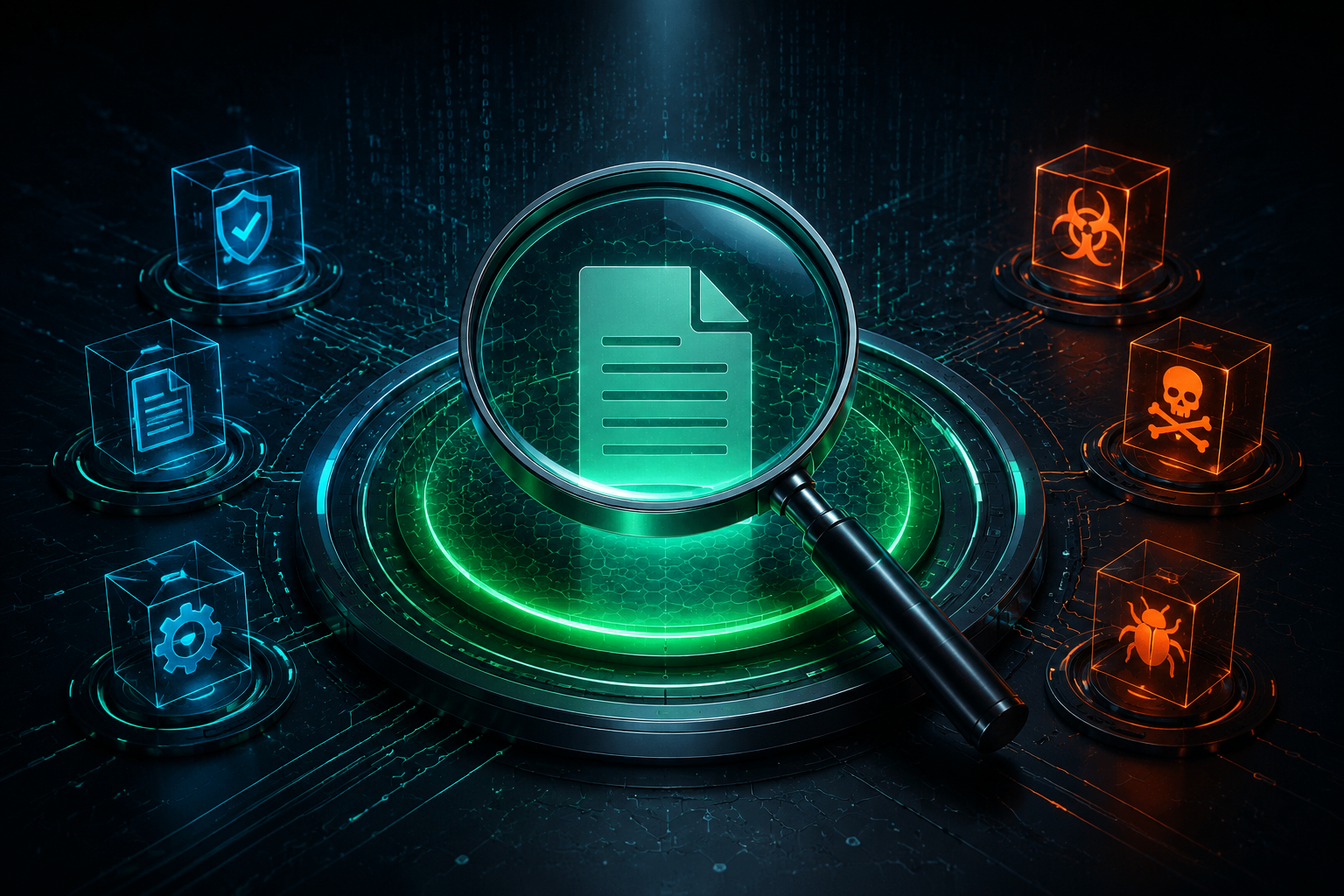
File analysis tools answer different questions. A reputation service can show what many security engines already know about a hash. A sandbox can record what a sample does when executed. A Content Disarm and Reconstruction tool can rebuild a document without trying to label it clean or malicious. Treating those workflows as interchangeable creates false confidence.
This guide compares five tools using official product documentation available on August 30, 2026. It does not present a fresh malware benchmark or claim that Top5soft detonated live samples. The picks are based on documented workflow, privacy model, platform availability, and current plan limits.
Correction published August 30, 2026: The previous edition included unsupported Emotet and Cobalt Strike testing stories, invented performance and detection figures, outdated prices, and absolute safety claims. This edition removes those claims, replaces generated interface screenshots with no product-UI imagery, and links each deciding fact to a primary source.
The short list
| Pick | Best fit | What it does | Main caution |
|---|---|---|---|
| VirusTotal | Checking reputation before uploading | Aggregates signals from 70+ scanners and other analysis tools | Standard submissions contribute results to VirusTotal and its partners |
| Dangerzone | Opening an untrusted document more safely | Rebuilds supported documents as PDFs through an isolated, offline conversion path | It sanitizes documents; it does not prove the original file was harmless |
| ANY.RUN | Interactive investigation | Lets an analyst interact with a cloud VM while the sample runs | Community analysis is public; private analysis requires a paid plan |
| Hybrid Analysis | Public automated sandbox reports | Runs submissions through Falcon Sandbox and exposes community research data | The service is designed to publish and share submitted content |
| MetaDefender Cloud | Enterprise file-processing workflows | Combines multiscanning, Deep CDR, DLP, sandboxing, and APIs | Privacy depends on license and private-processing settings |
The ordering is not a universal score. Start with the question being asked and the sensitivity of the file. For a known hash, search before uploading. For a confidential document, do not use a public submission workflow simply because it is free.
1. VirusTotal: best for reputation context
VirusTotal is the fastest starting point when an analyst has a hash, URL, domain, or file and wants broad reputation context. VirusTotal’s official workflow documentation says it combines more than 70 antivirus scanners and URL or domain blocklisting services with additional analysis tools. Results are shared with the submitter and examining partners.
That aggregation is useful, but a detection ratio is not a verdict. Engines can disagree, a new threat can have little history, and a harmless file can trigger a small number of detections. Check the file hash first. If a recent report already exists, uploading the file may add risk without adding useful information.
Privacy is the deciding limitation. VirusTotal documents a separate Private Scanning service that requires a Private Scanning license. Files sent through those endpoints are not shared with other users or partners and use short retention, but the resulting private analysis excludes antivirus verdicts. The public and private workflows therefore provide different output; private scanning is not simply a hidden version of the familiar public report.
The current API documentation accepts ordinary uploads up to 32 MB and uses a one-time upload URL for larger files up to 650 MB. Those are technical limits, not an invitation to upload confidential archives.
Choose VirusTotal when: reputation and cross-engine context are needed, a hash search may answer the question, and the sample is approved for the selected sharing model.
2. Dangerzone: best for local document sanitization
Dangerzone takes a different approach. It converts a potentially dangerous PDF, office document, image, or other supported input into pixels inside an isolated environment, then reconstructs those pixels as a PDF on the local computer. Its official project page lists more than 20 supported file types and states that the sandbox has no network access.
The technical explanation describes the current isolation layers: a Linux container, gVisor inside the container, no host filesystem mount, and no networking for the conversion workload. Windows and macOS use Podman under the hood; Linux builds can use the supported packaging paths. OCR can add a searchable text layer to the rebuilt PDF.
This is not the same as malware detection. Dangerzone does not tell an incident responder which process a payload would create or which domain it would contact. It reduces the attack surface of opening a supported document by removing active content from the output. The project also documents residual risks, including attacks against operating-system preview features before conversion and the possibility of a converter plus sandbox escape.
Dangerzone is free, open source, and maintained by Freedom of the Press Foundation. It is the strongest fit here for journalists, legal teams, and other users who need to read a supported document without sending it to a cloud scanner.
Choose Dangerzone when: the input is a supported document, local processing matters, and a flattened or OCR-enabled PDF is an acceptable output.
3. ANY.RUN: best for interactive investigation
ANY.RUN is a cloud sandbox built around interactive access. An analyst can use the browser to interact with the virtual machine while monitoring the sample. The current feature page also documents API, SDK, STIX, and MISP integration for larger security workflows.
The official plan comparison changed materially from the previous Top5soft article. The Community plan is free and includes interactive analysis, basic reports, a 60-second VM timeout, and a 16 MB maximum input file. Hunter adds private analysis, more environments, JSON and MISP exports, a 660-second timeout, and a 100 MB maximum input. Enterprise adds team controls, SSO, advanced privacy controls, API capacity, and a 1,200-second timeout. Current paid pricing is quote-based on the public page, so this guide does not invent a monthly figure.
ANY.RUN’s terms warn users not to place confidential information, trade secrets, or improperly handled personal data into public submissions. That is the practical dividing line: Community is suitable for approved public research, while organizational investigations need a plan and workflow that enforce private analysis.
Interactivity can expose behavior that depends on user input, but it does not guarantee that every evasive sample will reveal itself. Environment choice, timeout, network configuration, and analyst action still affect the result.
Choose ANY.RUN when: a trained analyst needs to interact with a sample and the organization has chosen the correct public or private task setting before upload.
4. Hybrid Analysis: best for public automated sandbox research
Hybrid Analysis is a public-facing community service powered by Falcon Sandbox. Its API documentation covers file and URL submission, report retrieval, and advanced search. This makes it useful for researchers who want automated behavioral output and access to a large body of community reports.
The privacy model must be understood before use. Hybrid Analysis’s terms say contributed content may be hosted, modified, published, displayed, distributed, and used in free or paid offerings. The service explicitly tells users to submit only content they want to share publicly and not to provide confidential, proprietary, or unauthorized personal data. Its privacy notice likewise describes the platform as public-facing and community-driven.
That makes Hybrid Analysis a poor destination for an internal document, an unreleased binary, or a customer file. It remains useful when the sample is approved for public research and an automated sandbox report is more relevant than a cross-engine reputation check.
Some API privileges, sample downloads, and custom YARA workflows require account vetting. Do not build an operational process around an assumed quota or privilege level without checking the current account.
Choose Hybrid Analysis when: an automated community sandbox is useful, public sharing is acceptable, and the analyst understands safe malware-handling requirements.
5. MetaDefender Cloud: best for controlled enterprise workflows
MetaDefender Cloud combines multiple controls in one cloud workflow. OPSWAT’s current product page lists multiscanning, Deep CDR, proactive DLP, sandbox analysis, reputation checks, metadata extraction, and REST APIs. The service supports more than 20 anti-malware engines, with the exact capabilities and limits depending on the license tier.
The privacy settings are more granular than the old article suggested. OPSWAT’s private scanning documentation says ordinary submissions permit sharing of results and, for executables, sharing with malware-exchange partners. Paid accounts can select private scanning so the file is not stored or shared, while scan results can remain available. Private processing goes further by restricting results to the submitting API key and keeping them out of hash lookup.
Deep CDR can produce a sanitized version of supported content. OPSWAT says the downloadable sanitized file is deleted after 24 hours and can be deleted earlier through the API. That is useful for controlled file-ingestion pipelines, but it is not a reason to skip data classification, contractual review, or regional storage requirements.
The public licensing table uses Standard, Professional, and Enterprise tiers with different file-size, throughput, archive, and feature limits. Pricing is not published as the fixed monthly amounts previously shown by Top5soft.
Choose MetaDefender Cloud when: an organization needs policy-driven scanning and sanitization, API integration, and an enforceable private-processing configuration.
How to choose safely
Use this sequence before submitting any file:
- Classify the data. Identify personal data, credentials, customer material, source code, legal privilege, and export-control restrictions.
- Search the hash first. A known SHA-256 may already have a useful report and does not reveal the file contents by itself.
- Choose the analysis type. Reputation, dynamic behavior, and sanitization answer different questions.
- Verify the sharing mode. Public, private scanning, and private processing are not interchangeable labels.
- Use an isolated analysis workstation. A report page or downloaded sample can itself be risky in the wrong environment.
- Record the decision. For business use, keep the approved service, account tier, retention setting, and data class in the operating procedure.
- Treat a clean result as evidence, not proof. Analysis tools have coverage limits, timeouts, unsupported formats, and evasion risk.
For document recipients who only need readable content, Dangerzone may avoid cloud submission entirely. For malware researchers, ANY.RUN or Hybrid Analysis provides behavioral context. For an enterprise upload pipeline, MetaDefender Cloud offers controls that can be enforced through an API. VirusTotal remains the most useful first reputation check when its sharing model fits the sample.
Frequently asked questions
Is a zero-detection result proof that a file is safe?
No. It means the selected engines or analysis stages did not report a detection at that time. New threats, unsupported formats, environmental checks, and delayed behavior can all produce incomplete results.
Is an online file scanner safe for confidential documents?
Only when the service, license, and selected mode explicitly meet the organization’s confidentiality and retention requirements. VirusTotal, ANY.RUN, Hybrid Analysis, and MetaDefender all distinguish between public and more restricted workflows. Check the mode before upload, not after.
What is the difference between a sandbox and CDR?
A sandbox executes or opens content in an isolated environment to observe behavior. CDR rebuilds supported content while removing active elements. Sandbox output helps investigation; CDR output helps a recipient consume a safer version of a document.
Which tool should a non-specialist use for an email attachment?
If the attachment is a supported document and the goal is simply to read it, Dangerzone offers a local sanitization path. If the file may need incident-response analysis, escalate it to a trained security team rather than uploading it to a public community service.
Related file-analysis reviews
The individual reviews provide more product-specific detail: VirusTotal, Dangerzone, ANY.RUN, Hybrid Analysis, and MetaDefender Cloud. The cluster also covers Filescan.io and OPSWAT File Security for Browser.
Those reviews are being rechecked under the same evidence standard. A link from this corrected comparison is not an endorsement of every claim in an older review edition. Check the visible correction date and source notes on the individual page before relying on a detail.

