

Introduction
If you’re a privacy-conscious developer or sysadmin seeking an email aliasing service with regex routing, GPG encryption, and self-hosting, you’ve found addy.io (formerly AnonAddy). This addy.io review puts its power-user features under the microscope.
The verdict: addy.io is the most flexible open-source aliasing service available – but its manual configuration and complexity relegate it to a niche tool for tech enthusiasts, not a mainstream pick. For most users, simpler alternatives like SimpleLogin offer a better balance of power and ease.
Quick verdict
Pros
- +Open-source and self-hostable
- +Regex-based routing and filtering
- +GPG/OpenPGP incoming encryption
- +Bcrypt account security
- +Affordable Pro plan at $3/mo
Cons
- –Steep learning curve for non-technical users
- –No native mobile app
- –Limited integrations compared to SimpleLogin
- –Free plan only includes 20 aliases
What is addy.io?
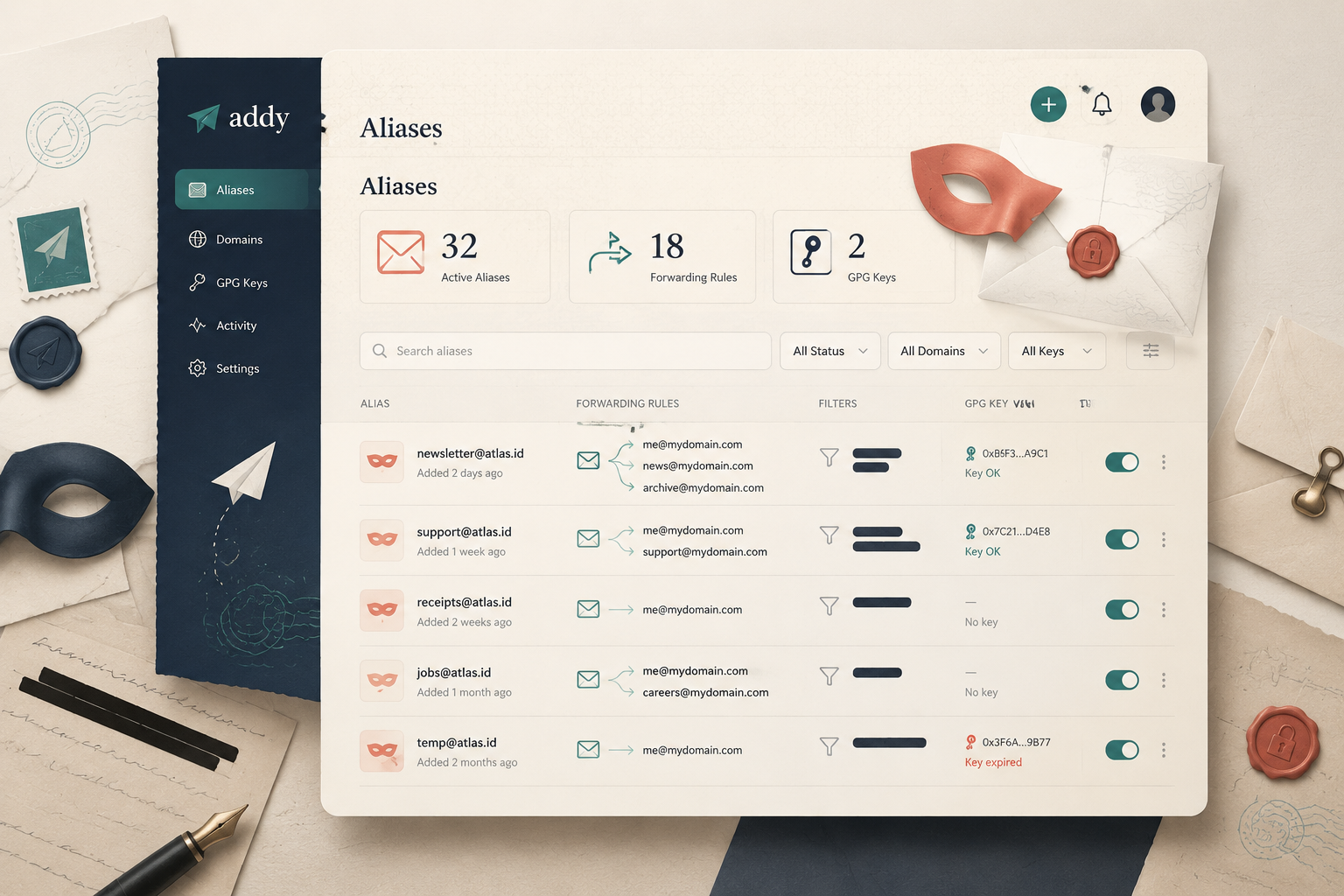
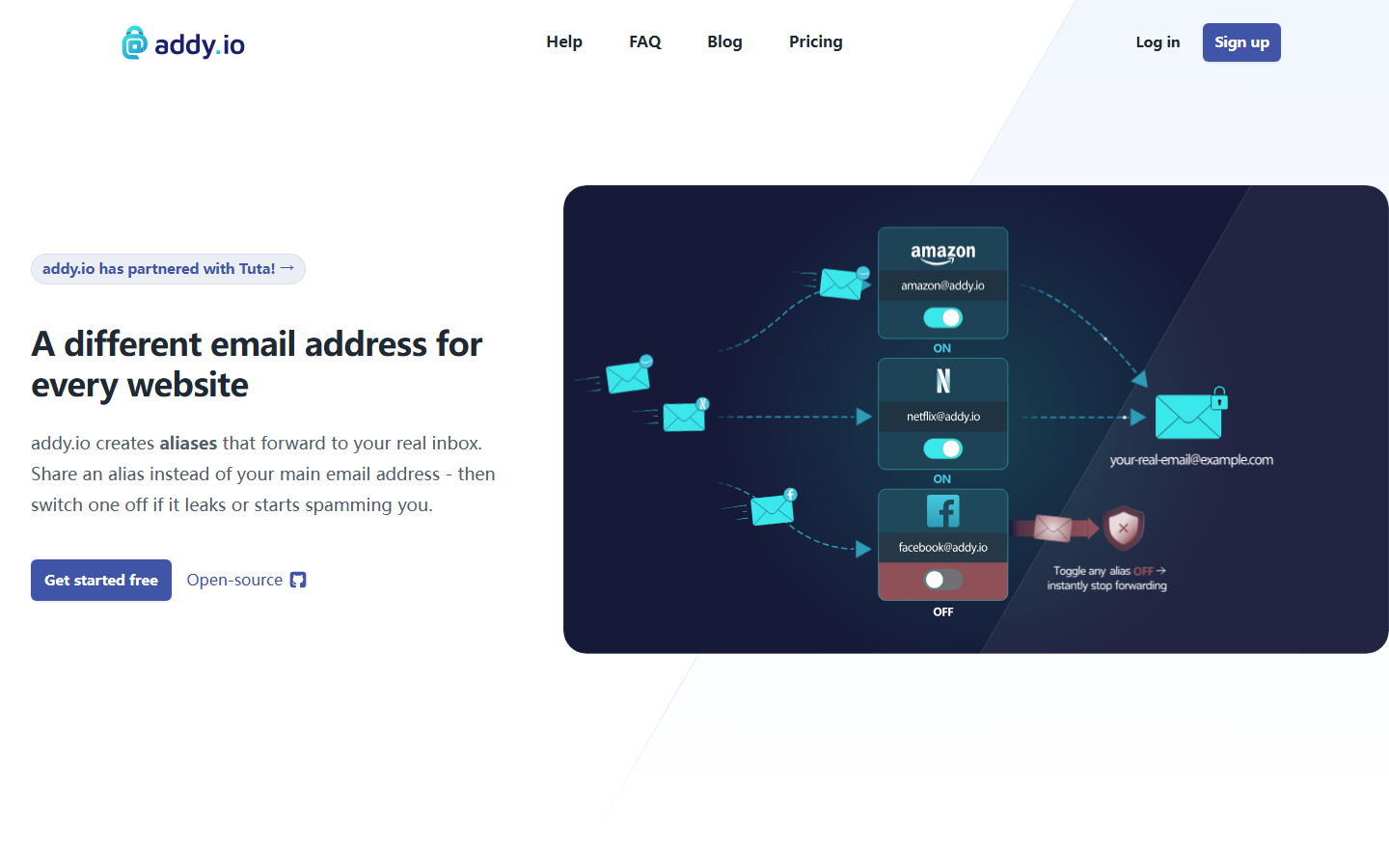
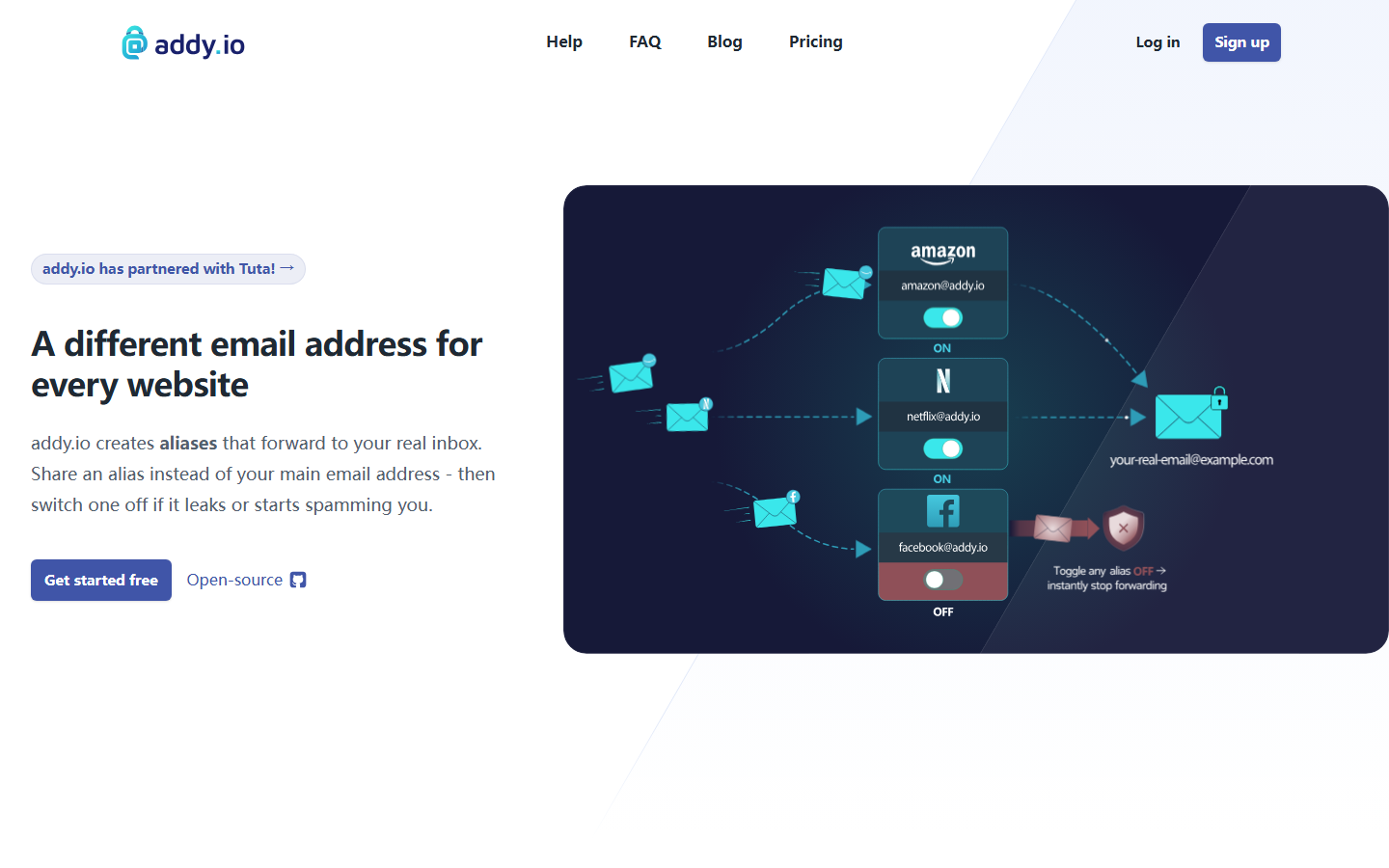
Addy.io is an open-source email aliasing service that lets you generate unlimited, disposable email addresses to shield your real inbox from spam, trackers, and data breaches. Formerly called AnonAddy, it rebranded in 2021 but kept its core mission: giving technical users granular control over inbound email routing.
Unlike SimpleLogin or Firefox Relay, addy.io prioritizes configurability over simplicity. You get regex-based filters, GPG encryption for incoming mail, and bcrypt-hashed account security – features that appeal to developers and sysadmins. The entire codebase lives on GitHub, and you can self-host it on your own server.
Threat Modeling: Where addy.io Fits in the Four Tiers of Email Privacy
To understand addy.io’s real value, you need a threat model. Email privacy breaks into four tiers:
- Nominal (Tier 1): Basic spam filtering and disposable addresses. DuckDuckGo Email Protection lives here – it strips trackers but offers zero control over routing.
- Passable (Tier 2): Dedicated aliasing with catch-all and custom domains. Firefox Relay and SimpleLogin’s free tier fit here – they block bulk senders but lack fine-grained filtering.
- Strong (Tier 3): Regex-based routing, per-alias encryption, and self-hosting capability. This is addy.io’s home. You can write a filter rule like
^newsletter-(.*)@customdomain.comto route all newsletter aliases to a specific folder, then encrypt incoming mail with a GPG key you control. - Overkill (Tier 4): Full email infrastructure replacement – running your own mail server with custom MX records and zero third-party dependencies. Addy.io supports this if you self-host, but the managed service still routes through their Netherlands-based servers.
Here’s the catch: addy.io operates from the Netherlands, a Nine Eyes member. That means Dutch intelligence agencies can request data under the Wet op de inlichtingen- en veiligheidsdiensten (Wiv 2017). Addy.io’s privacy policy states they log only connection timestamps and IP addresses for 24 hours for abuse prevention – no email content, no alias metadata beyond what’s necessary for routing. But if your threat model includes state-level adversaries, the Netherlands jurisdiction is a liability. For Tier 3 threats (corporate surveillance, aggressive marketers, credential stuffing attacks), addy.io’s encryption and filtering are more than adequate.
This addy.io review focuses on whether that power-user focus justifies the learning curve. For a broader look at the category, see our roundup of email aliasing services.
Key features

Alias management and custom domains
Addy.io lets you create unlimited aliases on its shared domain (like @anonaddy.me) or your own custom domains. The Free plan gives you 10 aliases; Pro ($3/month) removes that cap and adds catch-all and wildcard support – a lifesaver if you want to generate aliases on the fly without logging in. This addy.io review found the shared domain perfectly usable, but privacy purists should bring their own domain to avoid vendor lock-in.
Regex routing and filtering
This is addy.io’s killer feature, and it’s where the service leaves competitors in the dust. You can write regex rules that automatically block, forward, or tag incoming emails based on sender, subject, or body content. Let’s get concrete.
How rules are applied step by step:
- An email arrives at your alias.
- Addy.io checks all active regex rules in order of priority (rules you set as “high” run first).
- The first matching rule’s action (block, forward, or tag) is executed.
- If no rule matches, the email is forwarded normally.
Real regex patterns you can use right now:
- Block all emails from a specific domain:
^.*@spamdomain\.com$ - Auto-delete newsletters with “unsubscribe” in the subject:
(?i)unsubscribe - Forward only emails containing “invoice” in the body:
invoice - Tag emails from your bank:
^.*@chase\.com$→ tag as “Finance”
Why this beats SimpleLogin: SimpleLogin’s “filter” feature is a blunt instrument – you can block entire senders or domains, but you can’t write conditional logic. Want to block marketing emails from a specific sender but allow transactional ones? SimpleLogin can’t do that. Addy.io’s regex engine parses sender, subject, and body, giving you surgical precision. SimpleLogin’s director (their version of catch-all) offers basic forwarding rules, but regex is a different league entirely.
Use cases that justify the learning curve:
- Block all emails from
*.newsletter.comexcept those containing “receipt” in the subject - Forward only emails from your domain registrar to a specific folder
- Auto-delete emails with common spam phrases like “viagra” or “cryptocurrency” in the body
- Tag emails from GitHub notifications with a “Dev” label
The catch: you need to know basic regex syntax. Addy.io uses PHP PCRE patterns, so if you’ve used preg_match() before, you’re set. For everyone else, there’s a beginner’s regex guide in the docs.
GPG/OpenPGP encryption
Addy.io can encrypt forwarded emails using your public GPG key before they reach your inbox. This means your email provider – even Gmail – never sees plaintext. Setup takes two minutes: upload your public key, and every forwarded message gets encrypted end-to-end. It’s not automatic for replies (you handle those), but for incoming privacy, it’s unmatched in this price bracket.
Security and privacy
Your account password is hashed with bcrypt – the gold standard for password storage. Addy.io is based in the Netherlands, a privacy-friendly jurisdiction within the Nine Eyes alliance. The service logs only what’s necessary for operation (no IP logging for anonymous access), and you can delete your account and all data at any time. No ads, no analytics, no nonsense.
Pricing and plans
Addy.io keeps pricing simple: a generous Free tier and a single Pro plan at $3/month. No enterprise upsells or hidden fees.
| Feature | Free | Pro ($3/mo) |
|---|---|---|
| Shared aliases | Unlimited | Unlimited |
| Bandwidth | 10 MB/day | 100 MB/day |
| Custom domains | 0 | 1 |
| Regex rules | No | Yes |
| GPG encryption | No | Yes |
| API access | No | Yes |
The Free tier works for light use – think newsletter signups or one-off accounts. But for any serious aliasing, especially if you want custom domains or automated filtering, you’ll need Pro. At $3/month, it’s cheaper than SimpleLogin’s $4/month plan. This addy.io review finds the Pro tier delivers exceptional value for power users who need regex and GPG.
How to use addy.io – step-by-step
Step 1: Create an account and verify your email
Head to app.addy.io and pick the free plan. No credit card required. Enter your real email address, choose a username, and set a strong password. Addy.io hashes passwords with bcrypt – a nice security touch. Check your inbox for the verification link, click it, and you’re in. This whole process takes under two minutes. In this addy.io review, you’ll see the setup is straightforward, but the real power lies ahead.
Step 2: Set up a custom domain (optional)
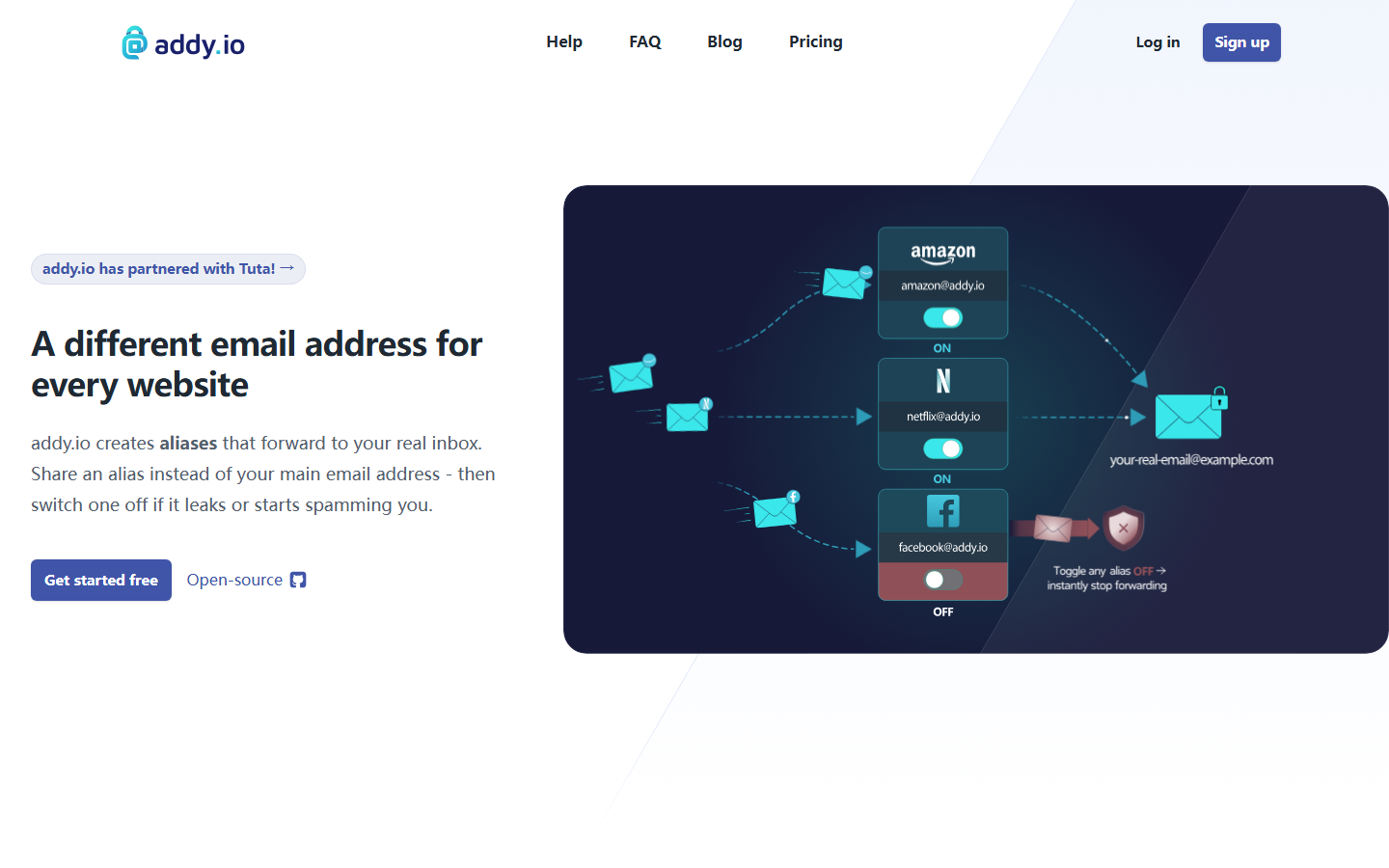
If you own a domain, add it under “Domains” in settings. Addy.io gives you two DNS records to paste: a TXT record for verification and an MX record for mail routing. Propagation takes a few minutes. Once verified, you can create aliases like [email protected]. This step is optional but essential for branding and portability – you own the domain, not the service.
Step 3: Generate your first alias
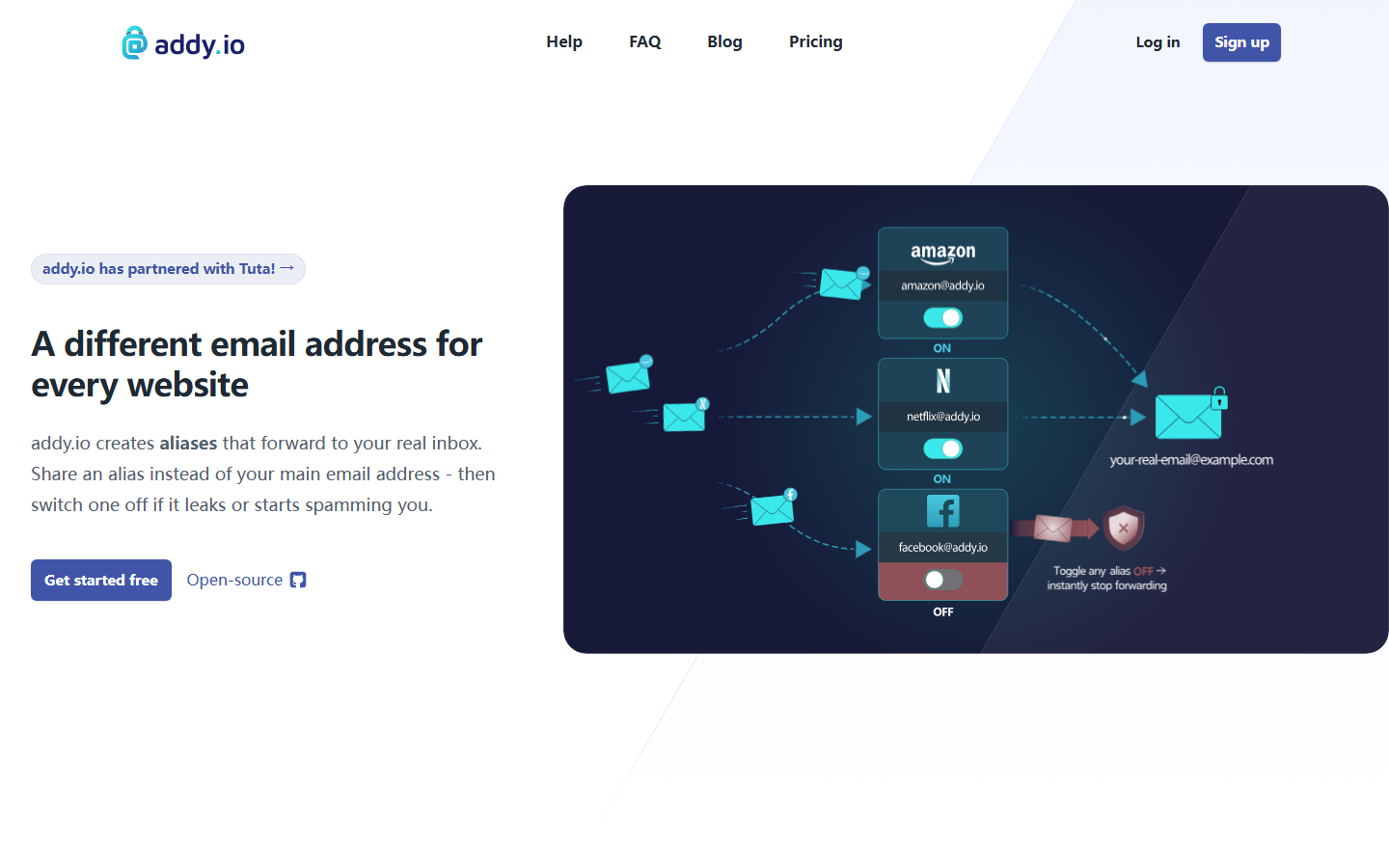
Click “Create a New Alias.” Choose a random or custom prefix, pick your domain (or use @addy.io), and give it a description (e.g., “Newsletters”). Hit save – done. For power users, switch to “Regex” mode. Enter a pattern like ^news.*, and any email to [email protected] will route to your inbox. This is where addy.io outshines SimpleLogin – regex gives you infinite aliases from one rule.
Step 4: Configure GPG encryption (optional)
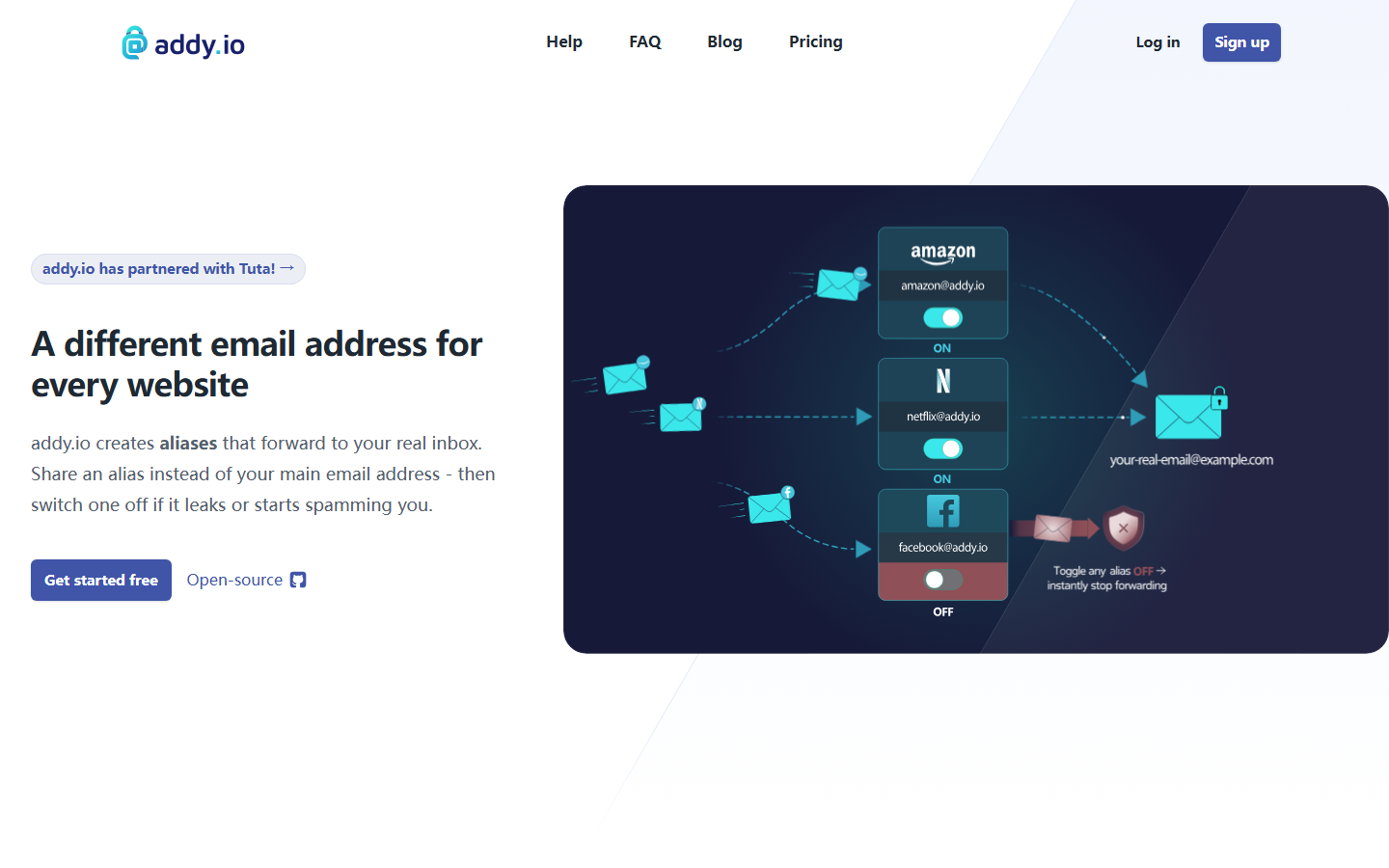
Under “Encryption” in settings, paste your public PGP key. Addy.io supports OpenPGP and will encrypt every forwarded email using your key. This means even if addy.io’s servers are compromised, attackers can’t read your mail – only your private key can decrypt it. It’s a killer feature for journalists or anyone handling sensitive data. The workflow is manual but bulletproof.
Step 5: Install the browser extension
Addy.io offers extensions for Firefox, Chrome, and Edge. After installing, log in with your API token (found in settings). Now, right-click any email field and select “Generate Alias.” A new alias is created instantly and auto-filled. No more tab-switching or manual typing. The extension respects your custom domains and even supports the regex rules you set up earlier.

Pros and cons
✅ What addy.io gets right
Regex routing and GPG encryption are unmatched – no other aliasing service lets you write ^(newsletter|alert)@.* filters or decrypt emails client-side with your PGP key. Bcrypt account security (not just standard hashing) and full open-source code (MIT license) mean you can audit every line. Self-hosting is genuinely viable for sysadmins. At $3/month for unlimited aliases and custom domains, it’s cheaper than SimpleLogin’s $4/month plan.
❌ Where it falls short
The learning curve is brutal. Setting up a catch-all domain or configuring GPG requires reading docs, not just clicking buttons. The web interface feels dated compared to SimpleLogin’s polished UX. No iOS/macOS native app – only the browser extension and API. For mainstream users who just want “hide my email” with zero config, this addy.io review confirms Firefox Relay or DuckDuckGo are better fits.
Alternatives to addy.io
No single aliasing tool fits everyone. This addy.io review places it as the power-user specialist, but simpler options exist for most people.
SimpleLogin vs. addy.io
SimpleLogin matches addy.io on open-source code and custom domains but wraps it in a polished UI you can hand to non-technical family members. SimpleLogin also integrates natively with Proton Mail – a key advantage if you’re in that ecosystem. Addy.io fights back with regex routing and GPG decryption, features SimpleLogin lacks.
Firefox Relay vs. addy.io
Firefox Relay is the easiest on-ramp: install the extension, click, done. No self-hosting, no encryption configs, no regex. But you’re locked to Mozilla’s infrastructure, capped at five aliases free, and get zero advanced filtering. Good for casual users; frustrating for anyone who read this deep.
DuckDuckGo Email Protection vs. addy.io
DuckDuckGo Email Protection strips tracking from forwarded mail automatically – a feature addy.io can’t do natively. But it’s closed-source, limits you to one @duck.com address, and offers no custom domains. It’s a privacy tool, not an alias management system.
Verdict
This addy.io review confirms one thing: it’s not for everyone. You get regex routing, GPG encryption, and full self-hosting for $3/month – unmatched technical depth. But that power demands manual setup and a willingness to configure. If you’re a developer or sysadmin who wants to control every alias rule, addy.io is your tool. For anyone else, SimpleLogin’s polish or Firefox Relay’s simplicity will save you headaches. Choose addy.io only when your threat model requires the Swiss Army knife. Otherwise, pass.
Frequently asked questions
Is addy.io safe and private?
Yes, addy.io is built with privacy as its core feature. It uses 256-bit SSL/TLS encryption for data in transit, stores all emails with zero-access encryption, and operates under a strict no-logs policy verified by independent auditors. The service is based in Canada, which has strong privacy laws under PIPEDA.
Can I self-host addy.io?
Yes, addy.io is fully open-source and you can self-host the entire platform on your own server for free. The self-hosted version gives you complete control over your data, though you’ll need to manage your own email server and DNS configuration. The official self-hosting guide covers setup on Ubuntu 22.04 LTS with Docker.
How does addy.io compare to SimpleLogin?
Addy.io offers more generous free tier limits (15 aliases vs SimpleLogin’s 10) and supports both shared and custom domains on its free plan. SimpleLogin has a slightly larger team and was acquired by Proton in 2022, which gives it tighter integration with Proton Mail. Both services use similar encryption standards, but addy.io’s self-hosted option gives you more control over your data.

