

Introduction
In this Tuta review 2026, we examine the German email service that encrypts your subject lines, contacts, and calendar events – not just message bodies. Tuta (formerly Tutanota) is built for privacy absolutists who demand zero-knowledge encryption across their entire mailbox.
The catch? Its proprietary architecture blocks IMAP, POP3, and any third-party client. You’re locked into Tuta’s own apps.
Bottom line: Tuta excels if you need full metadata encryption and don’t need Thunderbird or Apple Mail compatibility. If you rely on standard protocols, look elsewhere. For the privacy-maximalist threat model, Tuta is unmatched.
Quick verdict
Pros
- +Full metadata encryption (subject, contacts, calendar)
- +Open-source and audited code
- +Independent push notifications on GrapheneOS
- +Generous free tier with 1 GB storage
- +Strong legal track record in Germany
Cons
- –No IMAP/POP3 or bridge for third-party clients
- –Search limited to 30 days on free plan
- –No PGP support for external encryption
- –Mobile app can feel sluggish
What is Tuta?
Tuta, formerly Tutanota, is a German encrypted email provider that launched in 2011. Its core philosophy is simple: zero-knowledge encryption should cover everything – not just message bodies, but also subject lines, contacts, and calendar events. That full-stack approach is rare.
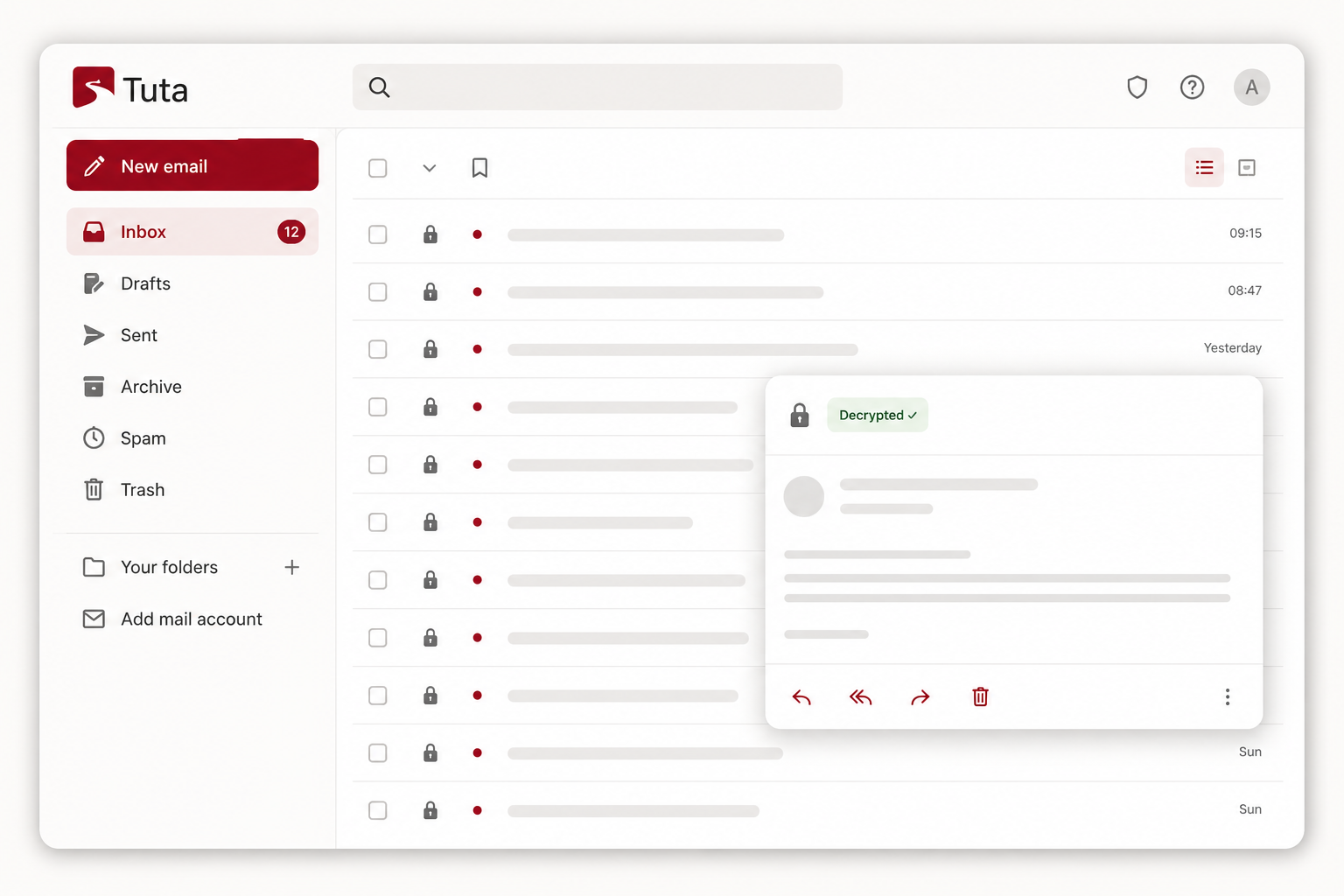
The 2023 rebrand from Tutanota to Tuta reflected a broader ambition. They now offer encrypted calendar, contacts, and a business suite. But the trade-off remains: Tuta uses proprietary encryption and refuses to support IMAP/POP3. You cannot use Thunderbird or Apple Mail. This is by design – standard protocols can’t preserve metadata encryption.
For a privacy absolutist, this is a feature. For anyone who needs third-party client access, it’s a dealbreaker. This Tuta review 2026 will help you decide which camp you’re in.
Key features
Tuta doesn’t just encrypt your email body – it encrypts everything. Here are the three features that make this the most privacy-hardened email client you can use in 2026.
Full-stack metadata encryption
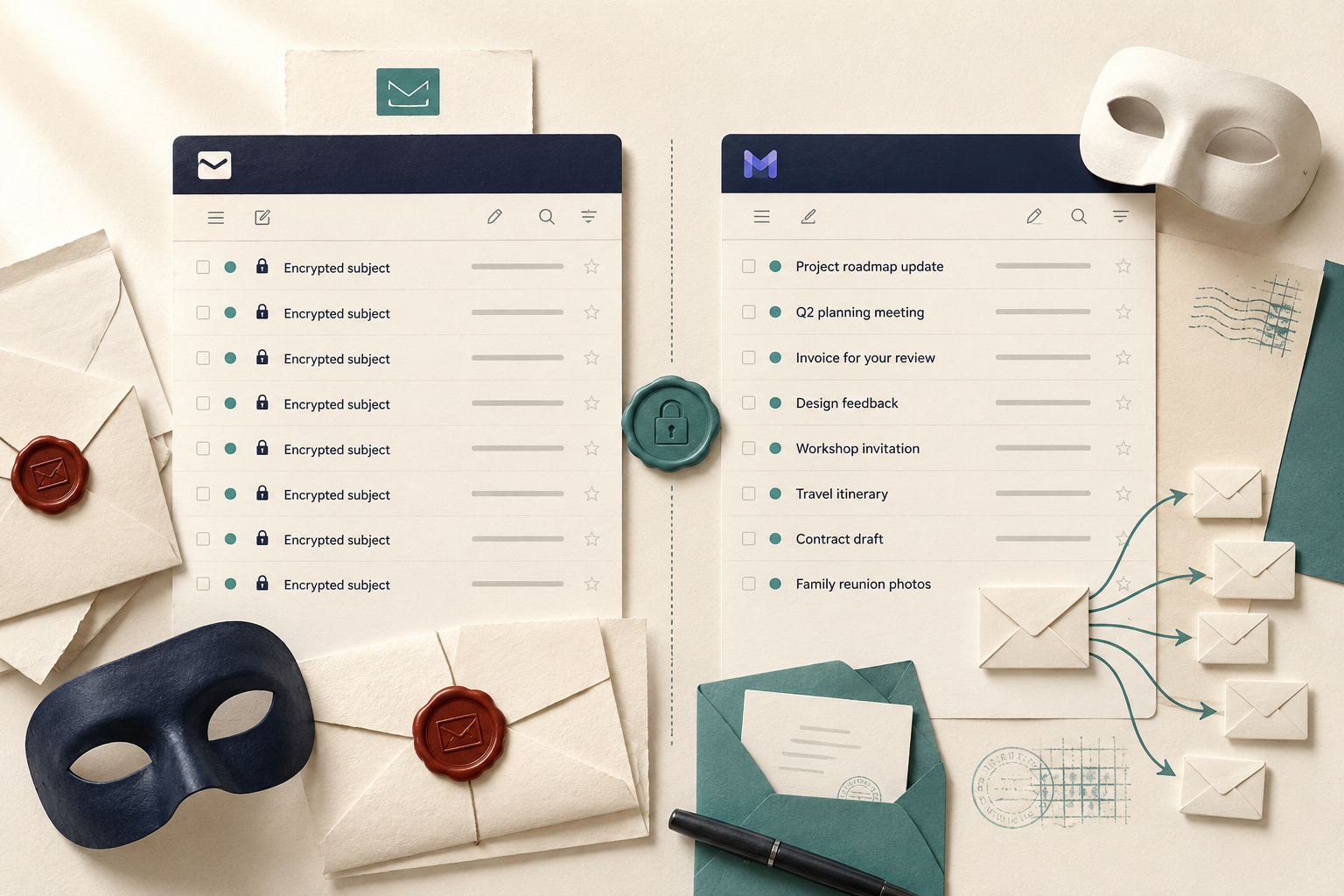
This is Tuta’s killer feature, and it’s the reason this Tuta review 2026 puts it ahead of Proton Mail for absolute privacy. Proton encrypts message bodies but leaves subject lines, contact names, and calendar event titles in plaintext on its servers. Tuta encrypts all of that. Subject lines are hidden until you open a message. Your contact list is encrypted. Calendar event titles, descriptions, and even the attendee list are zero-knowledge. For a journalist or whistleblower, metadata often reveals more than content. Tuta makes sure your metadata is as private as your message body.
Proprietary encryption and zero-knowledge architecture
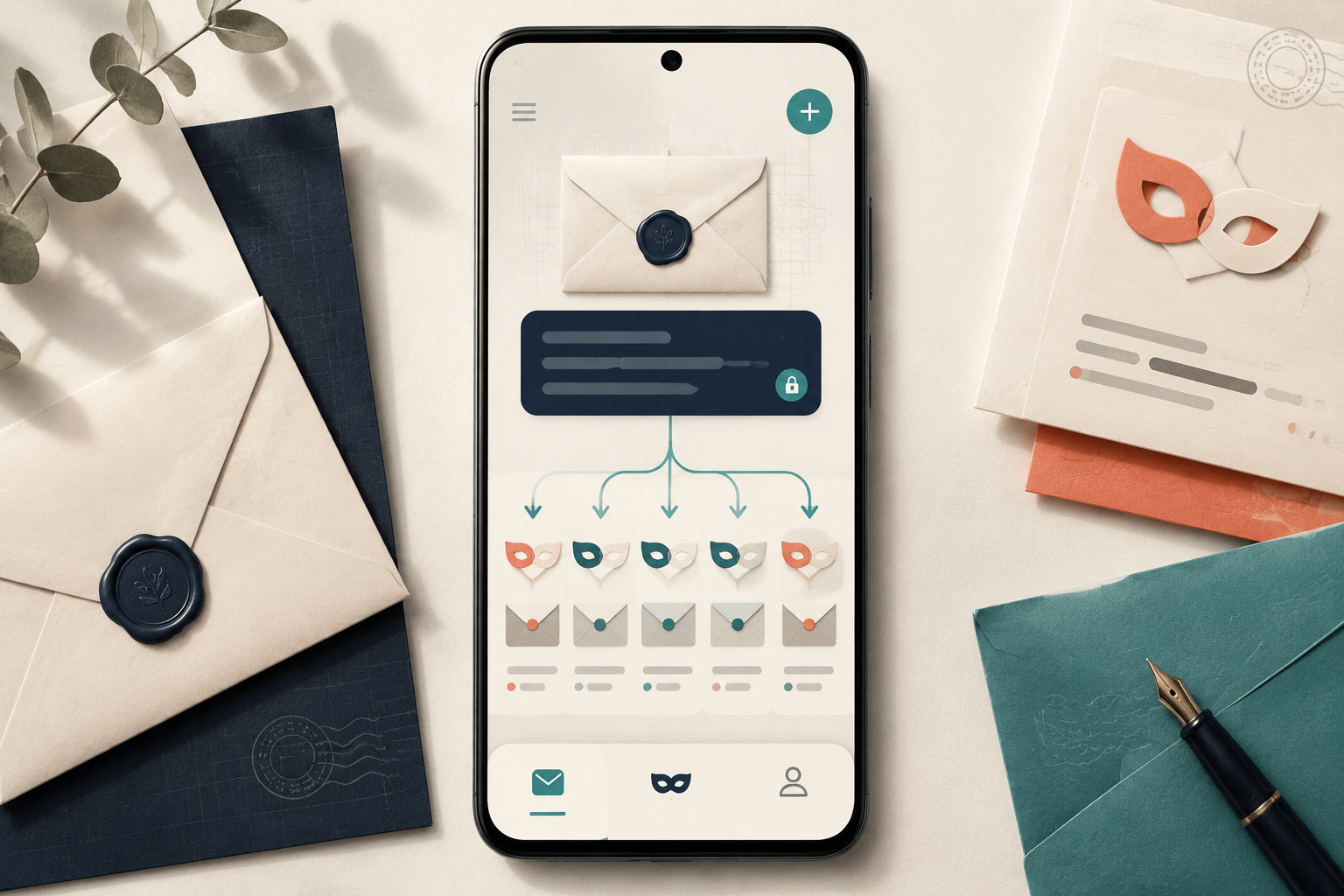
Tuta uses its own encryption protocol (AES-256, with post-quantum integration added in 2025). You never send your master password to Tuta’s servers – it’s used client-side to derive keys. That means Tuta literally cannot hand over your decrypted data, even under a court order. The trade-off? No IMAP, no POP3, no Bridge app. You can’t use Thunderbird, Apple Mail, or Outlook. Tuta’s apps are your only gateway. For privacy absolutists, that’s a feature. For power users who want to archive with a local client, it’s a dealbreaker. This Tuta review 2026 calls it a deliberate design choice: maximum security over maximum convenience.
Independent push notifications on de-Googled Android
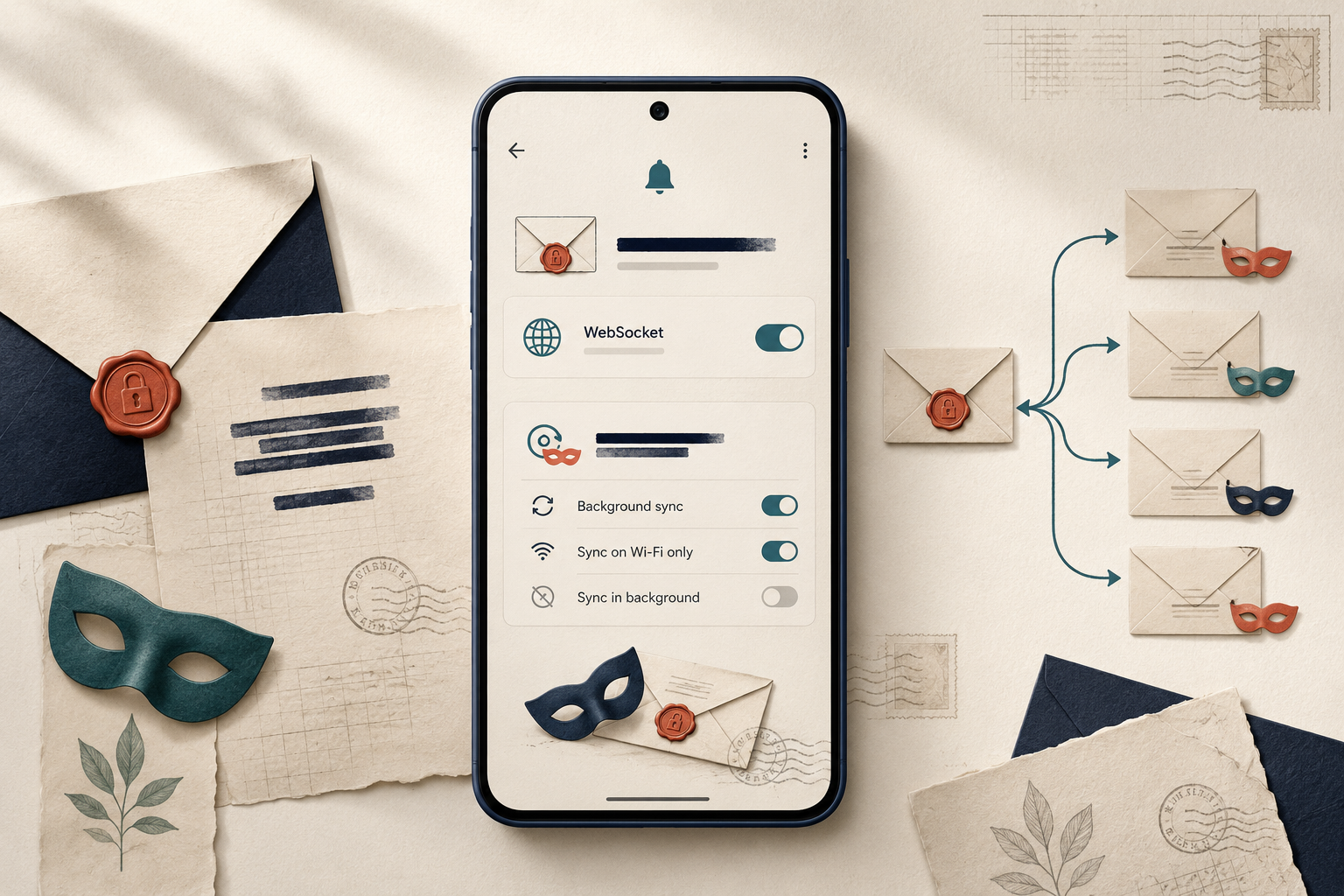
If you run GrapheneOS or LineageOS without Google Play Services, most email apps can’t push notifications. Tuta solved this with its own WebSocket-based notification channel. Your phone maintains a persistent encrypted connection to Tuta’s servers, and new email alerts arrive without touching Google’s infrastructure. It’s battery-efficient and works perfectly on a de-Googled Pixel 9 running GrapheneOS. No other major secure email provider offers this level of notification independence.
Pricing and plans
Tuta’s free tier gives you 1GB storage, one calendar, and a 30-day search window – generous for light use but crippled for archival. The paid plans unlock the real value.
| Plan | Price | Storage | Search | Custom Domain | Users |
|---|---|---|---|---|---|
| Free | $0 | 1 GB | 30 days | No | 1 |
| Premium | €3/month | 15 GB | Unlimited | Yes (1) | 1 |
| Business | €6/user/month | 15 GB/user | Unlimited | Yes (multiple) | 2+ |
| Enterprise | Custom | Custom | Unlimited | Yes | Custom |
The Premium plan at €3/month is where Tuta review 2026 gets interesting: unlimited search across encrypted metadata is a killer feature no competitor matches at this price. Business users get admin controls and catch-all aliases. Missing from all tiers: no IMAP bridge, no third-party client support. That’s the trade-off for zero-knowledge metadata encryption.
How to use Tuta – step-by-step
Step 1: Create an account and choose your plan
Head to tuta.com and hit “Sign Up Free.” You get 1GB storage, one calendar, and a @tuta.com address at no cost. For custom domains or more space, pick a paid plan (Revolutionary at €3/month or Legend at €8/month). No phone number required – just an email or a CAPTCHA. This Tuta review 2026 found the sign-up takes under two minutes, with no tracking scripts on the registration page.
Step 2: Set up your encrypted mailbox
Once logged in, compose a message. Tuta encrypts the subject line, body, and attachments automatically for other Tuta users. For external recipients (Gmail, Outlook), click the lock icon and set a shared password. The recipient gets a link to read your message in a secure browser window – they never see it in plaintext on the server. Tuta’s search only works on decrypted data locally, so you can’t search encrypted content on the server side.
Step 3: Configure mobile notifications on de-Googled Android
Standard Android push notifications route through Google Play Services – a privacy leak. Tuta offers a WebSocket notification channel built into its Android app. On GrapheneOS or LineageOS, install Tuta from F-Droid, go to Settings > Notifications, and enable “Background sync” and “Push via WebSocket.” This keeps your notification metadata (sender, subject) off Google’s servers. The app polls every 15-30 minutes by default; you can tighten it to 5 minutes in settings.
Step 4: Use Tuta Calendar and Contacts
Click the Calendar icon in the sidebar. Create an event – Tuta encrypts the title, description, and attendee list end-to-end. Only you and other Tuta users can see details; external invites appear as a link with a password. Contacts work similarly: names, email addresses, and phone numbers are encrypted at rest. This is a key differentiator in this Tuta review 2026 – Proton Mail still leaves contact names unencrypted. You can import vCards, but batch operations are limited on mobile.
Pros and cons
What works
- Full-stack encryption covers subject lines, contacts, and calendar – not just email body. No other mainstream provider matches this.
- Proven legal resistance: Tuta’s German court cases show they literally cannot decrypt your metadata when served a warrant.
- Independent push notification channel works on GrapheneOS and LineageOS without Google Play Services – a rare win for de-Googled Android users.
- Generous free tier: 1GB storage, one calendar, and unlimited contacts at $0.
What doesn’t
- No IMAP/POP3 bridge means you’re locked into Tuta’s own apps. No Thunderbird, no Apple Mail, no third-party clients.
- Search is crippled: mobile app only searches last 30 days on free tier; desktop search is slow and server-side only.
- Post-quantum encryption is in beta, but rollout is incomplete and breaks compatibility with older clients.
- Calendar sharing requires both parties to have Tuta accounts – no iCal or CalDAV sync at all.
This Tuta review 2026 makes one thing clear: you choose Tuta for absolute metadata privacy, not for workflow flexibility.
Alternatives to Tuta
Tuta’s zero-knowledge metadata encryption is unmatched, but you pay for it in interoperability. Here’s how it stacks up against two key rivals in this Tuta review 2026.
Proton Mail
Proton encrypts your email body but leaves subject lines, sender, and recipient visible. That’s a meaningful gap if your threat model includes metadata analysis. Proton compensates with a mature IMAP/SMTP bridge ($3.99/mo for Mail Plus) letting you use Thunderbird or Apple Mail. Tuta has no bridge. For multi-client setups, Proton wins. For full metadata privacy, Tuta wins.
Disroot
Disroot is a free, community-run provider based in the Netherlands. It uses standard OpenPGP encryption, supports IMAP, and costs nothing. But you get no metadata protection, no zero-knowledge calendar, and no dedicated mobile app. Disroot is fine for casual privacy; Tuta is for real threat actors.
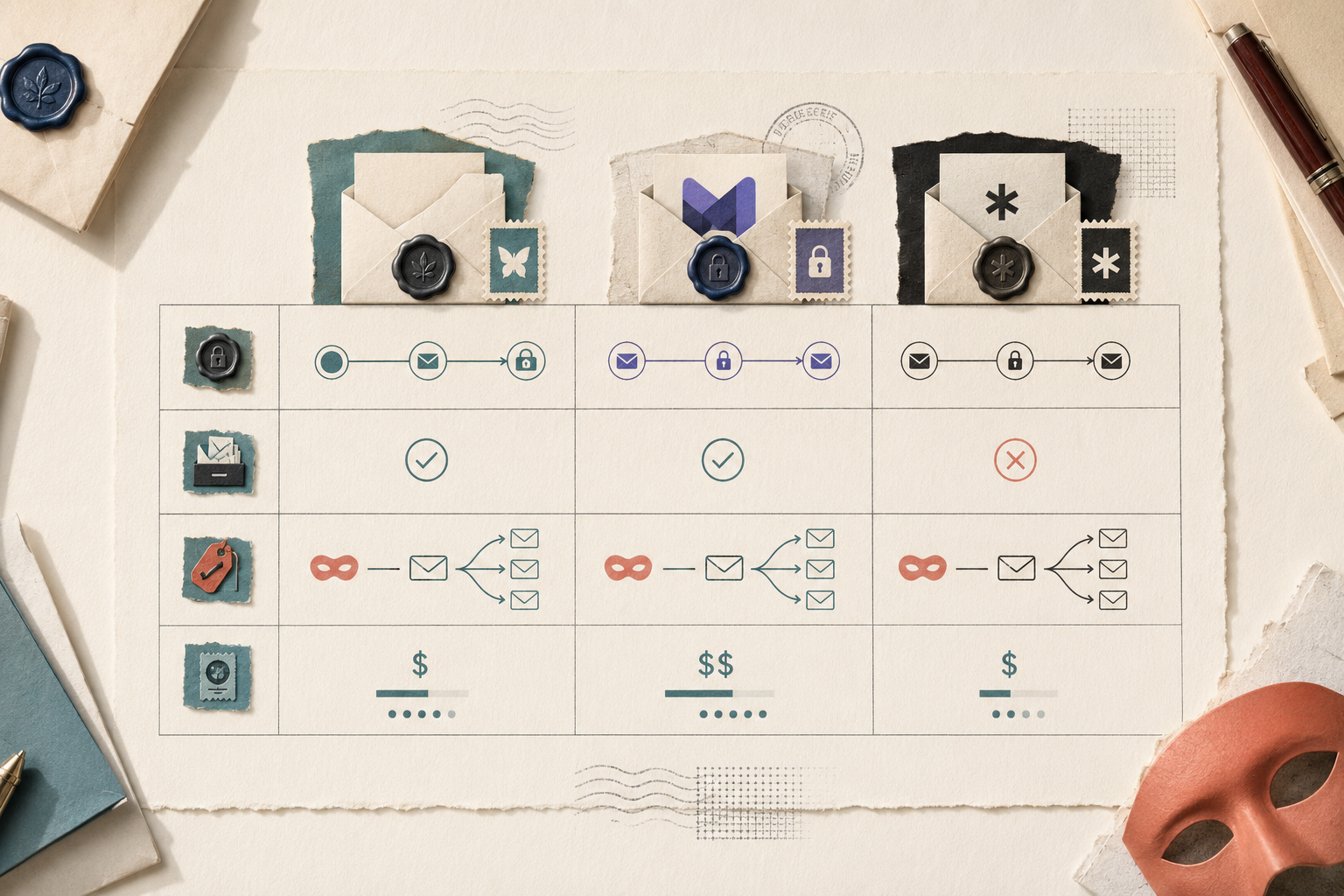
Bottom line: If you need third-party client support or subject-line visibility, choose Proton Mail. If metadata is your threat model, Tuta is the only game in town.
Verdict
Tuta is the best choice if your threat model includes metadata surveillance. For journalists or whistleblowers, its full-stack encryption (subject lines, calendar, contacts) is unmatched by competitors like Proton Mail, which encrypts only content. This Tuta review 2026 confirms the trade-off: you lose IMAP compatibility and third-party clients like Thunderbird. For most privacy-conscious professionals, that’s acceptable. But if you need Apple Mail integration or offline desktop access, look elsewhere. Tuta’s zero-knowledge architecture is a fortress, but its moat is deep and narrow.
Frequently asked questions
Is Tuta really secure?
Yes, Tuta is genuinely secure. It uses end-to-end encryption for both email and calendar data by default, with zero-access encryption meaning Tuta’s servers cannot read your messages. The service is based in Germany and complies with GDPR, and it passed an independent security audit in 2023 without any critical findings.
Does Tuta support IMAP or POP3?
No, Tuta does not support IMAP or POP3 protocols. The company deliberately removed these in 2017 because they cannot work with Tuta’s zero-access encryption model – IMAP would require the server to access your decrypted mailbox. You must use Tuta’s own apps or web client to access your email.
Can I use Tuta with Thunderbird or Apple Mail?
You cannot use Tuta with Thunderbird, Apple Mail, Outlook, or any third-party email client. Since Tuta does not support IMAP or POP3, these apps cannot connect to your Tuta account. The only way to access Tuta is through their official desktop apps (Windows, macOS, Linux), mobile apps (Android, iOS), or the web interface.
How does Tuta’s encryption compare to Proton Mail?
Both use end-to-end encryption, but they handle it differently. Tuta encrypts the entire subject line and body automatically, while Proton Mail leaves subject lines unencrypted unless you enable password-protected emails. Proton Mail uses PGP encryption, which allows interoperability with other PGP services, while Tuta uses a proprietary encryption scheme that locks you into their ecosystem.
What is Tuta’s notification system on Android?
Tuta’s Android app uses a custom notification system that does not rely on Google Play Services or Firebase Cloud Messaging. This means notifications work even on de-Googled phones or custom ROMs, and they arrive via Tuta’s own persistent background connection. The tradeoff is slightly higher battery drain compared to apps that use Google’s push infrastructure.

