
The Wispy Docs VPN binding guide stops IP leaks better than any kill switch. Full review covering Windows, macOS, Linux, and mobile setup in 2026.

Best for: Privacy-conscious torrent users who want a leak-proof setup without depending on kill switch reliability
Not for: Users who need a GUI walkthrough with screenshots built into the guide itself
Price: Free
- ✓ Covers all major OSes including Linux protocol-specific interface names
- ✓ Explains why binding beats kill switches with concrete failure scenarios
- ✓ Includes mobile client recommendations no competitor addresses
- ✓ Toggle test method identifies the correct interface without guesswork
- ✓ Defers VPN recommendations to FMHY instead of pushing a product
- − No built-in screenshots – requires reading carefully to follow along
- − macOS utun interface number changes silently after reconnect
- − Linux interface names vary by VPN provider and protocol
What is the Wispy Docs VPN Binding Guide?
Wispy Docs is a community-maintained documentation site – think FMHY-adjacent, not a VPN vendor with an affiliate funnel. The VPN binding guide sits inside its torrenting section and walks through one specific job: locking your torrent client to your VPN’s virtual network interface so traffic cannot exit your real connection if the VPN drops. As a VPN binding guide aimed at people who already use a VPN and want zero-leak torrenting, it’s the most complete free resource I’ve found, but it’s not perfect.
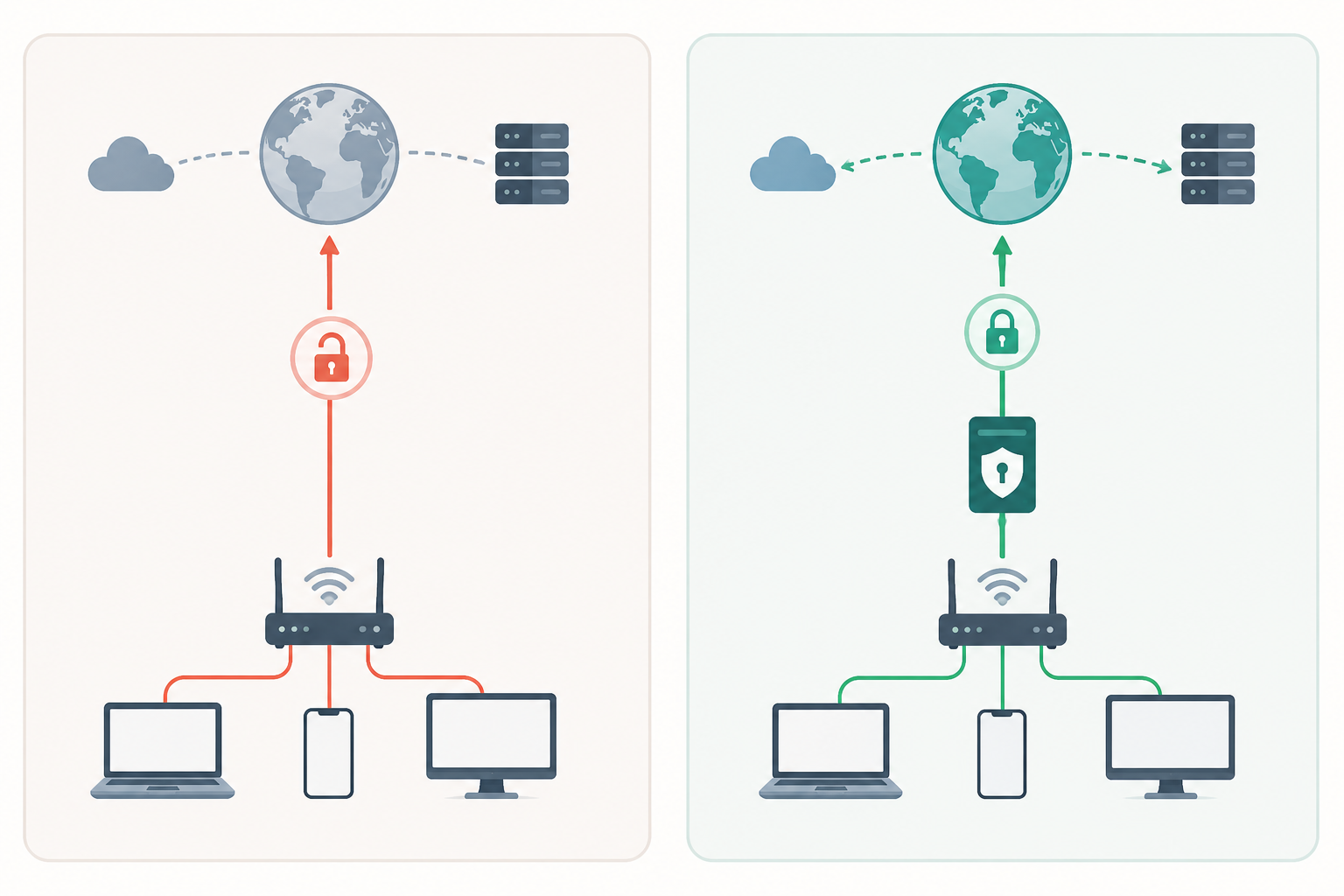
Three things set it apart from the dozen “how to bind qBittorrent” posts already ranking:
- Cross-platform parity. Windows, macOS (
ifconfig | grep -A 2 utun), and Linux all get equal treatment instead of the usual Windows-first afterthought. - Mobile coverage. Flud on Android and iTorrent on iOS get real instructions, since qBittorrent has no mobile build and every competing guide pretends phones don’t exist.
- A framing argument. Binding is presented as a replacement for a kill switch, not a supplement, because kill switches react after a leak window opens, while binding makes the leak structurally impossible.
Now the editorial judgments. The Linux section is accurate but incomplete in a way that will trip up anyone running modern distros. The guide correctly distinguishes OpenVPN’s tun0 from WireGuard’s interface, but it implicitly assumes you’re using wg-quick, which creates a named interface like wg0. If you’re running kernel-native WireGuard via systemd-networkd or NetworkManager’s built-in WireGuard support – increasingly the default on Fedora, Ubuntu 24.04, and Arch – the interface name is whatever you defined in your connection profile, and ip link show type wireguard is the command you actually want. Wispy Docs doesn’t mention this, and the omission matters because kernel-native setups are no longer a niche path.
The port forwarding verification section, on the other hand, is genuinely useful and not the detour it looks like at first glance. Binding strips your client of any route back to peers connecting to you, which tanks seed ratios on private trackers. The verification step doubles as a sanity check – if port forwarding works through the bound interface, your binding is correct and your VPN’s forwarded port is reaching the client. Two confirmations from one test. Keep it in the workflow.
The guide is free, no signup, no upsell.

Kill Switch vs. Interface Binding: Why Binding Wins
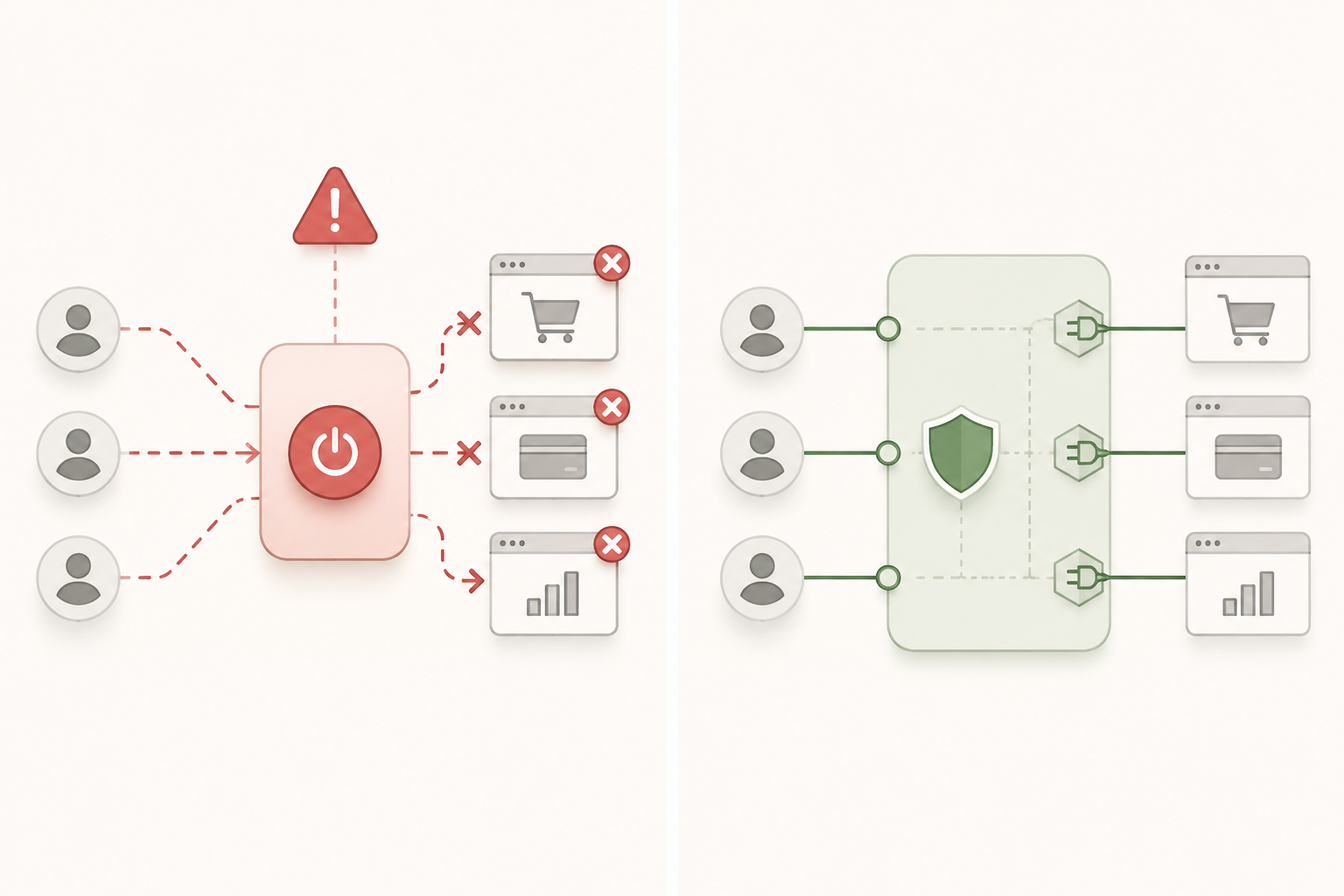
A kill switch is reactive. It watches your VPN connection, and when something breaks, it scrambles to block traffic before your torrent client phones home with your real IP. That race condition is the whole problem – there is a window, measured in milliseconds to seconds, where packets escape.
Interface binding is structural. You tell qBittorrent: only send traffic through tun0 (or utun4, or whatever your VPN’s virtual adapter is called). If that interface goes down, the torrent client has nowhere to send packets. It stalls. It does not fail over to your physical Ethernet or WiFi adapter, because you never told it those existed.
The mechanism matters. A kill switch operates at the firewall layer and depends on the VPN client process being alive and responsive enough to trigger the block. Binding operates at the socket layer – qBittorrent itself opens connections on a specific interface, and the OS routing table does the rest. No daemon to crash, no rule to fail open.

| Failure Scenario | Kill Switch Behavior | Interface Binding Behavior |
|---|---|---|
| VPN process crash | Brief leak window before firewall rule activates; some clients fail open | Client stalls immediately – no interface, no traffic |
| Network switch (WiFi to Ethernet) | May leak during adapter handoff while VPN reconnects | Client stops; resumes only when bound interface returns |
| Sleep/wake cycle | Common leak point – kill switch often disarms on wake | Client cannot reach the dead interface; no leak possible |
| VPN server reconnect | Leak window during tunnel rebuild, typically 1-5 seconds | Stalls cleanly until tunnel is back |
The Wispy Docs guide does not labor this point, but it is the reason the whole exercise is worth twenty minutes of your time.
How to Bind Your VPN to qBittorrent: Step-by-Step by OS
The actual binding takes thirty seconds once you know which interface to pick. Identifying that interface is where most people stall. Here is how it plays out on each desktop OS, plus a universal trick for when the interface names are useless.
Windows: Finding the VPN-Labeled Interface
Connect your VPN first. Always. Close qBittorrent if it was open before the tunnel came up.
Open qBittorrent, go to Tools > Options > Advanced, find Network Interface, and pick the entry with your provider’s name – “Mullvad”, “ProtonVPN TUN”, “NordLynx”. Click Apply and restart qBittorrent.

If two adapters share the provider name, skip to the toggle test below.
macOS: Using ifconfig to Identify the Correct utun Interface
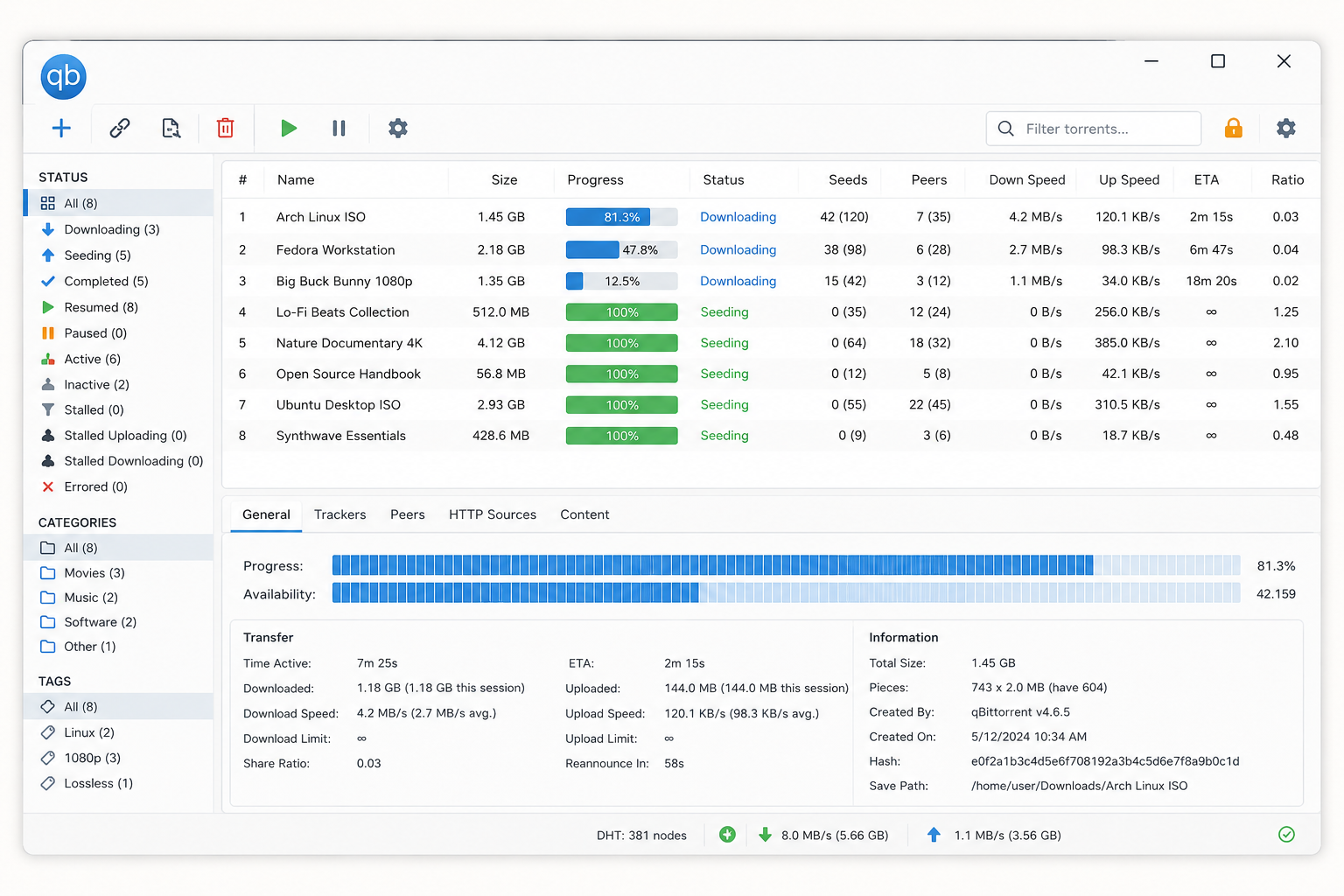
macOS gives you nothing useful in the dropdown – just utun0, utun1, utun2, none labeled. Open Terminal with the VPN connected and run:
ifconfig | grep -A 2 utun
Look for the block with an inet line showing a 10.x.x.x address (Mullvad WireGuard) or your provider’s private subnet. That utun number is your target. Type it into qBittorrent’s Network Interface field manually if it is not in the dropdown.
The gotcha no other guide flags: that utun number is not persistent. Reboot or let your Mac sleep through a VPN reconnect, and macOS may assign a different utun index. qBittorrent stays bound to the old one, which no longer exists, and your torrents sit at zero peers. No leak, but no traffic either – silent failure. Re-verify with ifconfig after every reboot, or script around it.
Linux: Protocol-Specific Interface Names and What to Expect
Linux is the most predictable. Connect your VPN, then confirm the interface name with:
ip link show
For OpenVPN, you want tun0 (occasionally tun1 if you have a stale interface lingering). For WireGuard via the kernel module, it is wg0 for a generic config, or a provider-named interface like wg-mullvad if you installed via the provider’s CLI.
| Provider | Protocol | Typical Interface |
|---|---|---|
| Mullvad | OpenVPN | tun0 |
| Mullvad | WireGuard | wg-mullvad |
| ProtonVPN | OpenVPN | proton0 or tun0 |
| Generic WireGuard | WireGuard | wg0 |
| AirVPN | OpenVPN | tun0 |
Enter that name into qBittorrent’s Network Interface field. WireGuard kernel interfaces are more stable than userspace tun adapters – set it once and forget it. The qBittorrent GitHub wiki glosses over Linux entirely; Wispy Docs treats it as a first-class citizen.
The Toggle Test: Identifying the Right Interface When the Name Is Unclear
When the dropdown shows eth0, wlan0, tun0, br-7a8f and you cannot tell which is the VPN:
- Open the Network Interface dropdown with your VPN connected. Note every entry.
- Disconnect the VPN. Reopen the dropdown. One entry disappears.
- Reconnect. That entry returns.
That is your VPN interface. No terminal, works identically on Windows, macOS, and Linux. It is the single most useful diagnostic in the Wispy Docs guide and the only one I have never seen anywhere else.
Run the toggle test, bind to the result, restart qBittorrent, then verify the bind actually works, which is the next section.
Mobile Torrent Clients: Android and iOS Binding Options
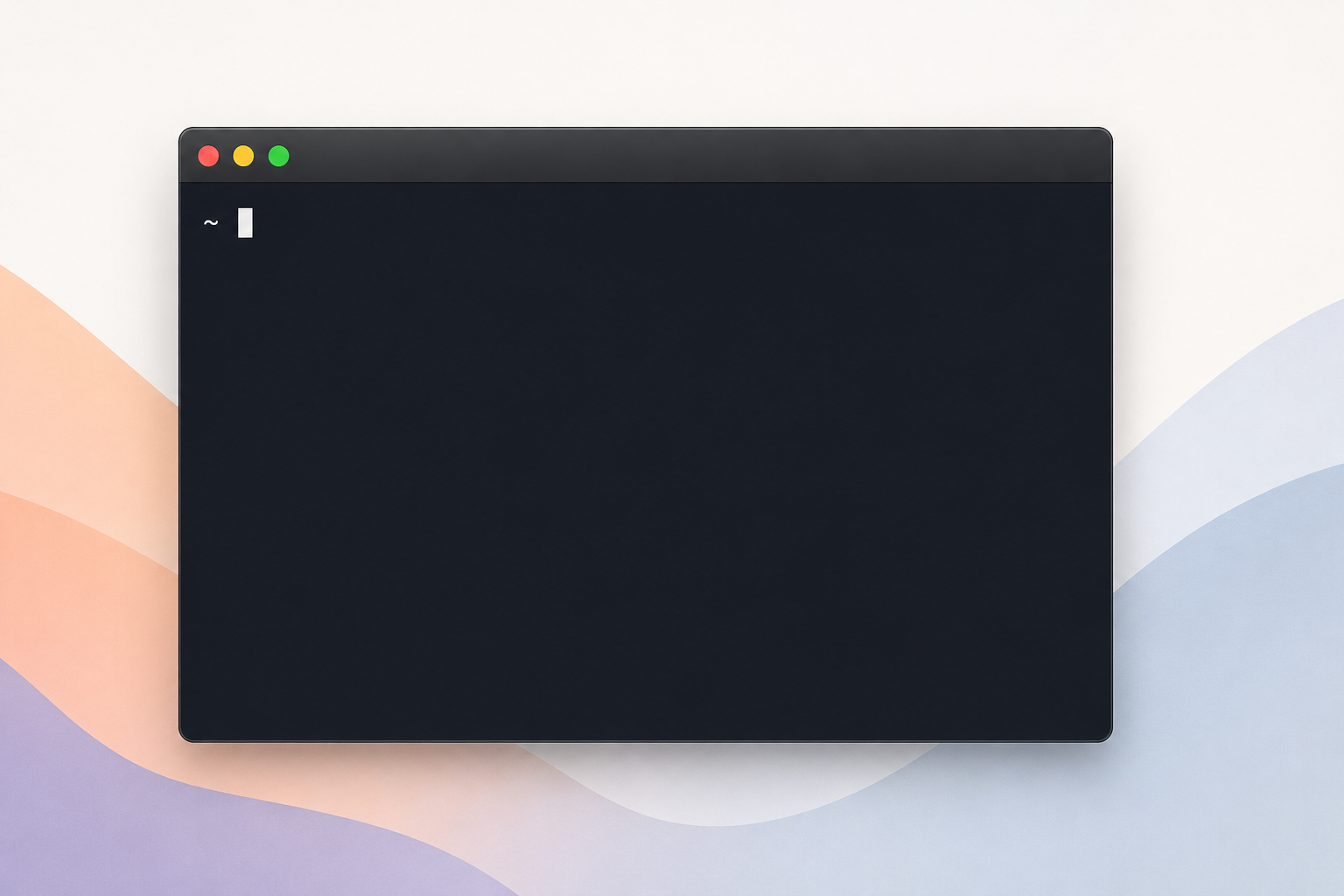
Set expectations first: there is no true network interface binding on mobile. Android and iOS both restrict per-app interface selection at the OS level, so anything labeled “binding” on these platforms is a workaround. On a desktop reliability scale where qBittorrent interface binding is 10/10, the Android setup below lands around 7/10 and iOS sits closer to 3/10. If leak prevention is non-negotiable, torrent on desktop.
Android: Flud Plus Always-On VPN
For Android, Wispy Docs recommends Flud. The practical setup has two layers, and you need to understand what each one actually does:
- Leak prevention layer: Enable Android’s system kill switch under Settings > Network & Internet > VPN > [your VPN] > Always-on VPN and Block connections without VPN. This is the only thing stopping leaks when the tunnel drops.
- Tracker anonymity layer: Configure Flud’s SOCKS5 proxy under Settings > Network using credentials from Mullvad, AirVPN, or ProtonVPN. This hides your IP from trackers but does not prevent DHT or peer connection leaks – DHT traffic bypasses the SOCKS5 proxy entirely and goes out the default interface. Without the Always-on VPN layer above, your real IP leaks to the DHT swarm regardless of proxy settings.
Verify it works before you trust it. Start a torrent with at least 20 active peers, confirm it is transferring, then disable the VPN from the quick settings tile. Within 5-10 seconds, transfer rates should hit zero and peer count should drop to 0. Any continued activity means the “Block connections without VPN” toggle is not engaged. Known failure mode: this toggle silently resets after major Android version upgrades (confirmed on Android 13 to 14 transitions), so retest after every system update.
iOS: Why iTorrent Cannot Match Desktop Privacy
For iOS, the honest answer is that the platform itself works against you:
- iOS does not expose a system-wide “block connections without VPN” toggle for third-party VPN apps. Apple reserves that for MDM-managed devices and its own configuration profiles.
- iTorrent does not support SOCKS5 or HTTP proxies, so there is no second authentication layer.
- iOS suspends VPN network extensions after roughly 30 minutes of background activity, dropping the tunnel with no user notification. iTorrent keeps seeding over your real IP until you reopen the VPN app.
Your only mitigation: keep the VPN connected before launching iTorrent, disable cellular data for iTorrent under Settings > Cellular, and manually pause torrents before locking the device or switching networks. That is harm reduction, not binding.
Mobile Client Support Matrix
| Platform | Client | Interface Binding | Proxy Support | System Kill Switch | Reliability |
|---|---|---|---|---|---|
| Android | Flud | No | SOCKS5 (trackers only) | Yes (Always-on VPN) | ~7/10 |
| Android | LibreTorrent | No | SOCKS5 (trackers only) | Yes (Always-on VPN) | ~7/10 |
| iOS | iTorrent | No | No | No (30-min extension timeout) | ~3/10 |
If you torrent on iOS regularly, move that activity to a desktop or a dedicated Android device.
Port Forwarding Test: Confirming the Binding Actually Works
Binding without verification is just hope. After you set the network interface in qBittorrent, you need to confirm two things: traffic only flows when the VPN is up, and the swarm sees you as connectable.
The fastest check is the toggle test in reverse. Disconnect your VPN with qBittorrent running and an active torrent. If downloads stall within seconds and resume only when the tunnel comes back, binding is working. If torrents keep moving, you have a leak.
For deeper confirmation, use a torrent IP checker tracker (ipleak.net offers a magnet link for this) and verify the address reported back matches your VPN exit, not your ISP.
Then test port forwarding. Wispy Docs dedicates a section to this because an unforwarded port silently kills your peer connectivity and download speeds. Mullvad dropped port forwarding in 2023, so if speeds matter, check FMHY’s VPN list for providers like AirVPN or ProtonVPN that still support it. Run the provider’s port checker after binding to confirm peers can reach you.
Which VPN Services Work Best with Interface Binding
Wispy Docs refuses to name a specific VPN, and that’s the right call. It points you to the FMHY VPN Section instead – a community-maintained list that updates faster than any static review can. VPN providers change ownership, get caught logging, or quietly rewrite their privacy policies. A 2024 recommendation can be wrong by 2026.
Want a concrete starting point? Mullvad ($5/month flat, no annual discount tricks) is the most commonly cited choice in binding tutorials for three reasons:
- WireGuard support with predictable interface names on Linux
- Port forwarding via their SOCKS5 proxy (native port forwarding was discontinued in 2023, but the proxy still works for qBittorrent)
- No email signup – you get a random account number, paid via card, crypto, or cash
Avoid any VPN that logs connection metadata or routes through Five Eyes jurisdictions without an audited no-logs policy. PIA, Proton, and IVPN are reasonable alternatives that show up repeatedly in the FMHY list.
The mechanical requirement is simple: any VPN that creates a standard tun/tap interface (OpenVPN) or a WireGuard kernel interface will bind correctly in qBittorrent. If your provider only offers a proprietary client with no exposed interface, it won’t work.
Supported Torrent Clients: What the Guide Covers and What It Skips
Wispy Docs is opinionated about which clients it supports, and that opinion is mostly “qBittorrent or bust.” Here’s the honest scope breakdown:
| Client | Platform | Binding Support in Wispy Docs | Notes |
|---|---|---|---|
| qBittorrent | Windows / macOS / Linux | Full coverage | The reference client – all walkthroughs target this |
| Flud | Android | Proxy layer only | No true interface binding; uses SOCKS5 proxy from VPN provider |
| iTorrent | iOS | Limited | Mentioned as the best iOS option but minimal binding detail |
| Vuze | Windows / macOS | Not covered | Tom’s Guide and SecureGuides cover it; you’ll need their docs |
| Deluge | Windows / macOS / Linux | Not covered | Has a similar “Network Interface” field but no Wispy walkthrough |
| Transmission | macOS / Linux | Not covered | bind-address-ipv4 is set via JSON config, not GUI |
If you’re on Deluge or Transmission, the concepts from the qBittorrent section transfer – find the interface field, point it at your VPN adapter, but you’re translating yourself. Vuze users should look at Tom’s Guide for a dedicated walkthrough.
Pros and Cons of the Wispy Docs VPN Binding Guide
After working through the guide on three operating systems, here is the honest balance sheet.
What Works
- Genuinely free, no upsell. Most binding tutorials funnel you toward an affiliate VPN. Wispy Docs defers to the FMHY VPN Section instead, so you pick based on merit.
- Real Linux coverage. Protocol-specific interface names (tun0 for OpenVPN, the WireGuard kernel interface) get equal billing with Windows and macOS – rare in this category.
- Mobile clients included. Flud for Android and iTorrent for iOS are addressed at all, which puts the guide ahead of every major competitor on the SERP.
- The toggle test is the smartest tip. When your VPN interface is not labeled by name in qBittorrent’s dropdown, toggling the VPN on and off to spot which entry disappears is faster than any ifconfig parsing.
- Stays vendor-neutral. No “use our VPN” CTAs cluttering the steps.
What Falls Short
- Screenshot-light. You need to read carefully – the guide leans on text descriptions where a single annotated image would settle ambiguity.
- macOS utun gotcha is underplayed. The utun number changes on reboot or VPN reconnect, breaking your binding silently. The guide mentions it but should headline it.
- Linux interface names vary. Expect to verify manually depending on your provider and protocol.
- Vuze and Deluge users get nothing. qBittorrent only on desktop.
Alternatives to the Wispy Docs VPN Binding Guide
Wispy Docs isn’t the only resource on interface binding, and depending on your setup, another guide might suit you better. Here are three honest alternatives worth bookmarking alongside it.
qBittorrent GitHub Wiki
The official wiki is the authoritative source for Windows 11 specifically. The maintainers update it alongside client releases, so the screenshots match what you actually see. The downside: macOS coverage is two paragraphs, Linux is barely mentioned, and there’s nothing on mobile. Use it if you’re a Windows-only user who wants the source-of-truth reference.
Tom’s Guide Binding Article
Tom’s Guide does this well for mainstream readers. The writing is clean, screenshots are clear, and they cover Vuze in addition to qBittorrent on Windows and Mac. What’s missing: any Linux section worth reading, mobile clients, the toggle test method, and a real argument for why binding beats a kill switch. If you’re a Vuze holdout on Windows or Mac, start here.
SecureGuides 2026 Guide
SecureGuides goes deeper than most, with speed benchmarks across protocols and a section on layering SOCKS5 proxies over a bound interface. That’s genuinely useful data. The catches: the Linux walkthrough is shallow, and the VPN recommendations read like affiliate placements rather than neutral advice. Worth reading for the benchmark numbers if you care about throughput.
For a broader look at which VPNs pair well with any of these guides, see our best VPN tools for 2026 roundup. Wispy Docs still wins on breadth and honesty – the alternatives win on visual polish.
Verdict: Who Should Use This Guide
Wispy Docs is the right call if you run qBittorrent on Windows, macOS, or Linux, already have a VPN active, and want the reasoning behind each click rather than a screenshot dump. The guide treats you like an adult: it explains why binding beats a kill switch, then shows you the exact interface fields to touch.
Two honest caveats. On macOS, the utun number shifts after reboots and VPN reconnects – get into the habit of running ifconfig | grep utun and re-checking qBittorrent’s Advanced tab before every session. On Linux, interface names vary by distro, VPN client, and protocol (tun0 for OpenVPN, wg0 or a provider-specific name for WireGuard). Verify with ip addr show before trusting any guide, including this one.
Mobile users get solid client picks – Flud on Android, iTorrent on iOS, but neither offers true desktop-grade binding. Treat mobile as best-effort, not zero-leak.
Skip Wispy Docs if you use Vuze, need a heavily illustrated walkthrough, or want hand-holding through VPN selection – Tom’s Guide is friendlier there. For everyone else who wants the most complete free binding resource in 2026, this is it.
Frequently asked questions
What is VPN interface binding and how is it different from a kill switch?
Interface binding forces an application to send traffic only through a specific network adapter (your VPN’s virtual interface), so if the tunnel drops, the app’s connection breaks instantly at the OS level. A kill switch typically blocks all internet traffic system-wide when the VPN disconnects, while binding is app-specific and works even if the VPN client crashes without triggering its own kill switch.
How do I find the correct utun interface on macOS for qBittorrent binding?
Open Terminal and run ifconfig | grep utun to list active utun adapters, then check which one has an IP in your VPN’s assigned range (often 10.x.x.x for WireGuard). The right one usually shows a inet line with a peer address – that’s your tunnel. Paste that name (like utun4) into qBittorrent’s Advanced settings under “Network interface.”
Does the utun interface number on macOS stay the same after a reboot?
No – macOS assigns utun numbers dynamically based on which apps load first, so utun4 today might be utun6 tomorrow. You’ll need to recheck after every reboot or VPN reconnect, which is why scripting the lookup or using a VPN with a static interface name (via WireGuard config) is smarter for long-term setups.
What is the toggle test method for identifying the right VPN interface?
Run ifconfig with the VPN off, screenshot the list, then connect the VPN and run it again – the new interface that appears is your tunnel. Takes about 30 seconds and removes any guesswork, especially on systems with multiple utun or tun adapters from Tailscale, iCloud Private Relay, or other tools.
Which Linux interface name should I use for WireGuard vs. OpenVPN?
WireGuard uses wg0 by default (or whatever you named the config file – proton0, mullvad-us, etc.). OpenVPN creates tun0 for routed mode or tap0 for bridged mode. Run ip link show to confirm before binding in qBittorrent’s settings.
Can I bind a VPN to a torrent client on Android or iOS?
Not natively – mobile OSes don’t expose per-app interface binding to user apps. On Android, you can use the “Always-on VPN” plus “Block connections without VPN” toggle in system settings, which acts as a per-device kill switch. iOS offers no comparable torrent-friendly option.
Which VPN services work best with qBittorrent interface binding?
Mullvad, ProtonVPN, and AirVPN all support port forwarding and stable WireGuard interfaces, which matter more than raw speed for seeding. Avoid providers that rotate interface names or block P2P on most servers – NordVPN and Surfshark work but require P2P-specific servers.

