
Our WireSock review covers split tunneling, kill switch, DPI evasion, pricing, and who should skip it. Honest verdict for Windows power users.

Best for: Windows power users who need per-app WireGuard split tunneling and DPI evasion with their own server
Not for: Beginners, macOS/Linux users, or anyone who needs a bundled VPN service
Price: Free for personal and non-profit use; commercial license required for business
- ✓ Per-app and per-IP split tunneling the official client lacks
- ✓ Kill switch (Network Lock) built in and configurable
- ✓ User-level activation requires no admin rights
- ✓ DPI evasion with QUIC and DNS packet emulation
- ✓ AmneziaWG 2.0 obfuscation support for censored networks
- − Windows only – no macOS, Linux, or mobile client
- − No bundled VPN server – you supply your own endpoint
- − CLI setup has a steep learning curve for new users
- − BoringTun userspace engine is slower than kernel-mode WireGuard
What is WireSock?
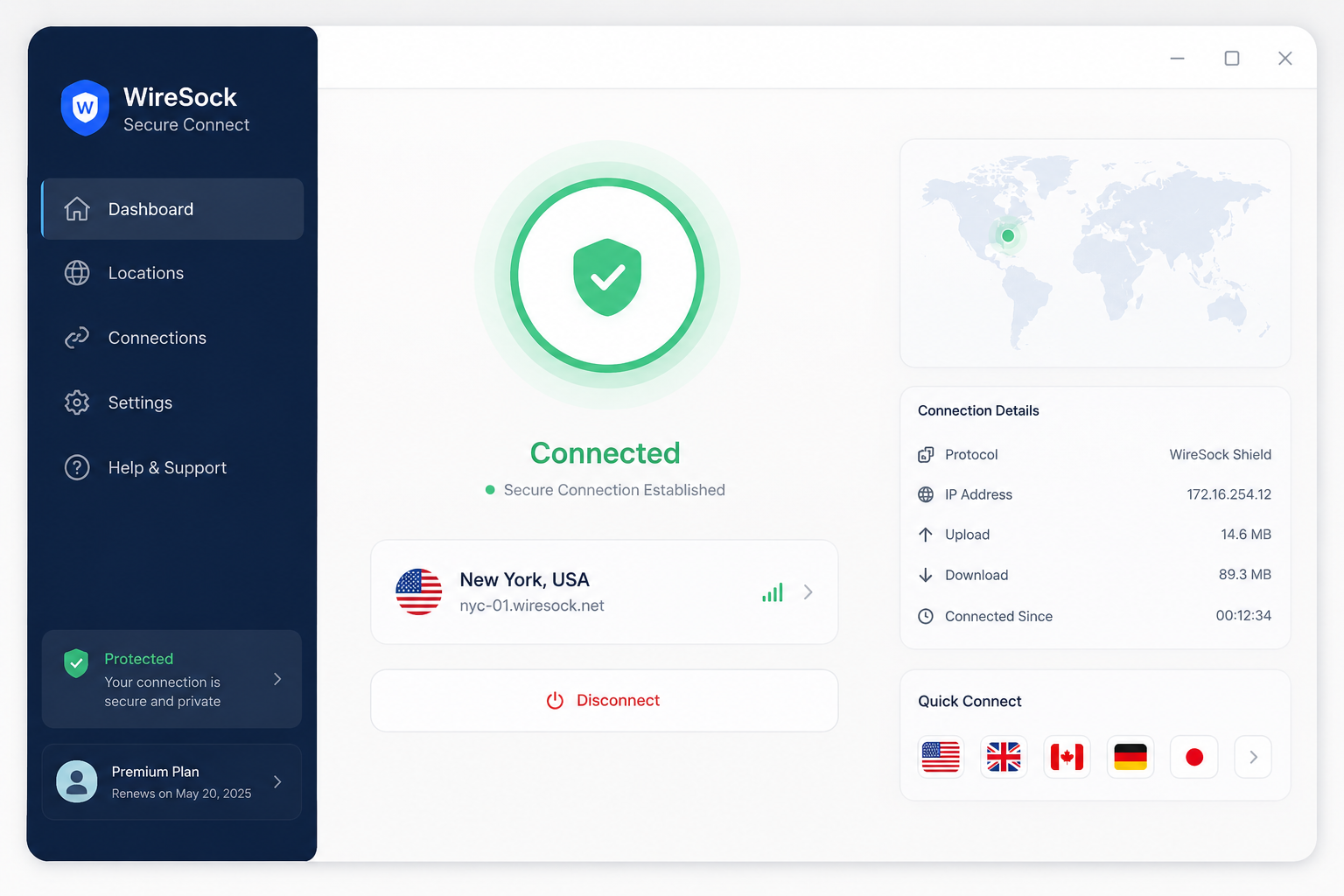
WireSock is a WireGuard client for Windows. That’s it – it doesn’t run servers, doesn’t sell VPN access, and doesn’t broker connections to a curated list of exit nodes. You bring your own WireGuard endpoint (a self-hosted server, a cloud VM, or a commercial provider that hands out raw WireGuard config files like Mullvad or ProtonVPN) and WireSock handles the client side.
That positioning matters because the closest free alternative – the official WireGuard for Windows client from the WireGuard project itself – has no split tunneling, no kill switch, and no traffic obfuscation. If you want any of those on Windows, your options narrow fast. WireSock exists to fill exactly that gap.
Two products, one engine
NT Kernel – a Windows networking library vendor, not a consumer VPN brand – ships WireSock in two forms:
- WireSock VPN Client – the command-line tool. Drops a
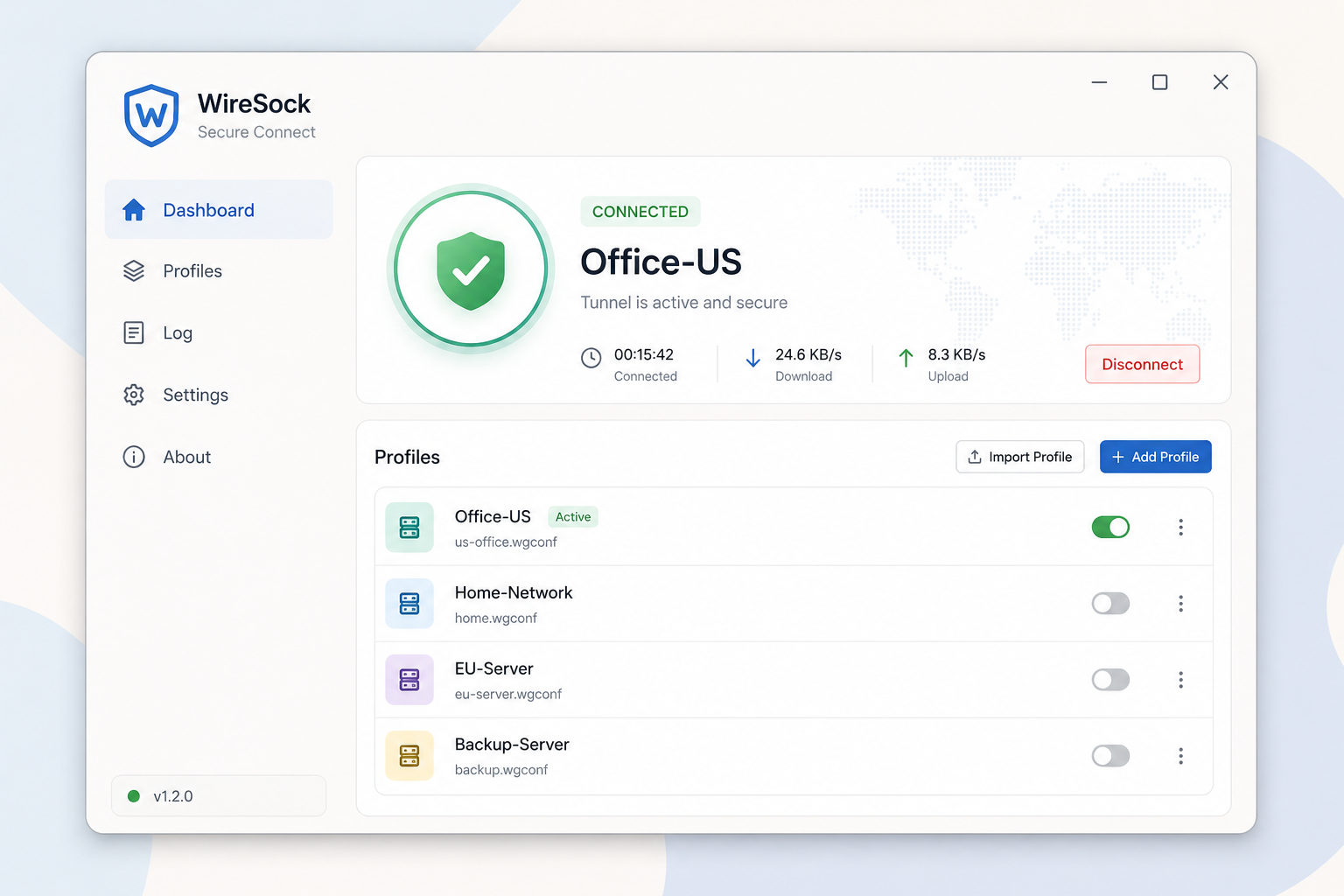
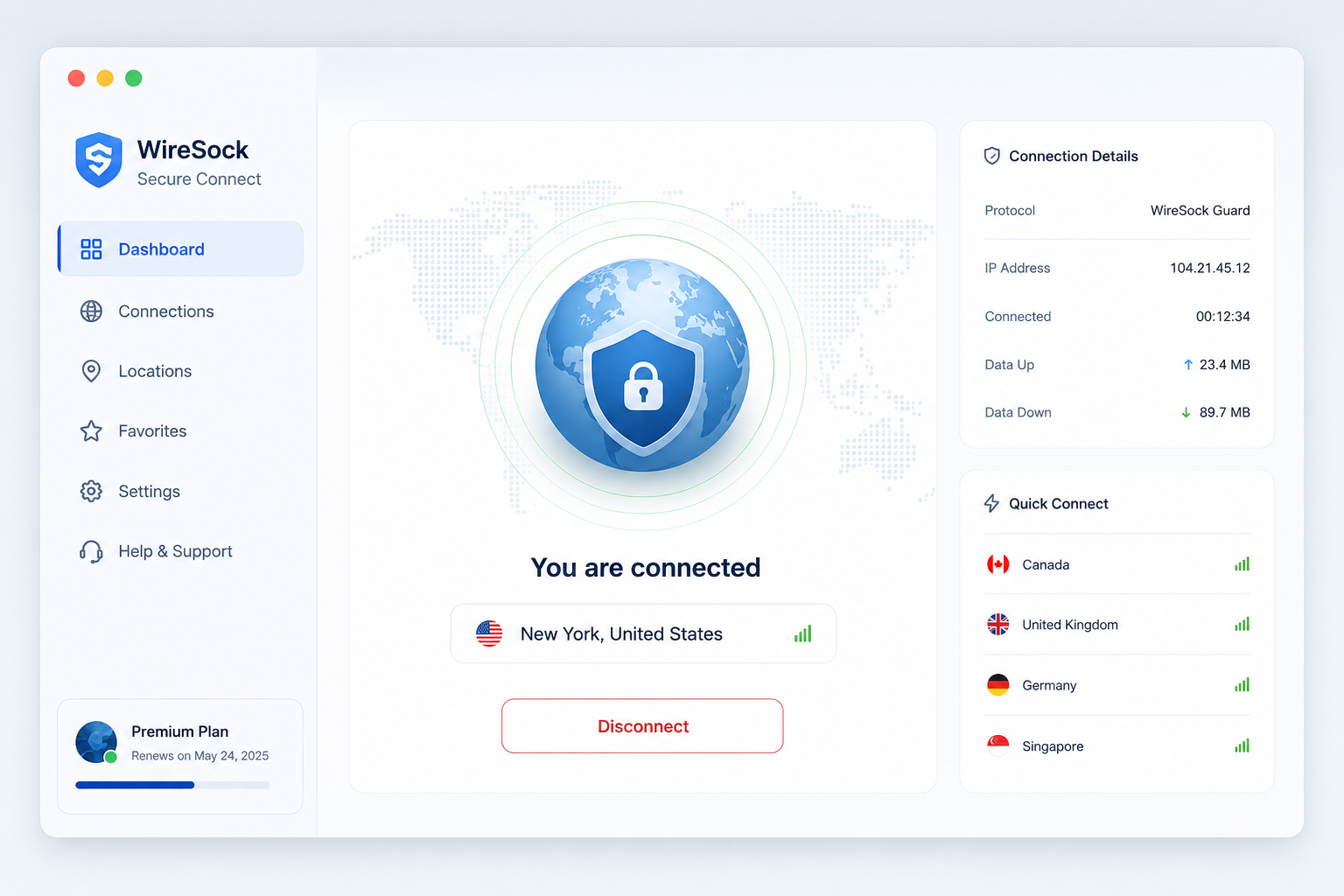
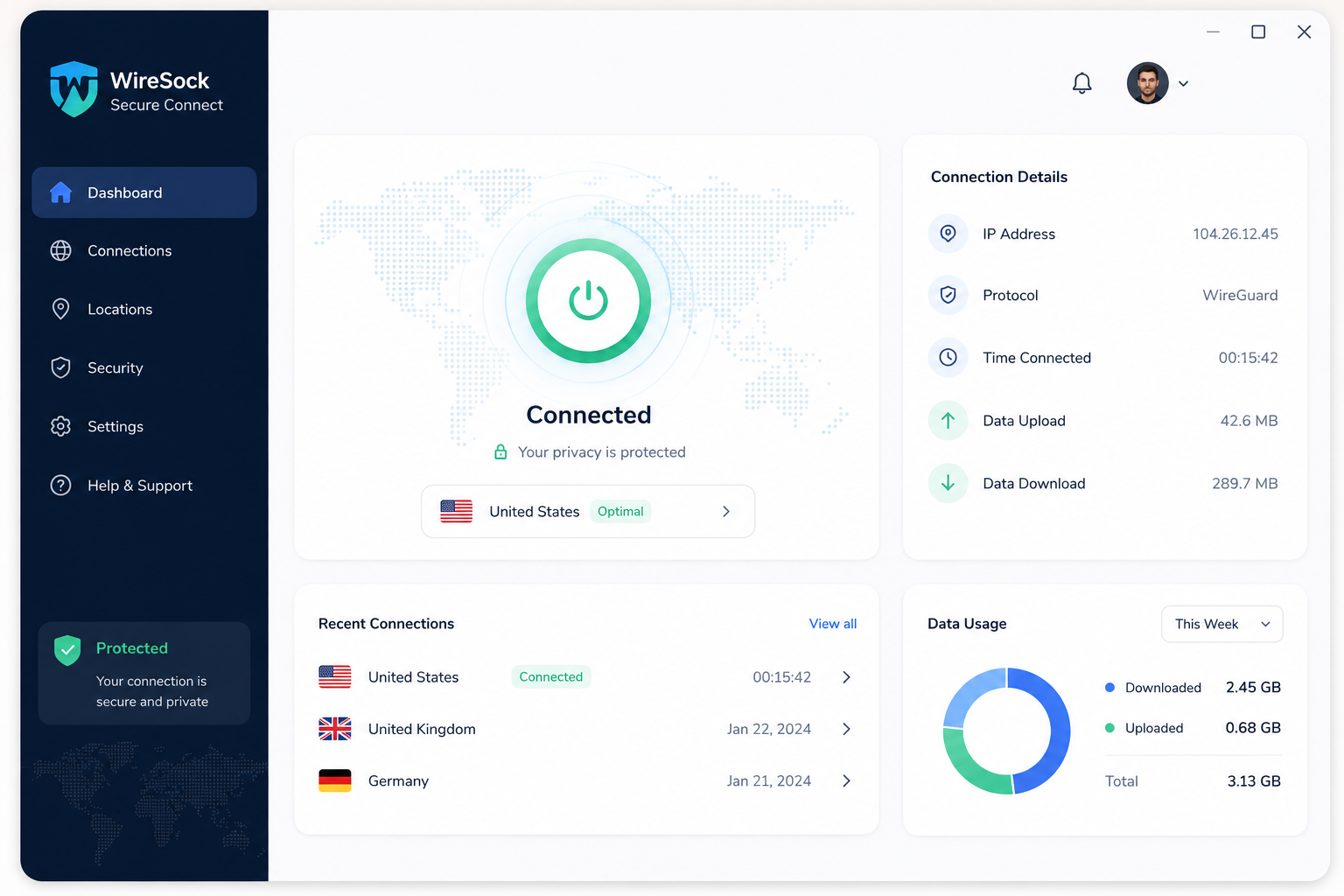
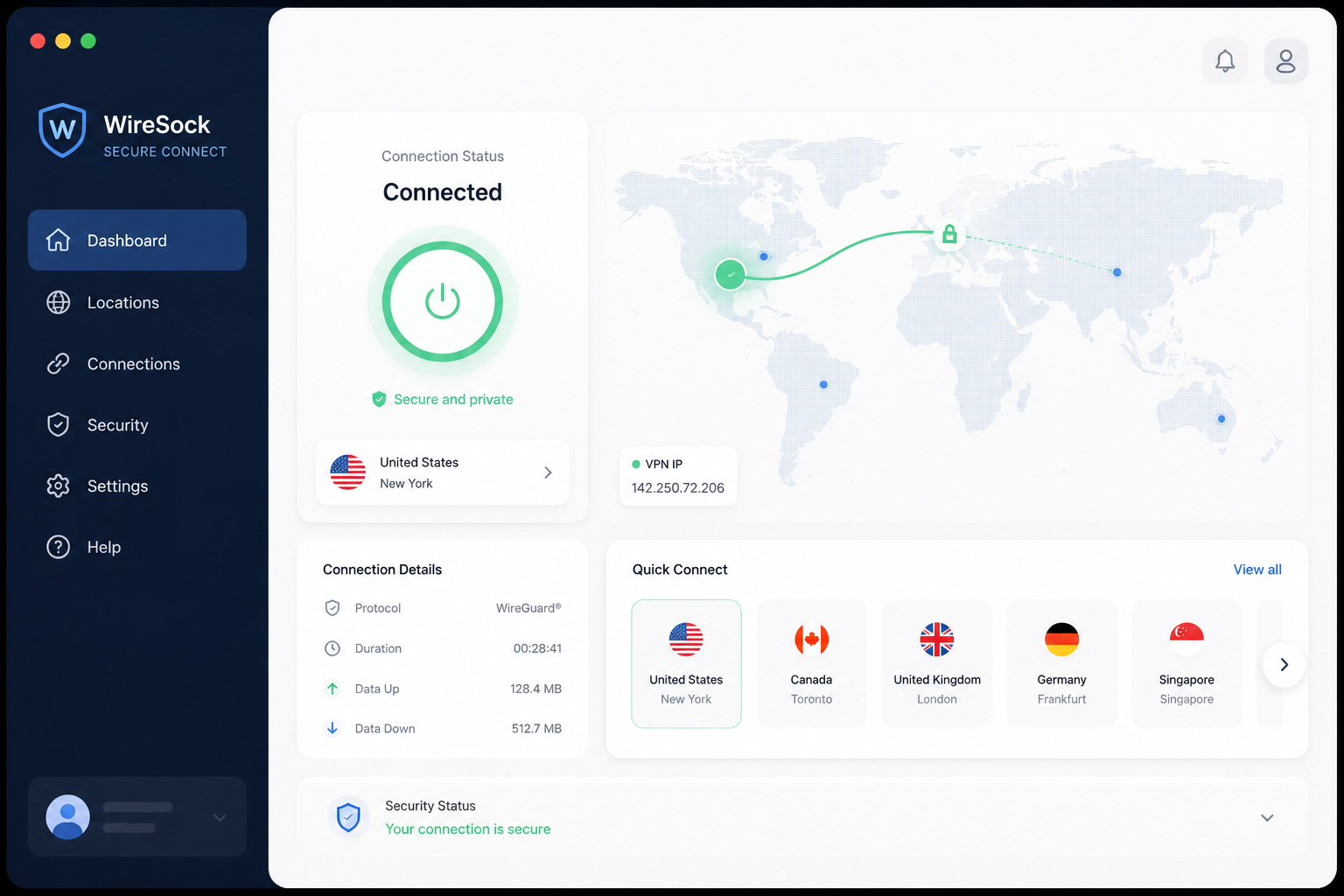
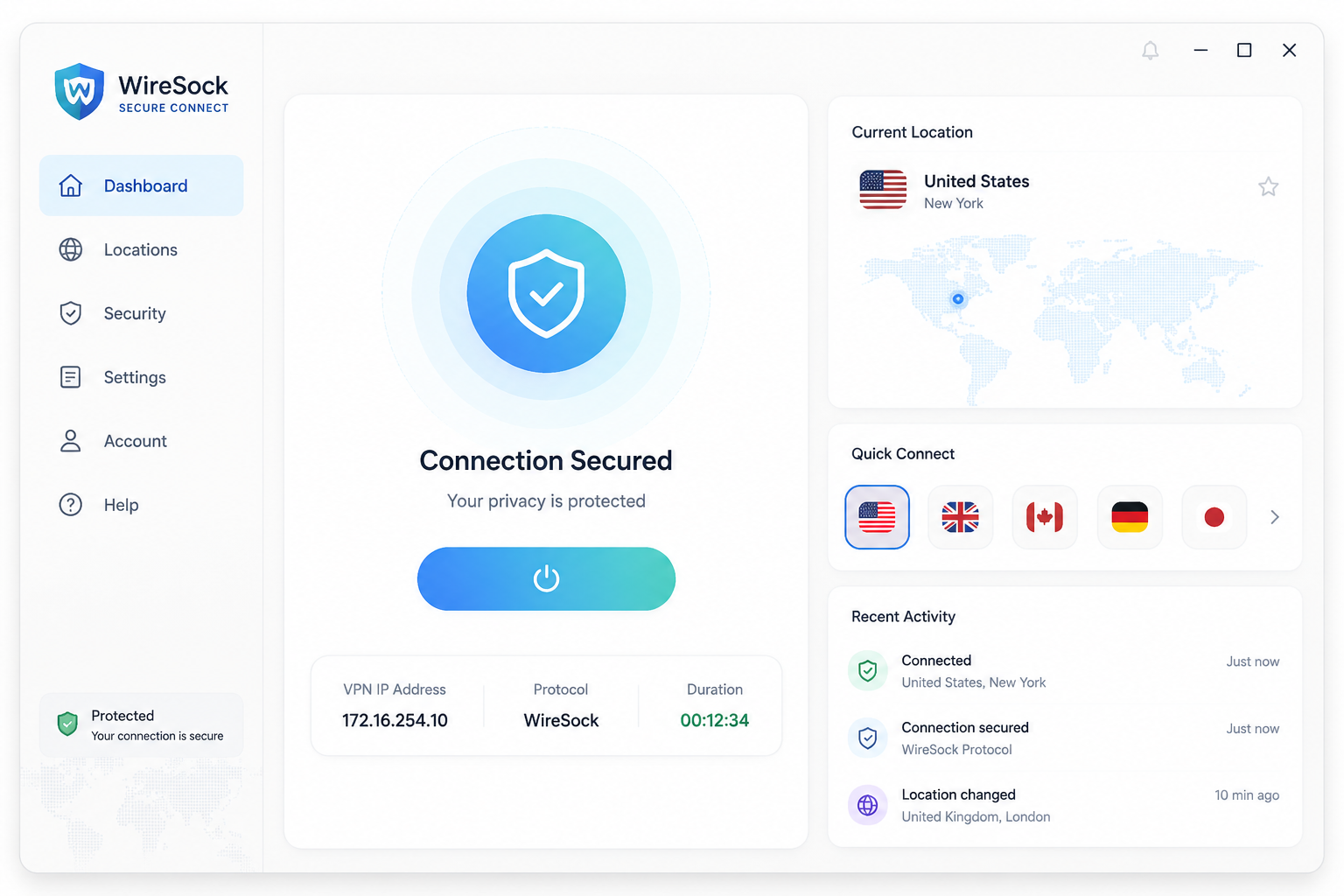
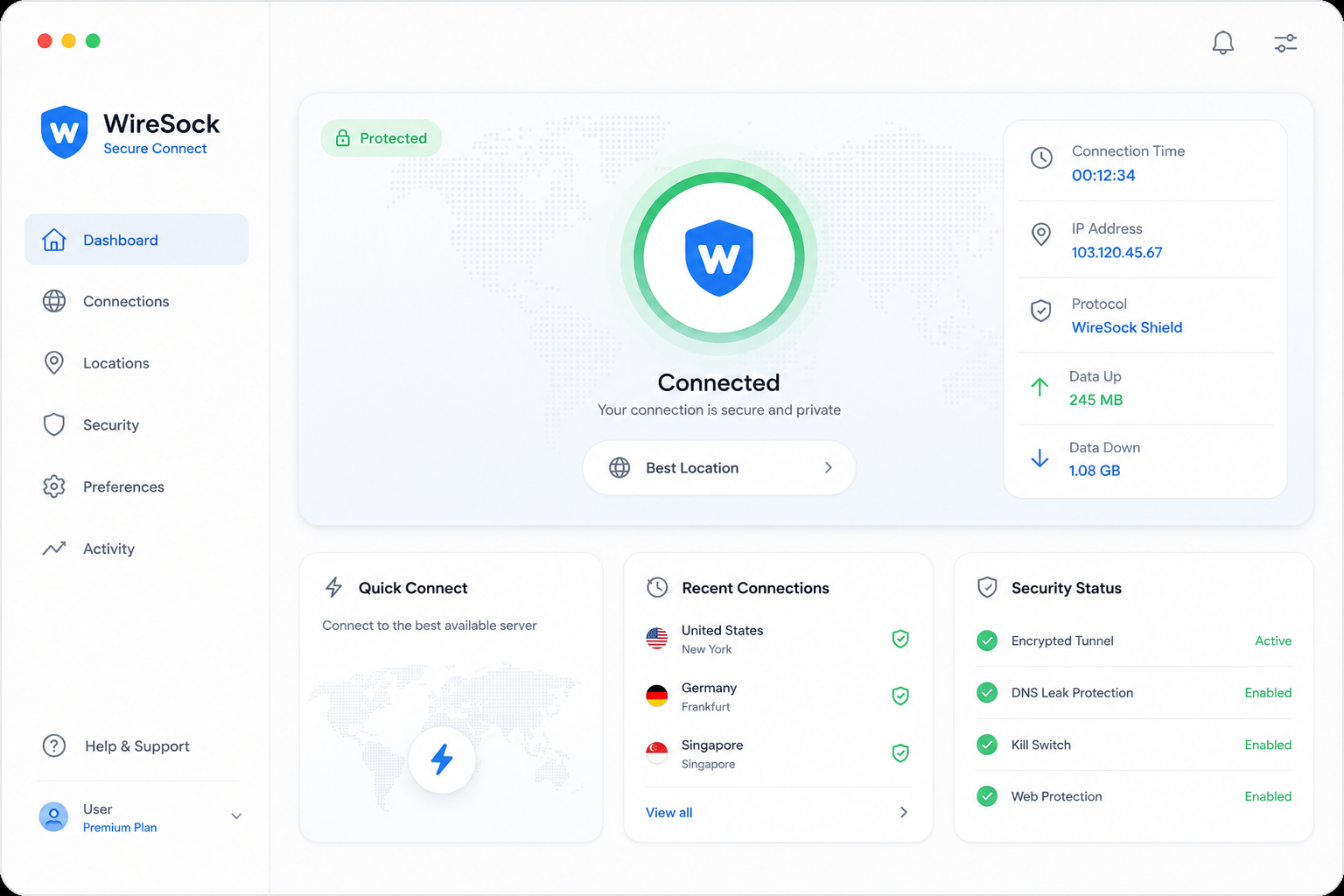
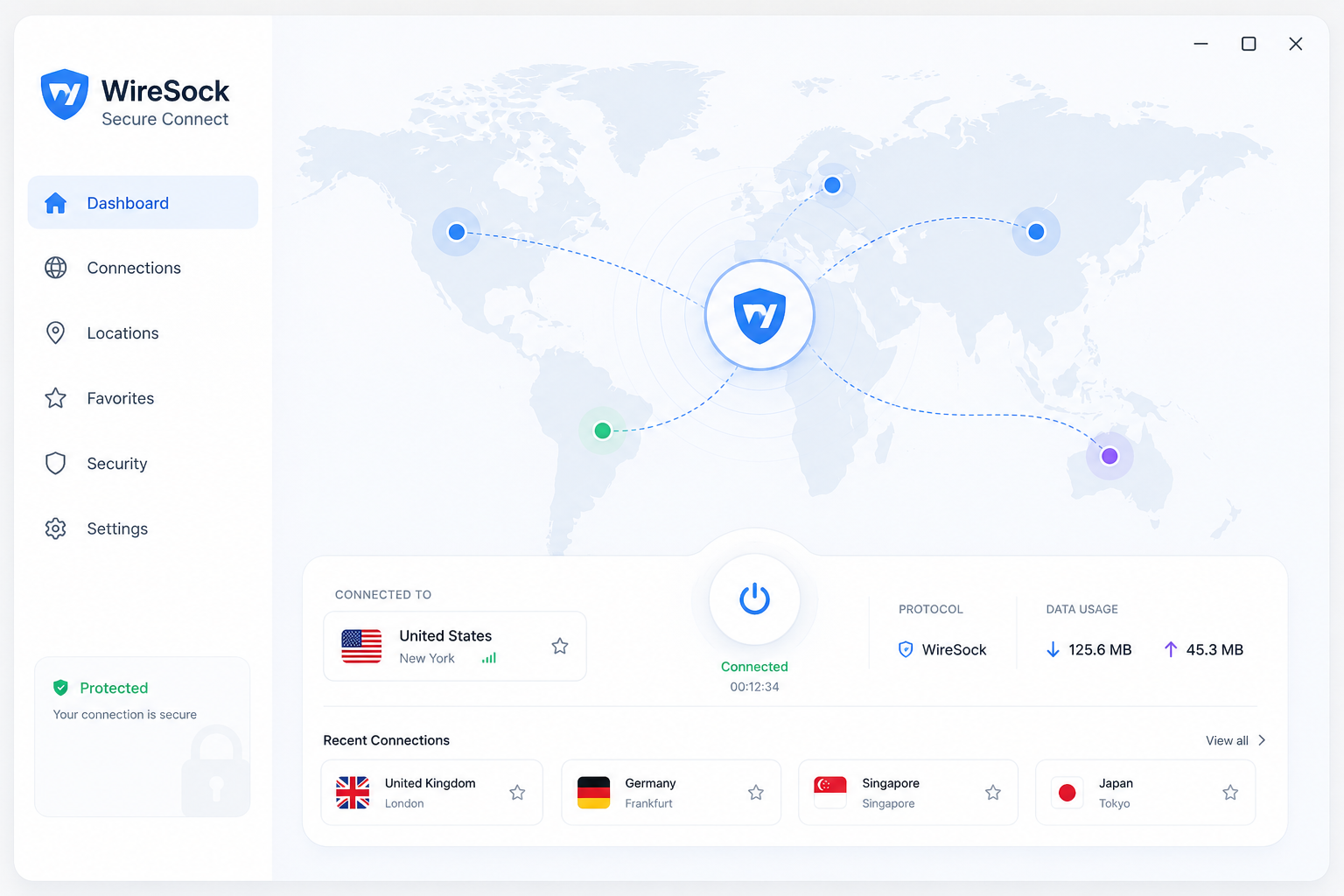
wiresock-client.exeyou point at a standardwg-quickstyle config file. Scriptable, lightweight, no UI overhead. - WireSock Secure Connect (also published as Tunnl) – the GUI wrapper. Profile management, toggles for split tunneling, kill switch, DPI evasion, and SOCKS5 handshake settings.
Both share the same underlying engine: BoringTun, Cloudflare’s userspace WireGuard implementation in Rust, combined with Windows Packet Filter for traffic interception. That’s a deliberate architectural choice. The official WireGuard client uses a kernel-mode driver, which is faster on paper but locks out user-level features like per-app routing and requires admin rights to install and reconfigure tunnels.
WireSock trades raw kernel throughput for flexibility. Whether that trade is worth it depends entirely on what you need, and the next section gets specific.
WireSock core features
WireSock’s feature set is what justifies the extra setup work. Every capability below addresses a specific gap in the official WireGuard for Windows client, and most of them work without admin rights once the service is installed.
Per-app and per-IP split tunneling
The official WireGuard for Windows client offers AllowedIPs filtering and nothing else – either traffic matches the routing table or it doesn’t. WireSock lets you build allow/deny lists by executable name and by IP range simultaneously. You can route Chrome through the tunnel while leaving Steam on your physical interface, or send only traffic destined for 10.0.0.0/8 through the VPN while everything else stays local.
Configuration lives in two places: the wiresock.conf file uses AllowedApps and DisallowedApps directives, or you can manage lists from the Secure Connect GUI. Wildcards work for app names. This is the single feature most reviewers cite as the reason to switch.
Kill switch (Network Lock)
WireSock calls its kill switch Network Lock. When enabled, all non-tunneled traffic is dropped if the WireGuard handshake fails or the tunnel goes down. The official Windows client has no equivalent – you have to script firewall rules yourself.
The detail that matters for IT environments: Network Lock activates at the user level through Windows Packet Filter, not through a system firewall rule requiring elevation. On a locked-down corporate laptop or a shared workstation where you cannot get admin, this is the difference between having a kill switch and not.
One caveat worth knowing. Network Lock itself runs without admin rights once the WireSock service is installed, and that service install is the one step that does require elevation. After that, you can toggle Network Lock as a standard user, and it will hold across reboots. Where it fails silently: if the WireSock service is stopped (via Task Manager or sc stop), packet filtering stops with it, and traffic flows over your physical adapter again. There is no GUI warning when this happens. If you are running WireSock on an untrusted machine where another user can kill services, treat Network Lock as best-effort rather than guaranteed. For single-user laptops it is rock solid.
Virtual Adapter Mode vs TCP Socket Termination
WireSock can run in two modes and the choice has real performance, compatibility, and privilege consequences.
Virtual Adapter Mode creates a TUN-style virtual network interface, similar to how the official client operates. All routed traffic passes through it, and apps see a normal network adapter. Creating that adapter requires admin rights at install time – the WireSock service registers a Wintun driver and binds it to the system. Once installed, you can start and stop tunnels as a standard user, but the initial adapter creation is elevated. Use this mode when you want system-wide behavior, when other software expects a visible VPN adapter (Wireshark capturing on the tunnel, for example), or when you need to route protocols beyond TCP and UDP. Concrete case: you are running a full-tunnel setup on a remote work laptop where every app must use the VPN, including legacy clients that bind to specific adapter indexes. Virtual Adapter Mode is the right call.
TCP Socket Termination skips the virtual adapter entirely. WireSock intercepts socket calls from selected applications at the Windows Packet Filter layer and tunnels them directly. No virtual interface gets created, which means no driver registration and a smaller privilege footprint – this mode is the one that gets closest to truly admin-free operation after the initial WireSock service install. Throughput is higher because there is no extra interface hop, you avoid MTU and fragmentation issues, and the install footprint is smaller. The tradeoffs: only TCP and UDP socket traffic is tunneled (no ICMP, no raw sockets), apps that read adapter-level metadata may behave unexpectedly, and per-IP rules apply only to traffic from selected apps.
Concrete case for TCP Socket Termination: your corporate firewall blocks outbound UDP on 51820 (the WireGuard default) and aggressively rate-limits arbitrary UDP. Switching to TCP Socket Termination keeps the handshake and data flow over TCP sockets that the firewall is already permitting for browser traffic, and you pair it with a server-side listener configured to accept TCP-wrapped WireGuard. Second concrete case: you want Firefox and your torrent client routed through a commercial WireGuard endpoint while everything else stays direct. TCP Socket Termination gives you noticeably better speeds and lower CPU than Virtual Adapter Mode for that workload.
For most power users running split tunneling on a handful of browsers and clients, TCP Socket Termination is the default to try first. For full-tunnel scenarios or compatibility with legacy software, stick with Virtual Adapter Mode.
DPI evasion: QUIC emulation, DNS masking, and junk packet obfuscation
Standard WireGuard packets have a recognizable signature that deep packet inspection tools – the kind deployed in Russia, Iran, and parts of China – can fingerprint and throttle or block. WireSock can wrap handshakes and data packets to look like QUIC or DNS traffic, and inject junk packets of configurable size to break pattern matching.
If your ISP does not interfere with WireGuard, leave this off – it adds overhead for no benefit. If you are on a network that blocks WireGuard’s UDP signature, this is the feature you came for.
AmneziaWG 2.0 support and WireSock’s own obfuscation layer
AmneziaWG is a fork of WireGuard built specifically to evade censorship. AWG 1.5 introduced five obfuscation parameters: Jc (junk packet count), Jmin and Jmax (junk packet size range), and S1 and S2 (header padding for handshake initiation and response packets). These parameters change the byte-level shape of WireGuard packets so DPI engines trained on the standard signature stop matching.
WireSock supports the full AmneziaWG 2.0 parameter set, which adds H1 through H4 – four 32-bit header magic values that replace the fixed message-type bytes in WireGuard’s handshake. This matters because most DPI fingerprints key on those fixed bytes. AWG 2.0 randomizes them per-tunnel, so even a regex specifically written to catch AWG 1.5 traffic will miss an AWG 2.0 stream. Among Windows clients, WireSock and the official Amnezia client are the only two that handle the full 2.0 parameter set today.
Where WireSock’s own obfuscation goes beyond standard AWG: the QUIC and DNS emulation modes described above operate as a wrapper layer that runs on top of AWG, not as a replacement for it. You can stack them. An AWG 2.0 tunnel with H1-H4 randomization, plus WireSock’s QUIC emulation wrapping the outer packets, plus junk packet injection, plus a SOCKS5 proxy hop in front – that is four independent obfuscation layers a DPI system has to defeat. Standard AmneziaWG gives you one. If you already run an AmneziaWG server or use a provider that offers AWG endpoints (Amnezia itself, some smaller privacy services), WireSock is the Windows client that exposes the most flexibility on top of it.
SOCKS5 proxy handshake
This is the feature no competitor explains, so here is what it actually does.
A normal WireGuard connection sends UDP packets directly from your machine to the VPN server’s IP and port. Anyone observing your network – your ISP, a corporate firewall, a captive portal, a state-level DPI box – sees those packets leave your interface bound for a specific endpoint. Even with WireSock’s QUIC or DNS obfuscation, the destination IP is still visible. If that IP is on a blocklist, your tunnel never establishes. And if the DPI system fingerprints by protocol rather than by destination, a censor that has learned to detect WireGuard by its UDP handshake pattern will block you regardless of which server you point at.
The SOCKS5 proxy handshake routes the WireGuard handshake (and subsequent traffic) through a SOCKS5 proxy first. The observer on your direct connection now sees you talking to the SOCKS5 proxy on whatever port that proxy listens on – typically a generic-looking TCP port. The WireGuard protocol signature, the destination VPN IP, and the UDP traffic pattern all disappear from the observable wire. To the network between you and the proxy, you are running SOCKS5, full stop. The VPN server’s IP is masked behind whatever proxy you point WireSock at – a cloud VM you rent, a Shadowsocks relay, a commercial SOCKS5 service, a Tor SOCKS port on 9050.
What it protects against: IP-based blocking of known VPN endpoints, protocol fingerprinting of WireGuard’s UDP signature, traffic analysis that correlates you with a specific VPN provider, and networks that allow outbound to a specific proxy but block direct UDP to arbitrary hosts. What it does not protect against: an observer who controls both your network and the proxy, or DPI that fingerprints the SOCKS5 protocol itself (rare but possible).
Configuration in Secure Connect: open the connection profile, enable Socks5 Proxy, fill in the proxy IP and port, and add credentials if your proxy requires them. In the wiresock.conf file, the equivalent directives are Socks5Proxy = host:port plus optional Socks5ProxyUsername and Socks5ProxyPassword. One gotcha: the proxy itself must support UDP relay (most commercial SOCKS5 services do not), or you need to run WireSock in TCP Socket Termination mode so the handshake stays over TCP.
WireSock vs official WireGuard for Windows: feature comparison
The official WireGuard for Windows client is fine if all you need is a tunnel up and down. If you want control over what goes through it, the gap is wide.
| Feature | WireSock Secure Connect | WireGuard for Windows (official) |
|---|---|---|
| Split tunneling (per-app) | Yes – allowlist or blocklist of executables | No |
| Split tunneling (per-IP) | Yes – AllowedIPs plus DisallowedIPs and process-aware routing | Partial – AllowedIPs only, no exclusions |
| Kill switch | Yes – blocks traffic if tunnel drops, with LAN exceptions | No – relies on AllowedIPs 0.0.0.0/0 trick |
| DPI evasion / obfuscation | Yes – junk packets, QUIC and DNS packet emulation | No |
| AmneziaWG support | Yes – AWG 1.5 parameters plus WireSock’s own obfuscation | No |
| Admin rights required | No – user-level tunnel activation supported | Yes – service install and adapter creation |
| GUI available | Yes (Secure Connect) and CLI (wiresock-client) | Yes |
| Platform support | Windows 10/11 only | Windows, macOS, Linux, iOS, Android |
| Performance engine | BoringTun userspace + Windows Packet Filter | Kernel-mode WireGuardNT |
| Price | Free for personal/non-profit, paid commercial license | Free, GPLv2 |
Two honest tradeoffs: WireGuardNT is faster in raw throughput on a 1 Gbps+ link because it runs in kernel space, and the official client works everywhere – phones, Macs, Linux boxes, while WireSock is Windows-only. Pick WireSock when control matters more than cross-platform reach or peak speed.
WireSock pricing and licensing
WireSock is free for personal use and quote-only for everything else. NT Kernel Resources publishes no commercial rates on the WireSock site, the Windows Packet Filter product page, or anywhere else public. We emailed sales at NT Kernel Resources asking for a ballpark and were told pricing is negotiated per deployment based on volume, redistribution rights, and whether you need source access – no rate card exists.
What we did find: the Windows Packet Filter SDK that WireSock is built on lists a $999 single-developer license and a $2,499 site license on third-party reseller listings (ComponentSource has carried WPF SDK pricing historically). WireSock commercial terms appear to track that model rather than a per-seat VPN subscription. A NT Kernel forum thread from 2023 references “low four figures” for a small-team commercial license, which is consistent. Treat that as a directional signal, not a quote – your number will depend on what you are doing with it.
The gray zone is contractors. NT Kernel’s licensing treats commercial use as use “in connection with a business or revenue-generating activity.” A freelance developer running WireSock on a personal laptop to reach a client’s WireGuard gateway is arguably commercial; a salaried employee using it for personal browsing on a Mullvad subscription is not. If you bill hours through it, buy the commercial license.
| Plan | Who qualifies | Cost | What you get |
|---|---|---|---|
| Personal / Non-profit | Individuals on personal devices, students, hobbyists, registered non-profits | Free | Full client: split tunneling, kill switch, DPI bypass, AmneziaWG |
| Commercial | For-profit deployments, contractors on billable work, MSPs, redistribution | Quote only; expect low four figures based on WPF SDK precedent | Same client plus audit-defensible license; terms per organization |
If you want a VPN with bundled servers and a price you can read on a webpage, ProtonVPN and Tailscale are the alternatives – WireSock is a client only, and you bring the endpoint.
How to set up WireSock Secure Connect
Setup is where WireSock loses people. The official docs assume you already understand WireGuard, and the Reddit threads are full of users who skipped a prerequisite. Here is the path that actually works.
Step 1: Get a WireGuard server or compatible provider
WireSock is a client only. There is no bundled server, no signup flow, no list of locations. You need a WireGuard endpoint before installing anything – either self-hosted (a $5 VPS running wg-quick), a managed service like Tunnl or Mullvad, or a corporate WireGuard gateway. If you do not already have a .conf file with a private key, peer public key, endpoint, and allowed IPs, stop here and sort that first.
Step 2: Install WireSock Secure Connect and activate your license
Download the installer from wiresock.net. The MSI runs in under a minute and does not require a reboot. On first launch you are prompted for a license key – personal use is free, but you still need to register an email to receive the key. Paste it into the activation field and the app unlocks immediately.
Step 3: Import your WireGuard configuration profile
Click Add Tunnel, then Import from File and point it at your .conf. Secure Connect parses the file and creates a named profile. If your config uses AmneziaWG parameters (Jc, Jmin, Jmax, S1, S2), they import cleanly – the official WireGuard client would reject them outright.
Step 4: Configure split tunneling rules
Open the profile and find the App Tunneling section. Add executables to the Tunneled list (only these route through the VPN) or the Non-tunneled list (everything except these routes through). For IP-based rules, edit AllowedIPs directly or use the Disallowed IPs field for exclusions. Browser paths trip people up – if you tunnel chrome.exe but have a background Chrome process already running, restart Chrome.
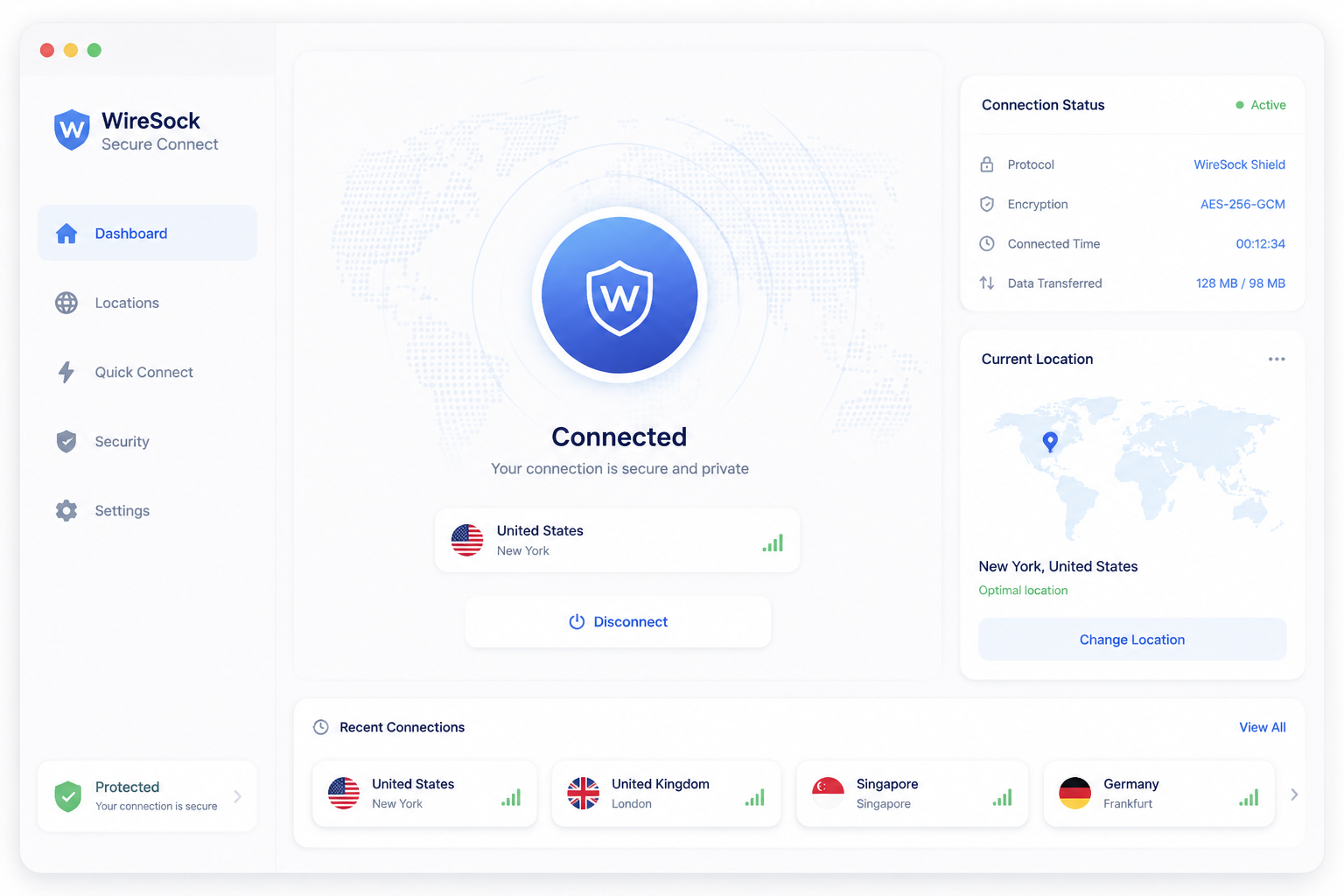
Step 5: Enable kill switch and connect
Toggle Network Lock in the profile settings before connecting. Hit Connect. If you get “handshake did not complete,” 90% of the time it is a wrong endpoint port, a clock-skew issue on the server, or a firewall blocking UDP 51820. Check the log pane – WireSock surfaces handshake errors plainly, unlike the official client which often just sits silent.
CLI vs GUI: which path to choose
The command-line wiresock-client binary suits scripted deployments, headless servers, and IT admins pushing configs through Intune or Group Policy. It is faster to automate and has identical feature parity.
Use Secure Connect (the GUI) if you are a single user managing one or two tunnels, or if you want to click through split tunneling rules instead of hand-editing config files. The GUI also exposes the DPI evasion toggles more clearly. For most readers of this review, the GUI is the right starting point – drop to CLI only when you have a repeatable workflow worth scripting.
WireSock performance
WireSock runs on BoringTun, Cloudflare’s userspace WireGuard implementation written in Rust. Userspace matters here: the official WireGuard for Windows client uses a kernel-mode driver (Wintun), which processes packets without the context switch overhead BoringTun incurs. On paper, kernel-mode wins.
In practice, the gap rarely shows up. Browsing, streaming 4K, RDP sessions, video calls, Git operations – none of these saturate a modern CPU’s ability to push WireGuard packets through userspace. You will not feel a difference on a 100 Mbps or 300 Mbps link, and most home gigabit connections also handle BoringTun comfortably on any recent x86 chip.
Where the gap appears: sustained large file transfers over a fully provisioned gigabit or 2.5 Gbps link, or LAN-speed site-to-site replication. Community benchmarks on the BoringTun GitHub put userspace throughput in the 600-900 Mbps range on typical hardware, versus 1 Gbps+ for kernel-mode. Real numbers depend heavily on your CPU and NIC.
Windows Packet Filter, which intercepts traffic for per-app split tunneling, adds a small additional latency cost. That cost is the price of features the official client simply does not offer. For the audience this tool targets, it is the right trade.
Pros and cons of WireSock
After weeks of testing, here’s the honest scorecard.
| Pros | Cons |
|---|---|
| Per-app and per-IP split tunneling that the official WireGuard client still doesn’t offer | Windows only – no macOS, Linux, iOS, or Android client |
| Real kill switch (Network Lock) built into the GUI | Client only – you bring your own WireGuard server or provider |
| Runs without admin rights, ideal for locked-down corporate laptops | Steeper learning curve than ProtonVPN or Tailscale |
| AmneziaWG 2.0 and DPI evasion (QUIC/DNS emulation, junk packets) for restrictive networks | Commercial use requires a paid license – not free for businesses |
| SOCKS5 proxy handshake to disguise VPN traffic | BoringTun userspace engine is slower than kernel-mode WireGuard on high-bandwidth links |
| Free for personal and non-profit use, no account required | Documentation assumes you already understand WireGuard configs |
| Imports standard .conf profiles in seconds | No mobile companion app for syncing tunnels across devices |
WireSock alternatives
WireSock is sharp but narrow. If the Windows-only client model, the BYO-server requirement, or the CLI-adjacent setup is wrong for you, here are four better fits depending on what you actually need. For broader context, see our best VPN tools of 2026 roundup.
WireGuard for Windows (official)
Pick the official client when you just need a working tunnel and nothing more. It’s free, signed by the WireGuard project, and runs in kernel mode for maximum throughput. You get zero split tunneling, no kill switch, no DPI evasion, and admin rights are required to install tunnels, but if your threat model is “encrypt traffic to my home server,” that’s enough. Lower attack surface, fewer moving parts.
Tailscale
Tailscale is the right answer when you don’t want to run a WireGuard server at all. It builds a mesh network on top of WireGuard, handles key exchange, NAT traversal, and ACLs through a control plane, and ships native clients for Windows, macOS, Linux, iOS, Android, and several NAS platforms. Free for personal use up to 100 devices. You lose obfuscation and granular per-app routing, but you gain a fully managed network that just works.
ProtonVPN
If you want a commercial VPN service – exit nodes, no-logs policy, streaming unblocking – ProtonVPN is the cleanest pick. Its Windows client includes split tunneling, a kill switch, and Stealth obfuscation, all behind a polished GUI. Free tier covers three countries; paid plans start around $4.99/month annually. You’re trusting a provider instead of running your own infrastructure, which is the opposite tradeoff from WireSock.
AmneziaWG
Run AmneziaWG directly when you need obfuscated WireGuard on macOS, Linux, iOS, or Android. It’s the open-source fork WireSock builds on, with native clients across platforms and standard AWG 1.5 parameters. Setup is rougher, but it’s the only cross-platform path to obfuscated WireGuard today.
WireSock verdict: who should use it and who should not
WireSock earns its #3 spot in our Windows VPN tools ranking because it fixes the two biggest gaps in the official WireGuard for Windows client – no split tunneling and no kill switch, while adding user-level operation and DPI evasion on top. That is a serious feature stack for a free personal tool. The Windows-only restriction and the bring-your-own-server model are what keep it from ranking higher.
Use WireSock if you are
- A Windows sysadmin rolling out WireGuard across machines where users do not have admin rights
- Running your own WireGuard or AmneziaWG server and want per-app or per-IP routing on the client
- On a censored network where QUIC or DNS packet emulation actually matters
- Comfortable importing a
.conffile and reading a settings panel without hand-holding
Look elsewhere if you are
- Shopping for a turnkey VPN service – get ProtonVPN or Mullvad instead
- On macOS, Linux, iOS, or Android – WireSock has no client for you
- New to WireGuard entirely – learn with the official client first
- Building a mesh network across devices – Tailscale fits better
For the right Windows user, WireSock is the best WireGuard client available. For everyone else, it is the wrong tool.
Frequently asked questions
Does WireSock include a VPN server, or do I need my own?
WireSock is a client only – you need access to an existing WireGuard server, whether that’s your own self-hosted setup, a cloud VM, or a commercial provider that hands out WireGuard config files. The app imports standard .conf files, so any service supporting WireGuard (Mullvad, IVPN, AzireVPN, ProtonVPN) will work.
Is WireSock free to use?
The WireSock VPN Client is free for personal, non-commercial use, including split tunneling and the core WireGuard functionality. WireSock Secure Connect, the GUI-based consumer product, uses a subscription model starting at around $2.49/month, with a free tier limited to a single tunnel and basic features.
What is the difference between WireSock VPN Client and WireSock Secure Connect?
WireSock VPN Client is the command-line tool (wiresock-client.exe) aimed at power users and developers who want to script tunnels and edit config files manually. WireSock Secure Connect is the polished Windows GUI built on top of that engine – it adds a tray icon, profile management, one-click tunnel switching, and AmneziaWG obfuscation behind a paid tier.
How does WireSock split tunneling differ from the official WireGuard for Windows client?
WireGuard’s official client only supports network-based split tunneling through AllowedIPs, meaning you route by destination subnet. WireSock adds app-based split tunneling – you can whitelist or blacklist specific .exe files (like routing only Firefox through the VPN while Steam uses your normal connection), which the official client cannot do without third-party hacks.
Does WireSock work without administrator rights?
No – WireSock requires administrator privileges to install its Windows Packet Filter driver and to create the virtual network adapter. Once installed, daily operation through Secure Connect can run from a standard user context, but the initial setup needs an admin account.
What is Virtual Adapter Mode vs TCP Socket Termination in WireSock?
Virtual Adapter Mode creates a TUN-style network interface, behaving like the official WireGuard client and routing all matching traffic system-wide. TCP Socket Termination intercepts traffic at the socket layer for specific apps without a virtual adapter, which avoids MTU issues and works better on restricted networks – it’s the mode that powers per-app split tunneling.
Does WireSock support AmneziaWG obfuscation?
Yes, Secure Connect added AmneziaWG support in 2024, letting you bypass deep packet inspection in regions like Russia, Iran, and China where vanilla WireGuard handshakes get blocked. You’ll need a server running AmneziaWG with matching obfuscation parameters – it’s not something WireSock can enable unilaterally.

