VPN Hotspot shares an Android VPN over hotspot or repeater, but root is required. We verify its use cases, setup risks, and alternatives.

Best for: Experienced Android users who need to route tethered devices through a phone’s VPN
Not for: Unrooted phones, locked bootloaders, or users who need vendor support
Price: Free and open source
- ✓ Shares a VPN connection over hotspot or repeater
- ✓ Open-source Apache-2.0 project
- ✓ Can monitor and block connected clients
- ✓ Focused solution for devices that cannot run a VPN client
- − Root is required
- − Compatibility depends on Android, ROM, kernel, and tethering mode
- − Some privileged features require system-app installation
- − Community issue tracker rather than commercial support
What VPN Hotspot does
VPN Hotspot is not a VPN provider. It is an Android routing utility that shares an existing VPN or socksifier connection with devices connected through a hotspot or repeater. The project explicitly requires root.
Typical use cases include a Chromecast or another device that cannot run a VPN app, a laptop sharing the phone’s existing tunnel, and monitoring or blocking tethered clients. The app does not supply VPN servers, an account, or a privacy policy for a commercial network because it is not the tunnel provider.
This review was source-checked against the project’s repository on August 1, 2026. We did not reproduce every routing mode across different phone vendors and ROMs, so compatibility statements are intentionally qualified.
What we verified
| Claim | Current status | Primary source |
|---|---|---|
| Root requirement | Root is explicitly required | VPN Hotspot repository |
| Core function | Shares a VPN connection over hotspot or repeater | Project README |
| Client controls | The project lists identifying, monitoring, and blocking clients | Project README |
| Privileged features | Some features require installation as a system app | System-app requirements |
| License | Apache-2.0 | Project repository |
The old review used confident setup timings, broad VPN compatibility claims, and UI descriptions that were not verified on every device. Those have been replaced with a reproducible validation checklist.
Setup and validation checklist
- Confirm that the device is already rooted and that you understand how to recover it from a failed module or networking change.
- Connect the phone’s VPN and confirm the phone’s public IP and DNS behavior before enabling tethering.
- Start one VPN Hotspot forwarding mode that matches the connection type, such as hotspot or repeater.
- Connect a single test client and compare its public IP with the phone’s VPN exit IP.
- Test DNS resolution and IPv6 separately. A matching IPv4 address alone does not prove that every traffic path is tunneled.
- Disconnect the VPN intentionally and observe what the tethered client can reach. Do not assume there is a universal kill switch.
Repeat this check after Android updates, ROM changes, VPN client updates, or a switch between WireGuard and another tunnel implementation.
Compatibility and operational risks
Android tethering behavior varies across OS versions, manufacturer changes, kernels, and network interfaces. VPN Hotspot’s own documentation lists private API and system command assumptions, which explains why a setup can work on one rooted phone and fail on another.
Some advanced capabilities need privileged system-app installation in addition to root. That raises the maintenance burden and should only be attempted by users comfortable with Magisk-style system changes and device recovery.
The app’s routing state is generally cleaned up when stopped or after reboot, but some hotspot configuration and global settings can persist. Read the current project Q&A before changing system-level options.
Alternatives
If root is unacceptable, use a device designed to route traffic instead of forcing Android to become the gateway. A travel router running WireGuard or OpenVPN is easier to audit and can protect several clients. A laptop can also share a VPN connection using supported OS networking features.
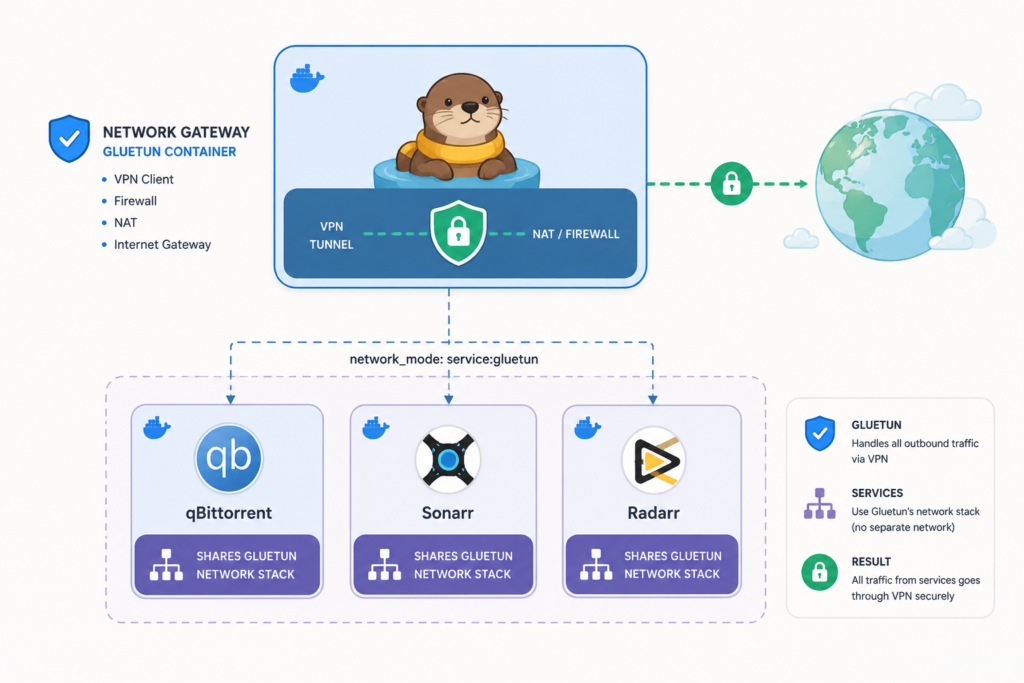
For a server or container gateway, Gluetun is a better fit. For Android users who only need automatic WireGuard rules on the phone itself, WG Tunnel solves a different problem without turning the phone into a hotspot gateway. Our self-hosted VPN tools guide compares these roles.
Verdict
VPN Hotspot solves a real but narrow problem: forwarding an Android device’s VPN connection to tethered clients. For an experienced user with a compatible rooted phone, it can be uniquely useful.
Root, vendor-specific networking, and the absence of a universal fail-closed guarantee keep it from being a mainstream recommendation. Validate the public IP, DNS, IPv6, and VPN-drop behavior on your exact setup before trusting it with sensitive traffic.
Frequently asked questions
Does VPN Hotspot work without root?
The project explicitly states that root is required. If you cannot root the phone, use a travel router or a computer’s supported connection-sharing feature.
Is VPN Hotspot a VPN service?
No. It forwards an existing VPN or socksifier connection. You still need a separate VPN client and provider or your own VPN server.
Will every VPN app work?
Do not assume universal compatibility. Android version, ROM, kernel, VPN interface, and tethering mode can all affect routing. Test public IP, DNS, IPv6, and VPN-drop behavior.
Does it include a kill switch for tethered clients?
Treat fail-closed behavior as something to verify on the exact device and mode. Disconnect the VPN during testing and confirm what the client can still reach.