

Proton Mail Review 2026: Pros, Cons, and Alternatives
Looking for a Proton Mail review 2026 that cuts through the hype? I’ve tested every new feature—category view, Gmail forwarding proxy, and mobile search—to see if Switzerland’s most famous encrypted email still deserves your trust.
Proton Mail remains the gold standard for zero-access encrypted email, but its 2021 IP logging incident and Swiss legal obligations mean you need to understand the threat model before signing up. Here’s the full picture.
Quick verdict
Pros
- +Zero-access encryption with OpenPGP (AES-256-GCM + ECC)
- +Proton Mail Bridge enables IMAP/SMTP in Thunderbird and Apple Mail
- +2026 updates: category view, Gmail forwarding proxy, mobile search
- +Built-in aliasing via SimpleLogin (up to 15 aliases on paid plans)
- +Swiss jurisdiction with strong privacy laws
Cons
- –2021 IP logging incident raises metadata concerns
- –Free tier limited to 1GB storage and 150 messages/day
- –No native calendar or drive integration on free plan
- –Bridge requires paid subscription (Mail Plus or higher)
What is Proton Mail?
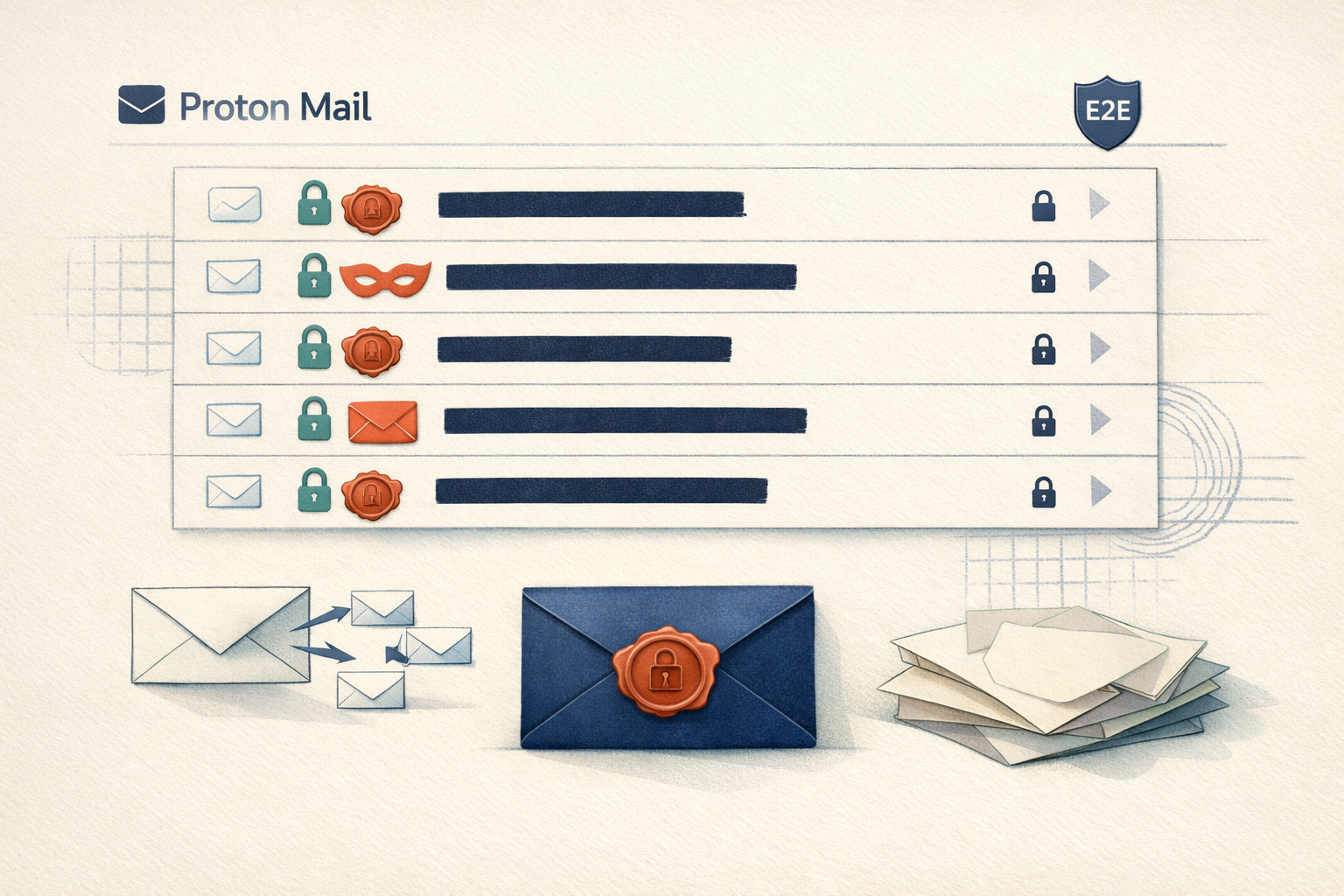
Proton Mail is an end-to-end encrypted email service founded in 2013 by CERN scientists. It’s built on a zero-access architecture: your messages are encrypted on your device before they hit Proton’s servers. Even Proton can’t read them. This Proton Mail review 2026 confirms it remains the gold standard for privacy-first email, with 100+ million users worldwide.
Zero-Access Encryption & OpenPGP
Your inbox uses AES-256-GCM and ECC (Curve25519) encryption. Proton Mail stores your private keys server-side, but they’re protected by your login password – Proton never sees the decryption key. For external recipients, it falls back to password-protected messages or PGP.
Swiss Jurisdiction
Proton is headquartered in Geneva, Switzerland, outside both US and EU surveillance laws. Swiss data protection laws (FADP) are strong, but not absolute – Proton has complied with Swiss court orders to log IPs in the past.
Key features
Zero-access encryption and OpenPGP
Proton Mail encrypts everything with AES-256-GCM and elliptic-curve cryptography (Curve25519) before it leaves your device. The company cannot read your messages – zero-access means even their server architecture physically lacks the keys. This is genuine end-to-end encryption, not just TLS-in-transit. OpenPGP is the standard underneath, which lets you exchange encrypted mail with anyone using PGP, not just Proton users. That interoperability is rare among privacy-first services. For a deeper look at how this compares to other encrypted options, see our Proton Mail vs Tuta breakdown.

Proton Mail Bridge: IMAP/SMTP for desktop clients
Proton Mail Bridge is a local application that decrypts mail on your machine and exposes standard IMAP/SMTP ports. You connect Thunderbird, Apple Mail, or Outlook to localhost. Setup takes about two minutes: install Bridge, generate an app-specific password, point your email client at 127.0.0.1. All mail stays end-to-end encrypted between Proton’s servers and your client – Bridge never stores decrypted data on disk. This is the only way to get a full desktop email experience with Proton without sacrificing encryption.

2026 usability updates: category view, Gmail forwarding, mobile search
Proton Mail’s biggest 2026 improvements target daily convenience. The new category view automatically sorts incoming mail into tabs (Primary, Social, Promotions, Forums) using client-side machine learning – your data never hits a server. The Gmail forwarding proxy lets you migrate from Gmail without exposing your new address to Google: you give Proton a Gmail app password, and it pulls mail through a private relay. On mobile, client-side search now indexes message content locally, so you can find old emails instantly without sending query terms to Proton’s servers. These features finally close the gap with mainstream providers on everyday usability.
This Proton Mail review 2026 finds these updates make the service genuinely competitive for daily use, not just a secure curiosity. The forwarding proxy alone removes a major migration friction point.
Pricing and plans
Proton Mail’s pricing is straightforward, but the free tier is surprisingly usable – provided you don’t need email aliases or desktop clients. Here’s the breakdown for this Proton Mail review 2026:
| Plan | Price | Storage | Aliases | Bridge | Custom Domain |
|---|---|---|---|---|---|
| Free | $0/mo | 1 GB | 0 | No | No |
| Mail Plus | $4.99/mo | 15 GB | 10 | Yes | Yes |
| Mail Essentials | $7.99/mo/user | 15 GB | 15 | Yes | Yes |
| Business | $12.99/mo/user | 50 GB | 30 | Yes | Yes |

The free tier is fine for light use, but the 1 GB cap fills fast with attachments. Mail Plus at $4.99/mo is the sweet spot for most professionals – Bridge support alone justifies the upgrade if you use Thunderbird or Apple Mail. Business adds centralized admin and more storage per user.
How to use Proton Mail – step-by-step
Step 1: Create an anonymous account
Head to signup.proton.me using the Tor Browser. Select “Free” plan. Proton Mail asks only for a username and password – no email, no phone number. Skip the recovery email field entirely. Your IP is hidden by Tor, and Proton Mail logs no IP on signup. This is the only way to achieve true anonymity.
Step 2: Set up Proton Mail Bridge for Thunderbird
Proton Mail Bridge is mandatory if you want to use Thunderbird or Apple Mail. Download Bridge from your account dashboard (paid plans only). Install it, then open Bridge – it generates a local IMAP/SMTP server with unique app passwords. In Thunderbird, add a new account: Manual config, server 127.0.0.1, port 1143 (IMAP) and 1025 (SMTP), SSL/TLS, Normal password. Use the app password Bridge shows. You now have full OpenPGP encryption in a standard client.
Step 3: Migrate from Gmail using the forwarding proxy
In Settings > Import/Export, select “Via Gmail forwarding proxy.” This 2026 feature lets Gmail forward emails to your Proton Mail inbox without exposing your metadata to Google’s servers. Enter your Gmail address, authorize the proxy, and emails arrive encrypted. The proxy strips Gmail’s tracking pixels and rewrites headers. Import old emails via the same tool – it uses IMAP with OAuth, so your Gmail password stays with Google.
Step 4: Enable aliasing with SimpleLogin
SimpleLogin is now part of Proton. Enable it in Settings > SimpleLogin. Create an alias: [email protected] or your own domain. Emails arrive in your Proton inbox with zero-access encryption. Use a unique alias per service. If one leaks, disable it – your real address stays hidden. Paid Proton plans include unlimited aliases.
Step 5: Send an encrypted email to a non-Proton user
Compose a new message. Click the padlock icon, select “Encrypt externally.” Set a password, share it via Signal or in person. Recipient gets a link to a password-protected portal – no account needed. For PGP users, Proton Mail auto-encrypts if you have their public key. This is end-to-end encryption without requiring them to switch email providers.
Pros and cons
This Proton Mail review 2026 balances real privacy wins against legal caveats. Here’s the honest split.
✅ Pros
- Zero-access encryption – Your emails are encrypted before they reach Proton’s servers. Not even Proton can read them.
- Proton Mail Bridge – Use your favorite IMAP client (Thunderbird, Apple Mail) without breaking encryption. $3.99/month unlocks it.
- SimpleLogin integration – Unlimited aliases on paid plans; kill spam at the source.
- Swiss jurisdiction – Strong data protection laws and no US-based gag orders.
❌ Cons
- 2021 IP logging incident – Proton logged IPs for a French activist under Swiss warrant. Metadata exposure is possible with legal pressure.
- No native calendar or drive encryption in free tier – those require a paid Visionary or Business plan.
- Limited free storage – 500MB feels cramped; free users can’t use Bridge or aliases.
Alternatives to Proton Mail
No single email service fits every threat model. Here’s how Proton Mail stacks against two serious competitors in this Proton Mail review 2026.
Tuta
Tuta’s zero-access encryption is on par, but it uses a proprietary format – no OpenPGP, no IMAP/SMTP. You cannot connect Thunderbird or Apple Mail. Jurisdiction: Germany (14-eye surveillance alliance). Free tier gives you 1GB storage and one alias. Better for users who need zero integration with desktop clients. See our full Tuta review.
Disroot
Disroot runs from the Netherlands, a 14-eye country. It offers OpenPGP via RainLoop webmail and supports IMAP/SMTP, but setup is manual and less polished. Free tier includes 2GB storage, no aliases. Best for self-sufficient users who want decentralized, community-run infrastructure. Read the Disroot review.

Verdict: If you need IMAP/SMTP and aliasing, Proton Mail wins decisively. If you want a simpler walled garden, choose Tuta.
Verdict
Proton Mail is the best pick if your threat model includes a hostile email provider reading your messages. Zero-access encryption and Bridge interoperability are unmatched. Proton Mail review 2026 confirms its top-tier privacy.
Don’t choose it if you fear Swiss legal pressure. The 2021 IP logging case shows metadata isn’t bulletproof. For lower-risk users, Tuta’s cheaper paid plans or Disroot’s no-logs stance may fit better.
Compare Proton Mail vs Tuta for your specific threat model.
Frequently asked questions
Is Proton Mail truly private?
Yes, but with one major asterisk. Proton Mail uses zero-access encryption for emails between Proton accounts, meaning the company cannot read your messages. However, emails sent to non-Proton users (like Gmail or Outlook) are not end-to-end encrypted unless you use the optional PGP feature, and Proton is still subject to Swiss data request laws.
Can I use Proton Mail with Outlook or Thunderbird?
Only with a paid plan. Proton Mail supports IMAP and SMTP via its Proton Mail Bridge, which is available starting at $3.99/month for the Mail Plus plan (as of 2026). Without the Bridge, you are limited to the web app and mobile apps.
How does Proton Mail compare to Tuta in 2026?
Proton Mail has a more polished interface and a larger ecosystem (calendar, drive, VPN), while Tuta is simpler and cheaper. Proton’s free tier offers 500MB of storage versus Tuta’s 1GB, but Proton’s paid plans start at $3.99/month compared to Tuta’s $3.60/month. Tuta also lacks Proton’s built-in VPN and drive integration.

