

SimpleLogin Review: Is This the Best Email Alias Tool in 2026?
Looking for a SimpleLogin review that cuts through the hype? We tested SimpleLogin’s aliasing, PGP forwarding, and Proton integration to give you a definitive verdict. SimpleLogin earns a 9.2/10 for its open-source transparency, a free tier with no downgrade risk, and deep Proton ecosystem integration. It’s the top choice for privacy-conscious users who need reliable email aliasing in 2026.
Quick verdict
Pros
- +Open-source and auditable code
- +No downgrade risk: aliases stay active on free tier
- +PGP forwarding encryption built-in
- +Deep Proton Mail and Pass integration
- +Supports custom domains and catch-all
Cons
- –Free tier limited to 15 aliases/month
- –No built-in email client (forwarding only)
- –Setup requires some technical comfort
- –Limited customer support on free plan
What is SimpleLogin?
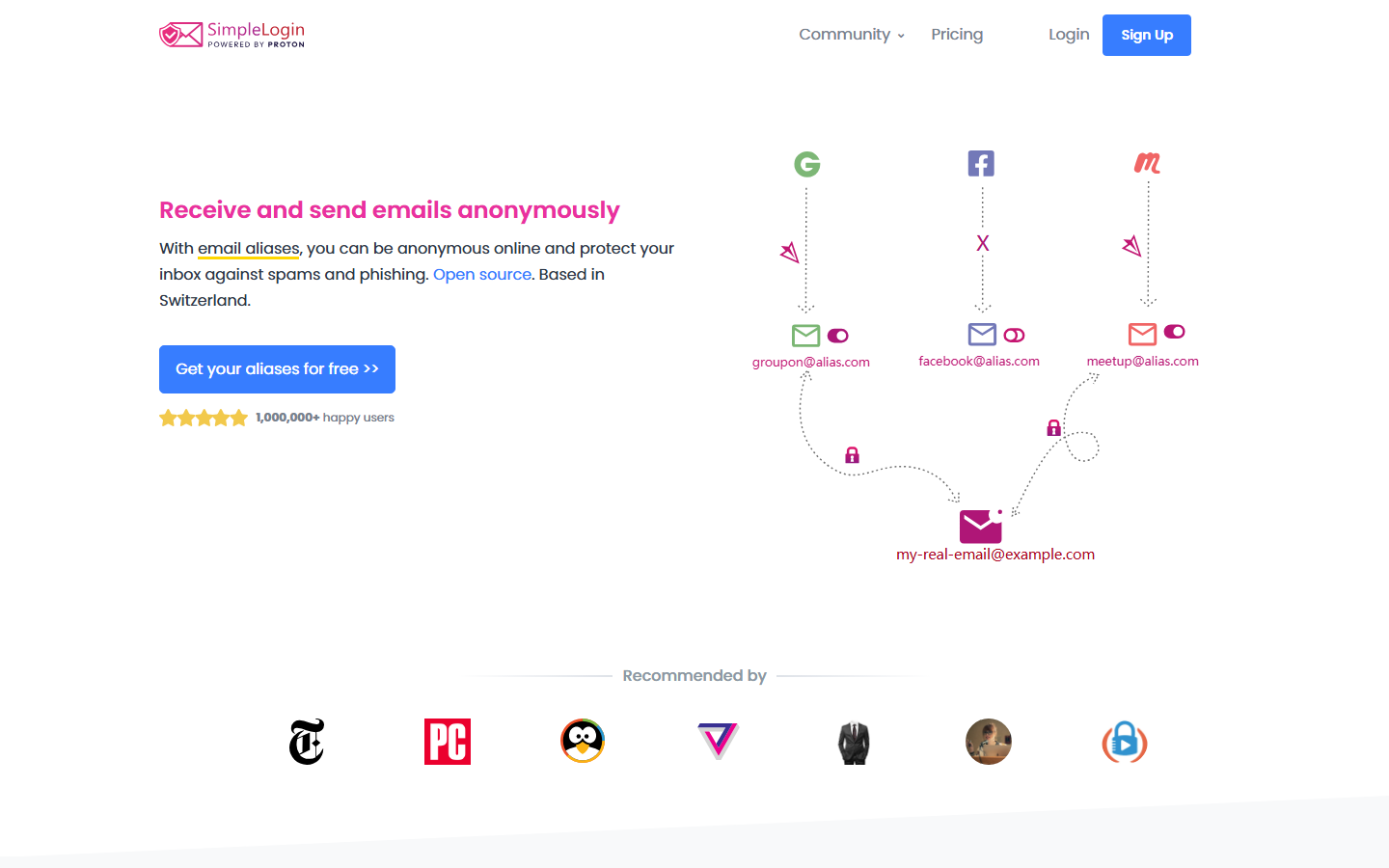
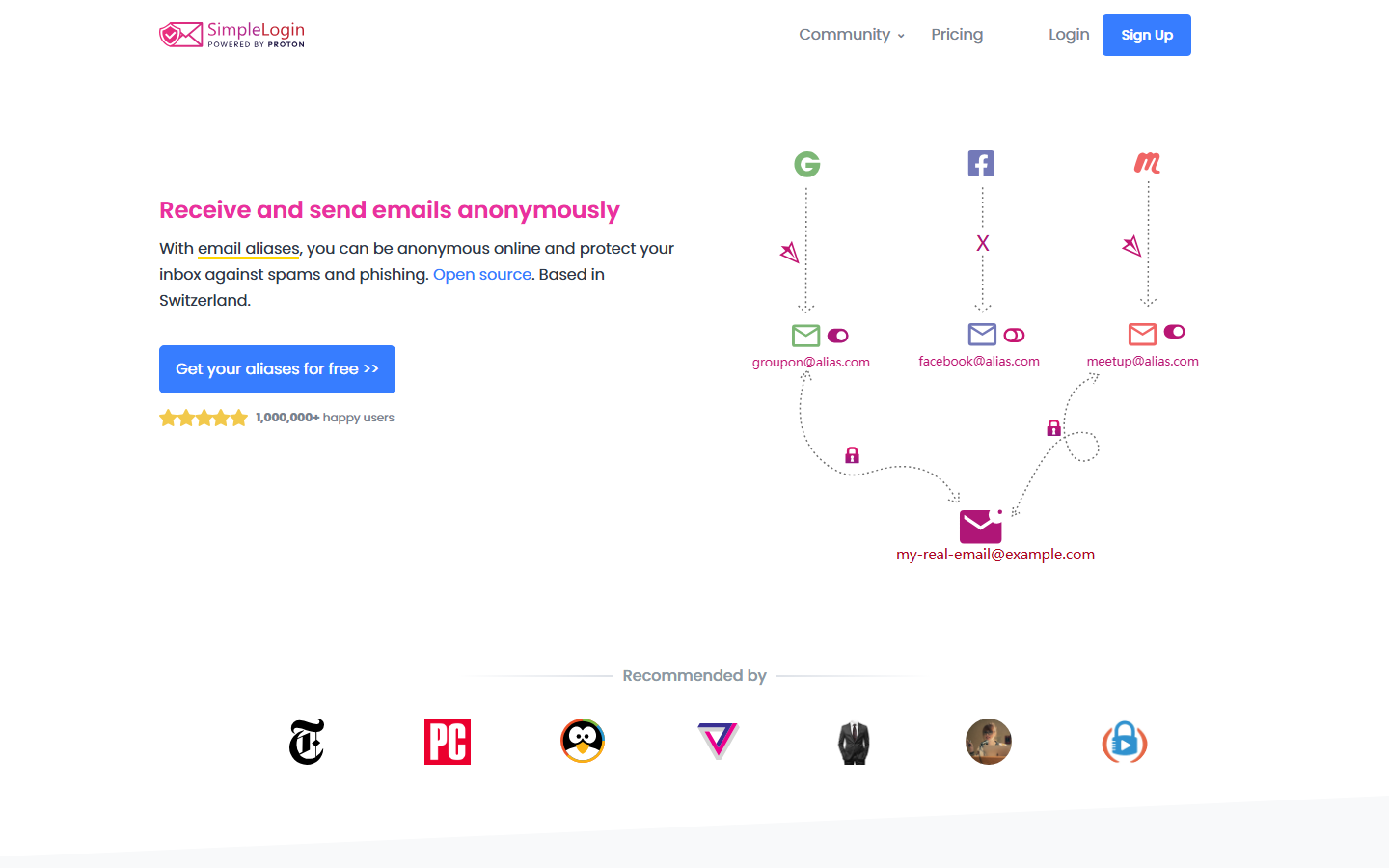
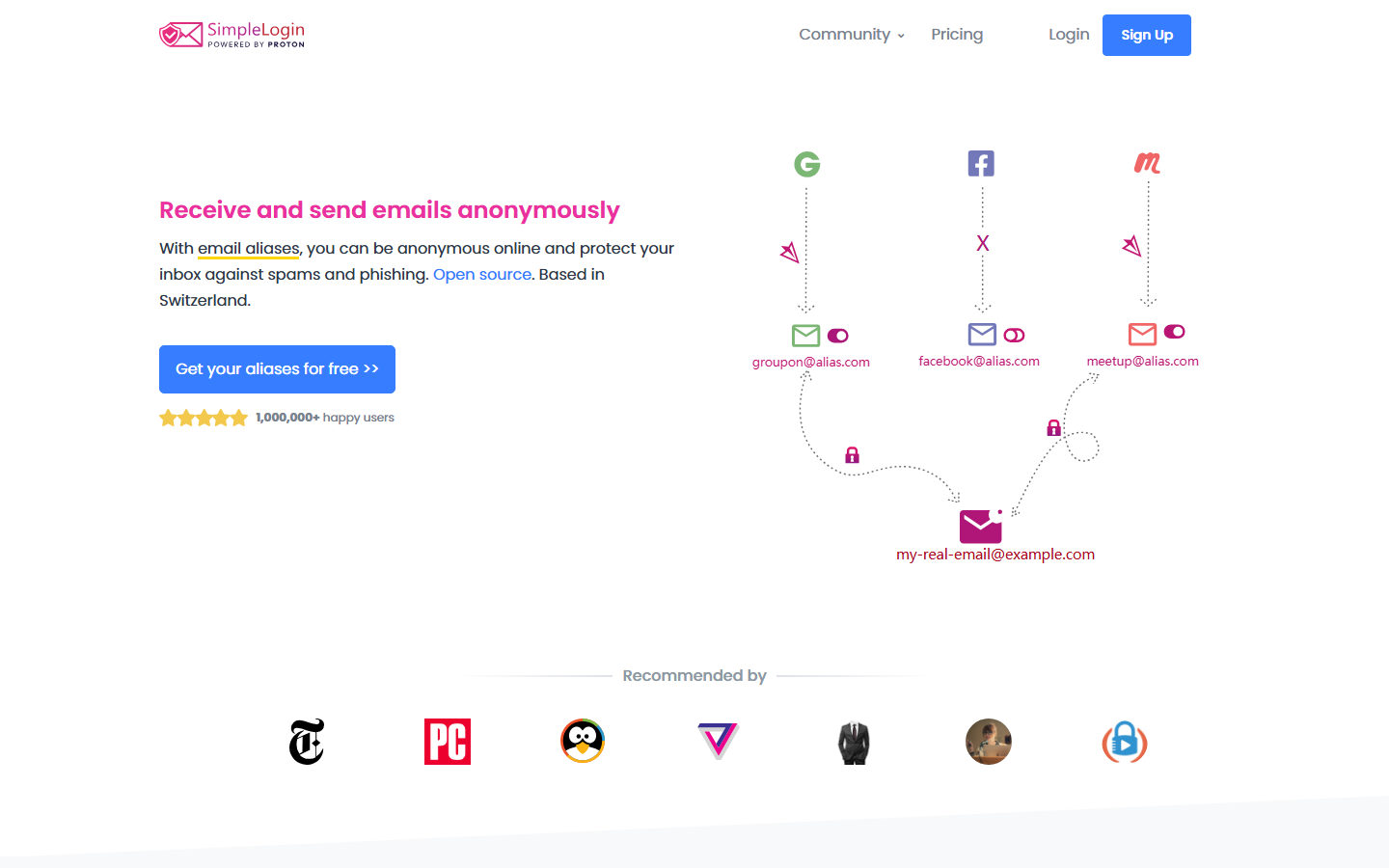
SimpleLogin is an open-source email aliasing service, acquired by Proton AG in 2022, that creates a privacy buffer between your real inbox and the outside world. Instead of handing out your actual email address, you generate unique, disposable aliases that forward messages to your real inbox. You can also reply from these aliases, keeping your true address hidden from the sender.

Here’s a concrete use case: You’re signing up for a newsletter from a site you don’t fully trust. You open the SimpleLogin browser extension (or mobile app), click “Create Random Alias,” and a new address like [email protected] is generated instantly. The newsletter sends its first email to that alias. SimpleLogin forwards it to your real inbox. You read it, reply via the alias, and the recipient sees your alias as the sender. If that newsletter later gets hacked or starts spamming you, you simply disable or delete that alias. The spam stops cold, and your real email remains untouched.
This isn’t a disposable email service like Guerrilla Mail. SimpleLogin is built for permanent, ongoing use. You can create aliases through five methods: random generation, custom domains (bring your own domain), subdomains (like *@yourdomain.simplelogin.com), catch-all addresses, and directories (grouped aliases under a single prefix). Each method serves a different threat model, and you can mix them freely.
What sets SimpleLogin apart technically is its architecture. The service is fully open-source (code on GitHub), meaning anyone can audit the code for backdoors, data leaks, or privacy violations. It operates on a zero-access architecture: SimpleLogin’s servers can read the subject line and body of forwarded emails (they have to, to deliver them), but they don’t store decrypted content long-term. The standout feature here is PGP forwarding encryption: you upload your public PGP key to SimpleLogin, and incoming emails are encrypted to that key before they ever hit SimpleLogin’s servers. This means even if SimpleLogin’s infrastructure were compromised, your forwarded emails remain unreadable to anyone without your private key. The catch? You need to set up PGP on your end, which adds friction for casual users.
For Proton Mail and Proton Pass users, the integration is tight. You can create and manage SimpleLogin aliases directly from within Proton Mail’s composer or Proton Pass’s vault interface. No switching tabs or apps. This is a genuine advantage over competitors like AnonAddy, which lacks native integration with any major email provider.
The free tier is unusually generous: 10 aliases, unlimited bandwidth, and a “no downgrade risk” policy. If you stop paying for a premium plan, all your existing aliases remain active and continue forwarding. You just can’t create new ones beyond the free limit. Most services (including AnonAddy and Firefox Relay) will eventually disable or delete your aliases if you downgrade. SimpleLogin’s approach respects your long-term setup.
Pricing starts at $3/month (billed annually) for unlimited aliases, custom domains, and catch-all support. That’s competitive with AnonAddy’s $3/month tier and cheaper than Firefox Relay’s $4.99/month for unlimited aliases.
This SimpleLogin review will walk through each feature, test the browser extensions and mobile apps, compare it directly with AnonAddy, Firefox Relay, and DuckDuckGo Email Protection, and assess whether the Proton acquisition has improved or complicated the service. If you’re tired of spam, tracking, and data brokers harvesting your email, this is the tool that puts you back in control.
Key features
Alias creation: random, custom domains, subdomains, catch-all, directories
SimpleLogin gives you five distinct ways to generate aliases, each suited to a different threat model. Random aliases ([random].simplelogin.com) are one-click and cost nothing on the free tier. Custom domains let you host aliases under your own domain (e.g., [email protected]) – a paid feature at $4/month. Subdomains work like catch-all buckets: any address at *@yourbrand.simplelogin.com forwards to your inbox. Directories let you organize aliases by project or vendor, then disable them in bulk. The catch-all mode on custom domains accepts any unknown address, perfect for tracking which sites sell your data. This flexibility is the core reason this SimpleLogin review ranks it above Firefox Relay, which lacks custom domain support entirely.

PGP forwarding encryption: setup, use cases, and limitations
SimpleLogin can encrypt forwarded emails with your PGP public key before they reach your real inbox. This means even if SimpleLogin’s servers were compromised, an attacker couldn’t read your forwarded mail – they’d see only ciphertext. Setup takes 30 seconds: upload your public key in Settings > PGP. The limitation? SimpleLogin must decrypt the original email to re-encrypt it with your key, so they see the plaintext during processing. This isn’t true end-to-end encryption. Use PGP forwarding when you control your mailbox’s PGP client (e.g., Thunderbird with Enigmail) and want defense-in-depth against server breaches. For most users, the simpler HTTPS-based forwarding is sufficient.
Multi-factor authentication (TOTP, WebAuthn/Yubikey)
SimpleLogin supports both TOTP apps (Authy, Google Authenticator) and hardware security keys via WebAuthn (Yubikey, Google Titan). You can require a hardware key for login but fall back to TOTP on unsupported devices. The admin panel logs each MFA event with IP and timestamp. This is a meaningful upgrade over AnonAddy, which only offers TOTP. A minor gripe: you cannot enforce WebAuthn-only for all users on a team plan yet.
Browser extension and mobile app experience
The browser extension (Chrome, Firefox, Edge, Safari) is the fastest way to create an alias: right-click any email field, pick “Generate new alias,” and it auto-fills. The mobile app (iOS, Android) mirrors the dashboard but lacks the extension’s one-click convenience. Both sync instantly, so an alias created on your phone appears in your browser within seconds. The extension’s popup also shows your alias’s forwarding status and lets you toggle it off – no need to open the full dashboard.
Proton acquisition and integration with Proton Mail and Proton Pass
Proton acquired SimpleLogin in April 2022, and the integration has deepened steadily. You can now create SimpleLogin aliases directly inside Proton Mail’s compose window and manage them from Proton Pass’s vault interface. Your SimpleLogin aliases appear as “Hide My Email” equivalents in Proton Pass’s auto-fill suggestions. This is the killer feature for Proton users: one subscription ($9.99/month for Proton Unlimited) covers both encrypted email and unlimited aliasing with custom domains. Standalone SimpleLogin Premium ($4/month) remains available, but the Proton bundle is cheaper for those already in the ecosystem. This SimpleLogin review finds the integration seamless – aliases sync in real time, and you can revoke them from either app. The only catch: Proton Pass’s alias management is still read-only; you must use SimpleLogin’s web app to change forwarding rules or delete aliases.
Pricing and plans
SimpleLogin’s pricing is refreshingly fair. The free tier gives you 15 aliases, unlimited bandwidth, and PGP encryption – with a “no downgrade risk” policy: keep every alias you’ve ever created, even if you drop to free later. That’s a unique guarantee against lock-in.
| Plan | Monthly Price | Aliases | Custom Domain | PGP Encryption | Catch-All |
|---|---|---|---|---|---|
| Free | $0 | 15 | No | Yes | No |
| Premium | $3.99 | Unlimited | Yes (1) | Yes | Yes |
| Proton Unlimited | $12.99 (billed annually) | Unlimited | Yes (3+ via Proton) | Yes | Yes |
The Premium tier at $3.99/month is the sweet spot for most users – unlimited aliases and a custom domain for full control. This SimpleLogin review recommends it strongly over the free tier if you manage more than a handful of accounts.
How to use SimpleLogin – step-by-step
Setting up SimpleLogin takes less than five minutes. Here’s the exact workflow, from signup to your first alias.
Step 1: Create an account and set up your mailbox
Head to simplelogin.io and sign up with your real email. You can use Gmail, Outlook, or any provider – no Proton account required. After verifying your email, SimpleLogin sends a confirmation link to that address. Click it, and your mailbox is live. The free tier gives you 15 aliases and 1 mailbox immediately.

Step 2: Generate your first alias
From the dashboard, click “New alias.” You get three options: random (e.g., [email protected]), custom (you pick the prefix), or a subdomain alias. For this SimpleLogin review, we recommend starting with a custom prefix for clarity. Type something like amazon-shopping, pick a domain from the list, and hit “Create.” Your alias is instantly active. You can now use it anywhere – no reverse setup needed.
Step 3: Configure PGP encryption (optional)
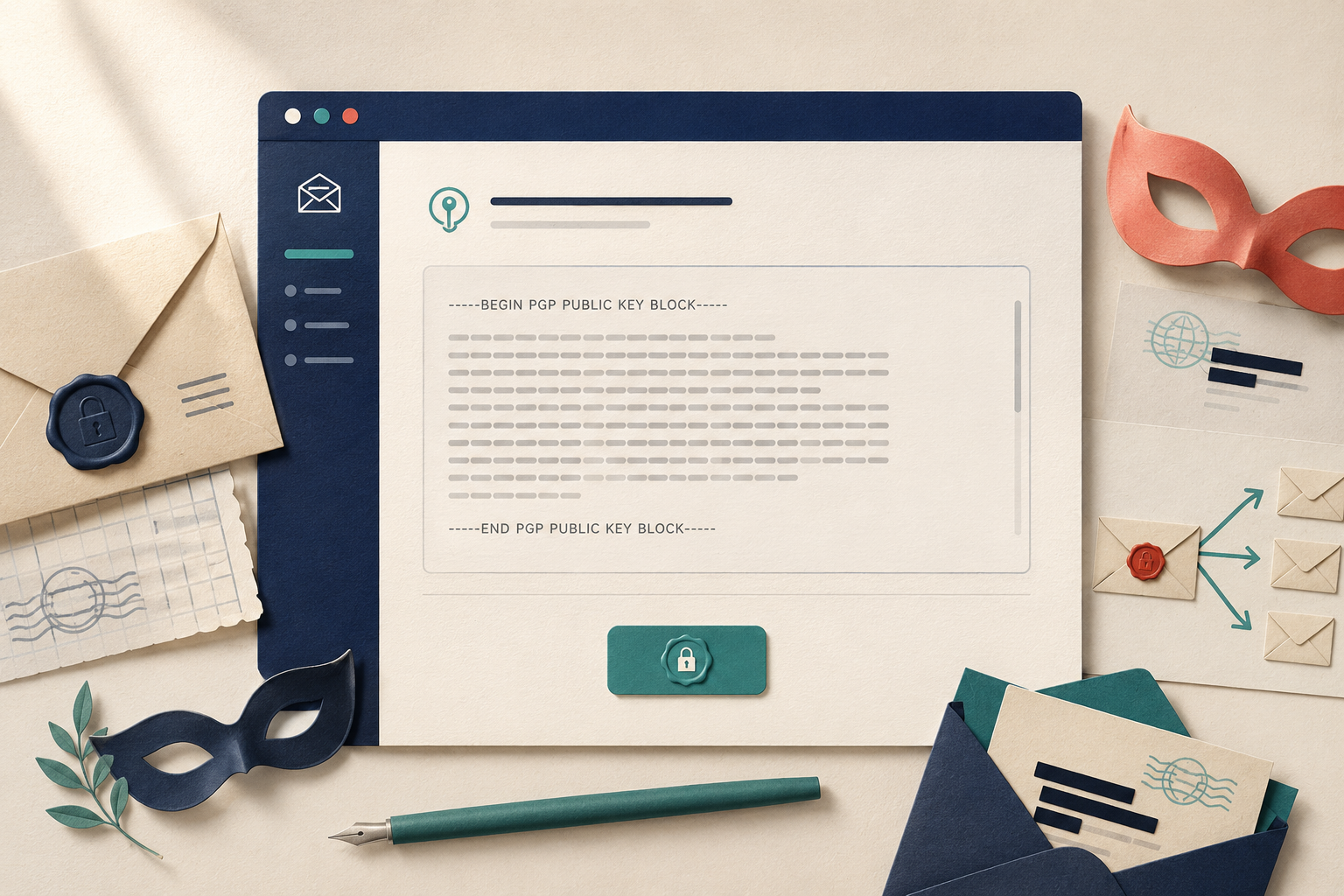
PGP encrypts emails before SimpleLogin forwards them to you – meaning SimpleLogin’s servers can’t read the content. Go to Settings > Encryption. Upload your public PGP key (from GPG or Mailvelope). SimpleLogin automatically encrypts all forwarded mail. The catch: the sender must not use PGP themselves, and you lose the ability to reply from the alias. For most users, the default zero-access forwarding is sufficient.
Step 4: Install the browser extension for one-click aliasing
The browser extension (Chrome, Firefox, Edge) is where SimpleLogin shines. Install it, log in, and right-click any email field. Select “Generate SimpleLogin Alias.” A new alias is created and filled automatically. You can also set a default domain and prefix format in the extension settings. This eliminates the friction of switching tabs to create aliases.

Step 5: Integrate with Proton Pass (if applicable)
If you’re a Proton user, this is a game-changer. In your Proton Pass settings, link your SimpleLogin account. Now, any time Proton Pass autofills a login form, it can also generate a new SimpleLogin alias for that site. Aliases sync instantly between both services. You manage everything from one password manager interface.

Pros and cons
What works
Unlimited aliases on the free tier – no other service matches that. Proton integration is tight: your aliases sync instantly to Proton Pass. PGP forwarding encrypts inbound email end-to-end, a rare feature for $3.99/month. The open-source code builds trust, and the “no downgrade risk” policy means your existing aliases never break if you cancel Premium.
What doesn’t
The free tier caps outbound replies to 150/day – heavy users hit that fast. No native calendar or drive (you’re buying aliases, not a suite). Browser extension works well but the mobile app feels sluggish compared to Proton Mail’s native speed. Custom domain setup requires DNS tweaks that novices might find fiddly. For the full picture, read our SimpleLogin review comparing it head-to-head with AnonAddy.
Alternatives to SimpleLogin
SimpleLogin isn’t the only player. Here’s how it stacks against top rivals.
AnonAddy
AnonAddy offers similar open-source aliasing with catch-all and custom domain support at $1/month (10 aliases). Its free tier limits you to 20 aliases – no downgrade protection like SimpleLogin. Both support PGP, but AnonAddy’s interface feels dated. See full comparison.
Firefox Relay
Relay is simpler: free tier gives 5 aliases, paid ($1.99/month) unlocks unlimited and custom domains. No PGP, no catch-all. It’s great for casual users but lacks SimpleLogin’s threat-model depth.
DuckDuckGo Email Protection
Free and dead simple – you get a @duck.com address that strips trackers. No custom domains, no aliases you manage. It’s a privacy band-aid, not a full aliasing service.
Apple Hide My Email
Built into iCloud+ ($0.99/month). Unlimited aliases, seamless in Safari and Mail. Locked to Apple ecosystem, no PGP, no custom domains.
Bottom line for this SimpleLogin review: If you need PGP encryption, custom domains, or Proton integration, SimpleLogin wins. For zero-cost simplicity, DuckDuckGo or Relay suffice.
Verdict
SimpleLogin is the best email aliasing service for most people in 2026. Its SimpleLogin review verdict is simple: unmatched value. The free tier is genuinely useful – you get 15 aliases with no downgrade risk, meaning existing aliases keep working even if you stop paying. Proton integration makes it a no-brainer for Proton Mail users. PGP forwarding is a standout for security buffs.
The only real downsides? The mobile app feels slower than the browser extension, and catch-all domains require the paid Premium plan. But for privacy-first alias management with open-source transparency, nothing else comes close at this price.
Frequently asked questions
Is SimpleLogin safe and private?
Yes, SimpleLogin is safe and private. The service uses end-to-end encryption for forwarded emails, stores no logs of your activity, and underwent a third-party security audit by Cure53 in 2021 with no critical findings found. SimpleLogin is also fully open source, meaning its code is publicly available for anyone to inspect.
What is the difference between SimpleLogin and AnonAddy?
SimpleLogin supports unlimited aliases on paid plans and offers native integration with Proton Mail, while AnonAddy caps aliases at 20 on its free tier and lacks direct Proton Mail support. AnonAddy is also open source but uses a different encryption model – it encrypts subject lines but not email bodies, whereas SimpleLogin encrypts the full email content in transit.
Can I use SimpleLogin with Proton Mail for free?
Yes, you can use SimpleLogin with Proton Mail for free if you have a Proton Mail account. The integration gives you 10 free SimpleLogin aliases on top of Proton Mail’s own 15 hide-my-email aliases, totaling 25 aliases at no cost as of 2026. This requires linking your Proton account to SimpleLogin through the Settings page.
Does SimpleLogin work with custom domains?
Yes, SimpleLogin supports custom domains on all paid plans starting at $3 per month for the Premium plan. You can add up to 5 custom domains on Premium and up to 50 on the Enterprise plan, with full support for catch-all addresses and per-domain settings.
How does SimpleLogin’s free tier compare to Firefox Relay?
SimpleLogin’s free tier gives you 10 aliases with unlimited bandwidth, while Firefox Relay’s free tier offers 5 aliases and caps forwarded emails at 150 per month. SimpleLogin also supports unlimited replies from aliases, whereas Relay free users cannot reply from their aliases – they can only forward replies.

